How to Create Android Topbar Menu with Guillotine animation?
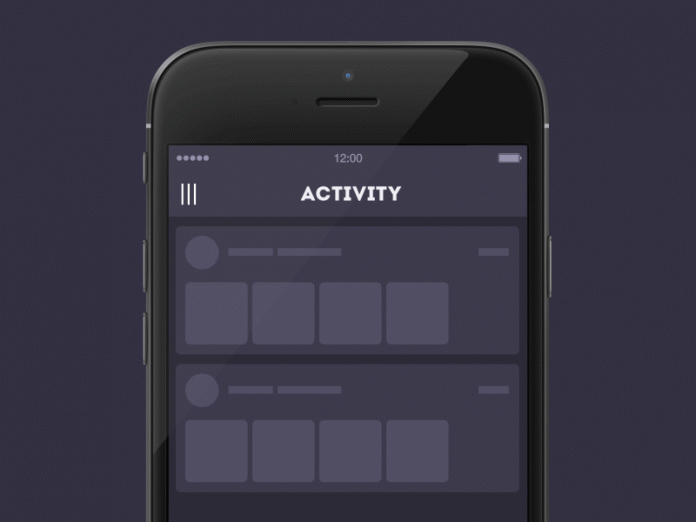
Have you ever wondered why a sidebar in apps has to be a “side” bar? Why not to make it a “topbar,” or a “bottombar,” or a “cornerbar,” etc.? A new animated trend in the generation of navigation bars is what we are going to talk about this time. Animations are fun but most importantly, they are useful. They can change your way of thinking, make your product catchy, and improve user experience.
How to : Add Pull To Make Soup animation
“From time to time every designer gets bored. All these fixes, cuts, specifications – they leave very little space for imagination. In these minutes I feel like opening my Adobe After Effects and creating something interesting.
You should read : Uber Car Animation in Android
When I started thinking about what to create this time, I caught myself on a thought that a typical sidebar menu which sadly gets out of the left part of the screen moving all content to the right, is so unbearably boring! What if a sidebar becomes a topbar?
It’s going to drop down from the top of the page and turn in a unique way. Sounds like fun, doesn’t it?”
Source : Tell Me How