- To install all the project dependencies use the following syntax given below on command prompt of Windows
pip install -r /path/to/requirements.txt
- Use the following syntax to import textblob corpora: python -m textblob.download_corpora
- Open Python terminal on windows command promt and install nltk following library:
import nltk
nltk.download('stopwords')
exit()
- All required dependencies are installed now.
- Windows Commmand Prompt(cmd) Navigate to folder where you cloned the repo.
- Run command "Scripts\activate" to activate the virtual environment
- Now Navigate to Website folder using "cd Website" command.
- Finally execute "python manage.py runserver" to run the server.
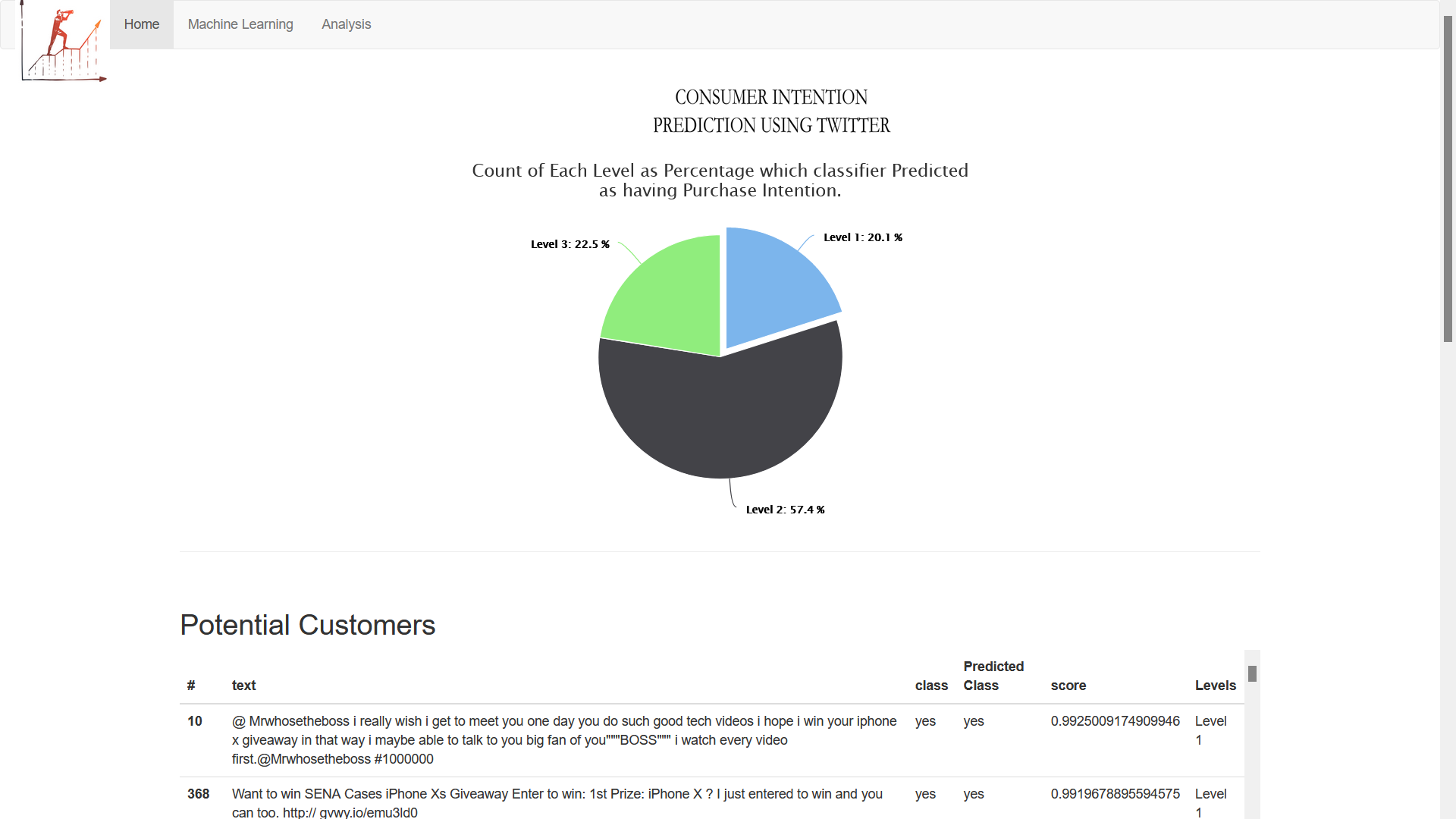
- Website is running now on localhost