


esos is a simple app for recording your expenses, listing them and get your current accounts balance. The goal is to record whatever you spend in a few simple clicks, in order to control your expenses.

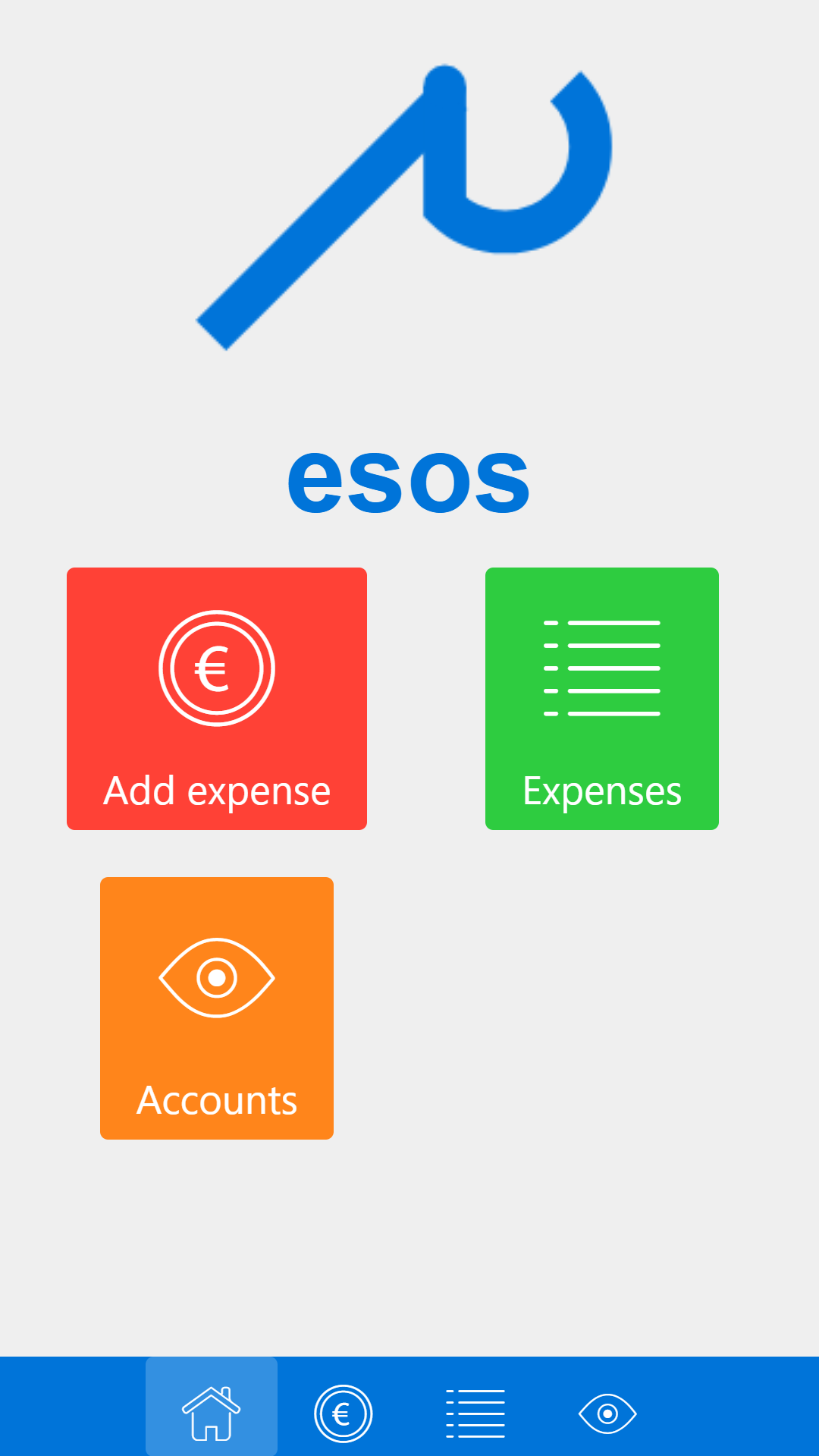
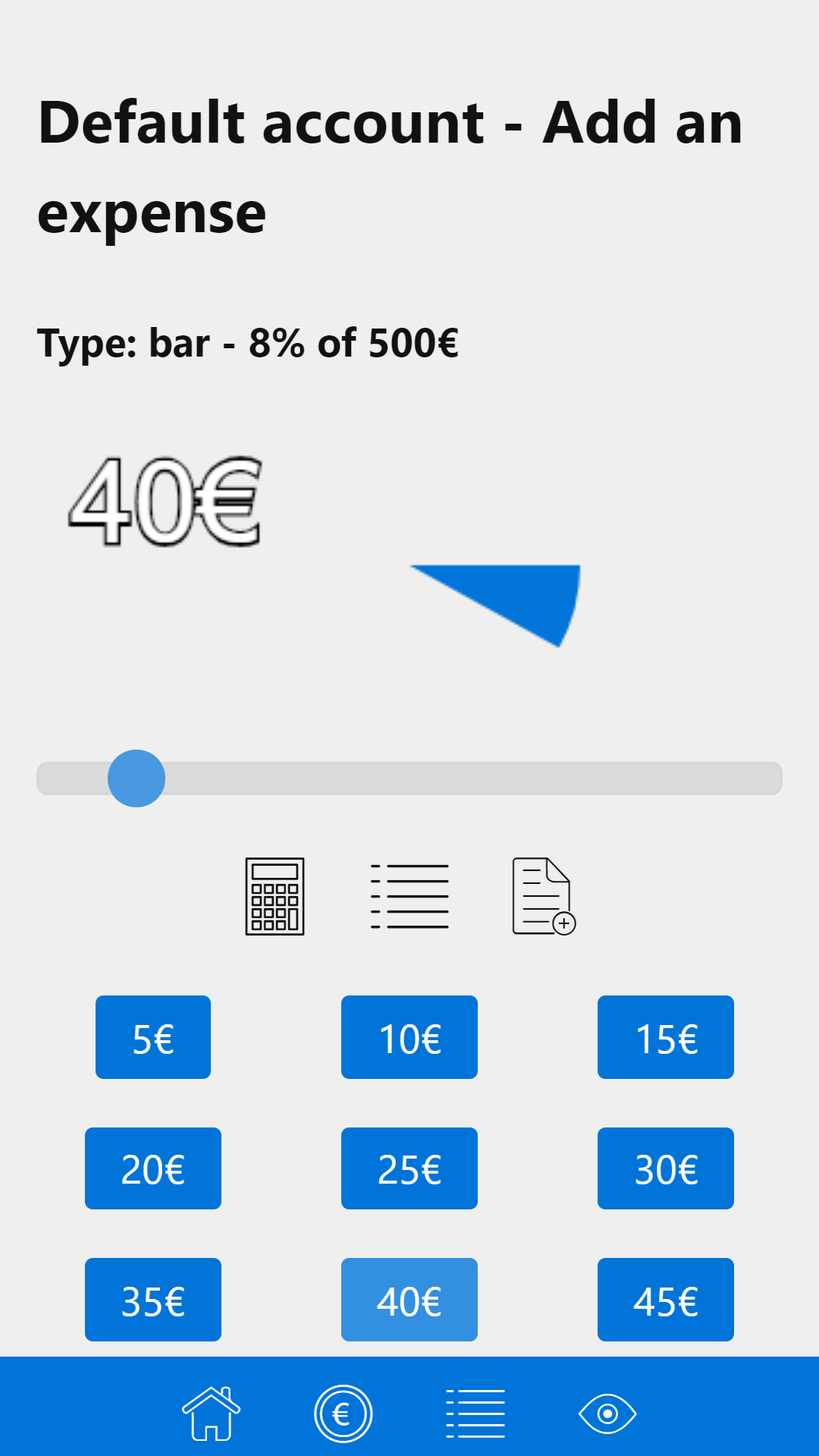
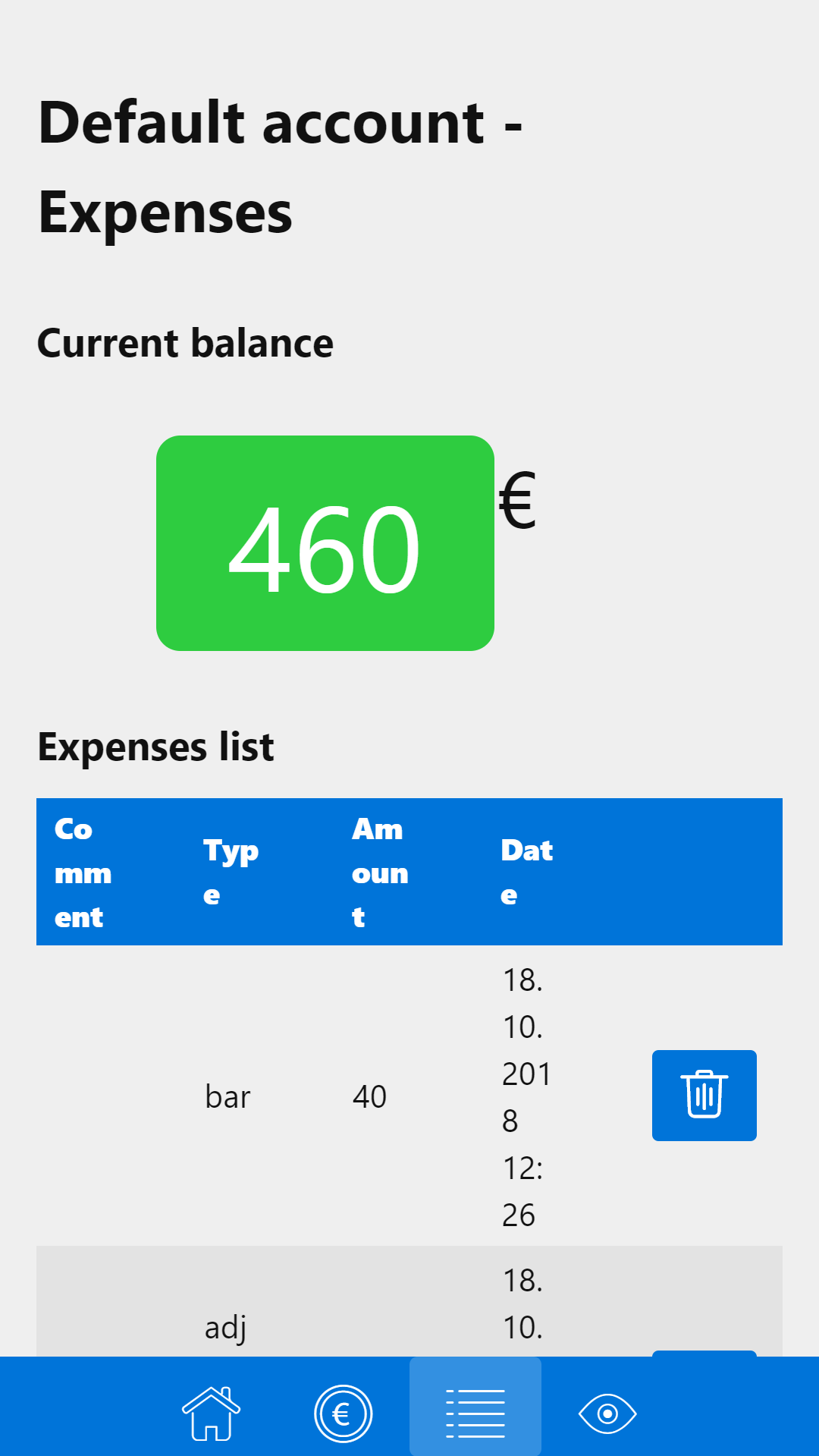
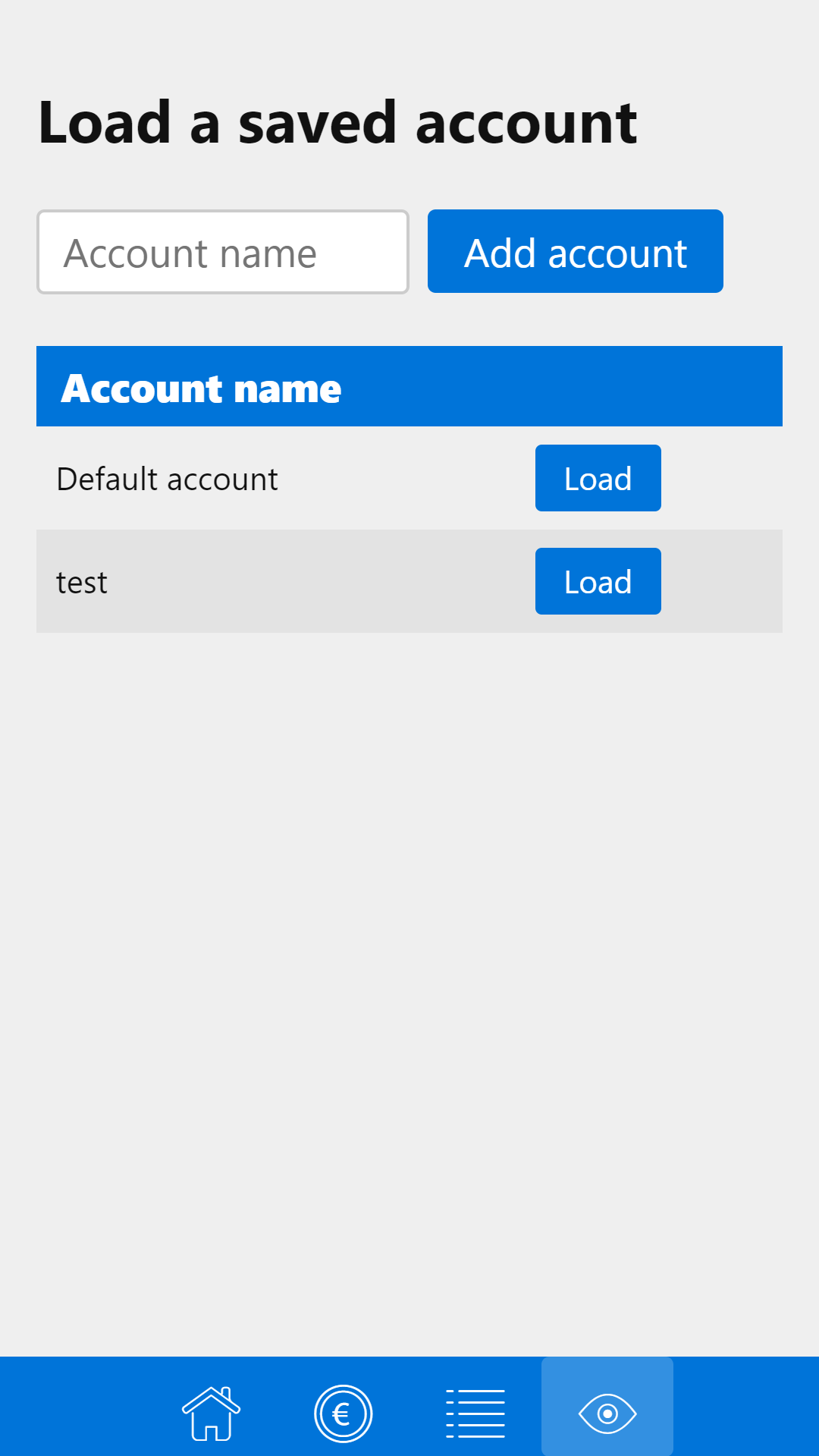
The first goal of this project was to actually learn quickly how to deploy a small React front-end-only app into a mobile platform, using the Cordova technology I already used in the past. I then started to develop this project more and more on top of this, having more ideas to fit this need I had to have a very small and straightforward money management app. The goal of this app is not to have a user experience which complies to the most, but rather fits my own personal need.
esos has been made with React and Redux, using the programming language Javascript (ECMAScript 6/2015). Porting to mobile was made by simply using a webview container with Cordova. Data storage is made using the local storage of this container. Styling is based on the Picnic CSS library. Special visual effects like the pie charts are made using HTML5 Canvas.
The code is split into two parts: /cordova-deploy and /esos.
The first part is a Cordova project used to deploy the app on mobile. By moving to /cordova-deploy/esos and use CLI:
cordova run android --target="XXX"
You will build and deploy the app on your device with XXX being the name of your current device in USB debugging mode.
Otherwise, you can: download the non-signed debug apk.
The /esos directory contains the React project used to which has been used to develop the app. Moving to this directory with the CLI and using the classic command
npm start
Will start a development server you can use to modify the app
npm run build
Will build the app and place the resulted files into the /esos/build directory
In order to put the React app into a Cordova mobile app, you must have a built version of the earlier.
Then copy and paste every files from the /esos/build directory into the /cordova-deploy/esos/www.
Be careful! You need to modify the index.html file which will be pasted. Inside this, every url to another file should be preceded by a "./". Then you need to add the call to the Cordova scripts right before the closing body tag.
<script type="text/javascript" src="cordova.js"></script>
<script type="text/javascript" src="js/index.js"></script>
Android: Download the non-signed debug apk