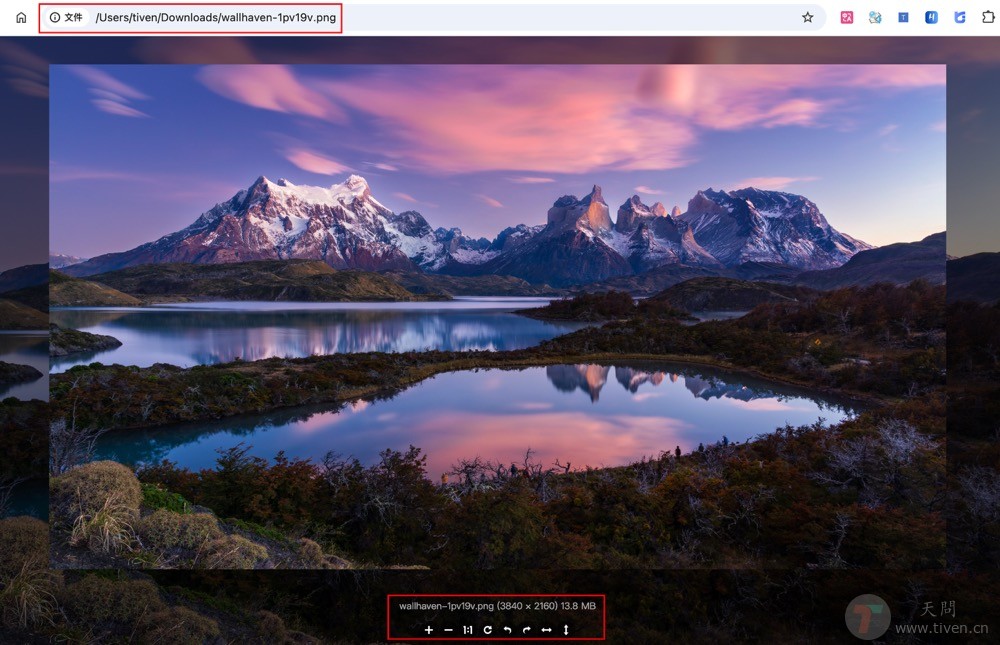
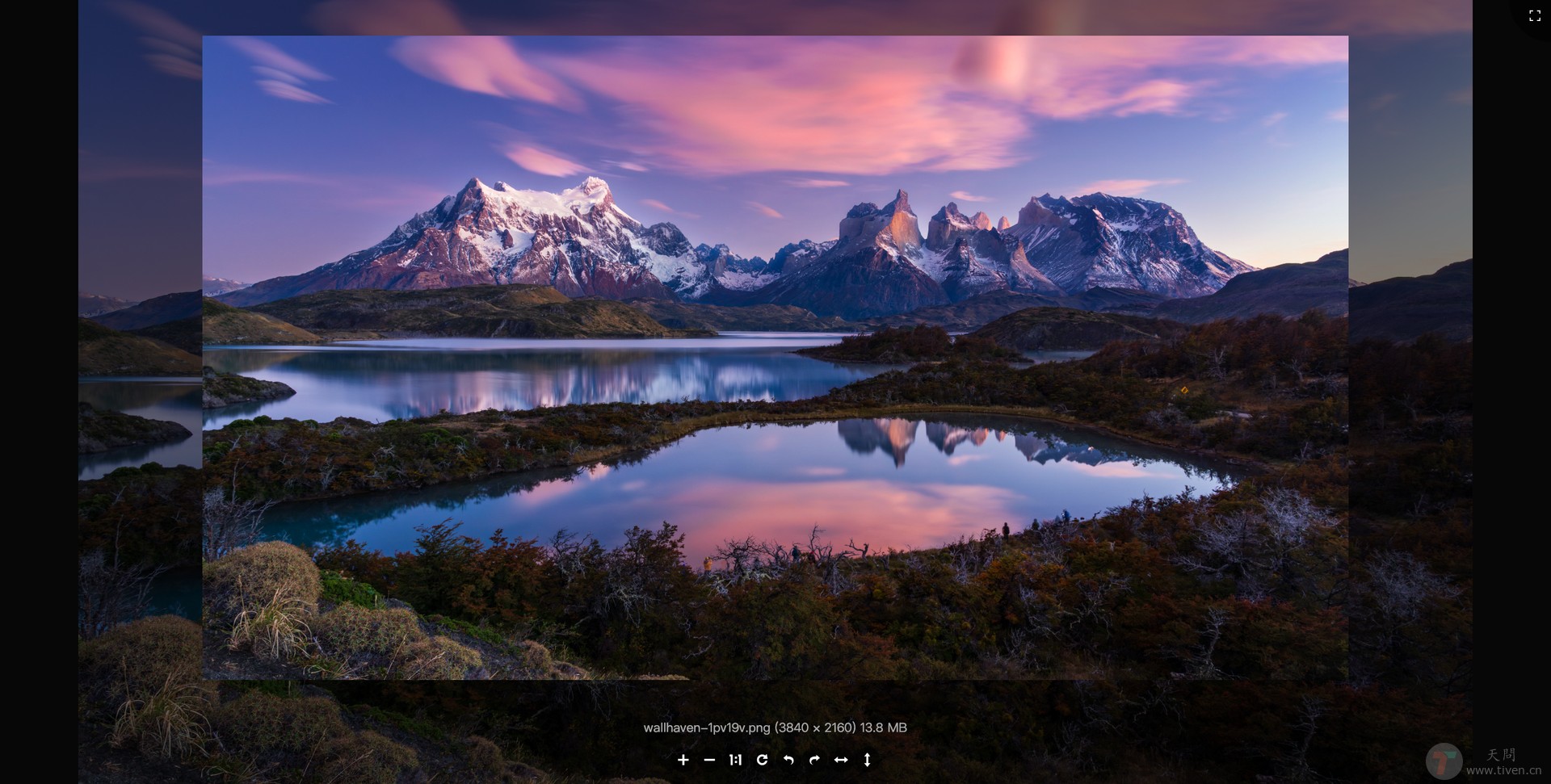
ImgView is a simple image viewer extension for Chrome. Based on Viewer.js
- Open Chrome and go to
chrome://extensions/ - Enable
Developer mode - Download the
ImgView-1.0.0.zipfile from the package page - Drag and drop the
ImgView-1.0.0.zipfile into the page. - Into the
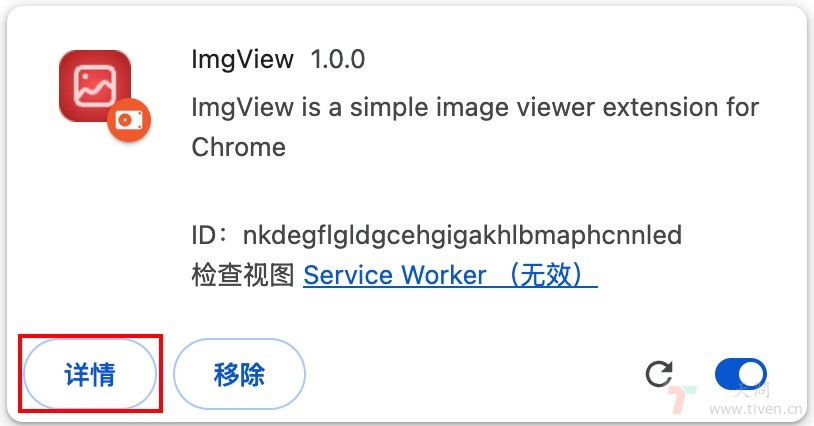
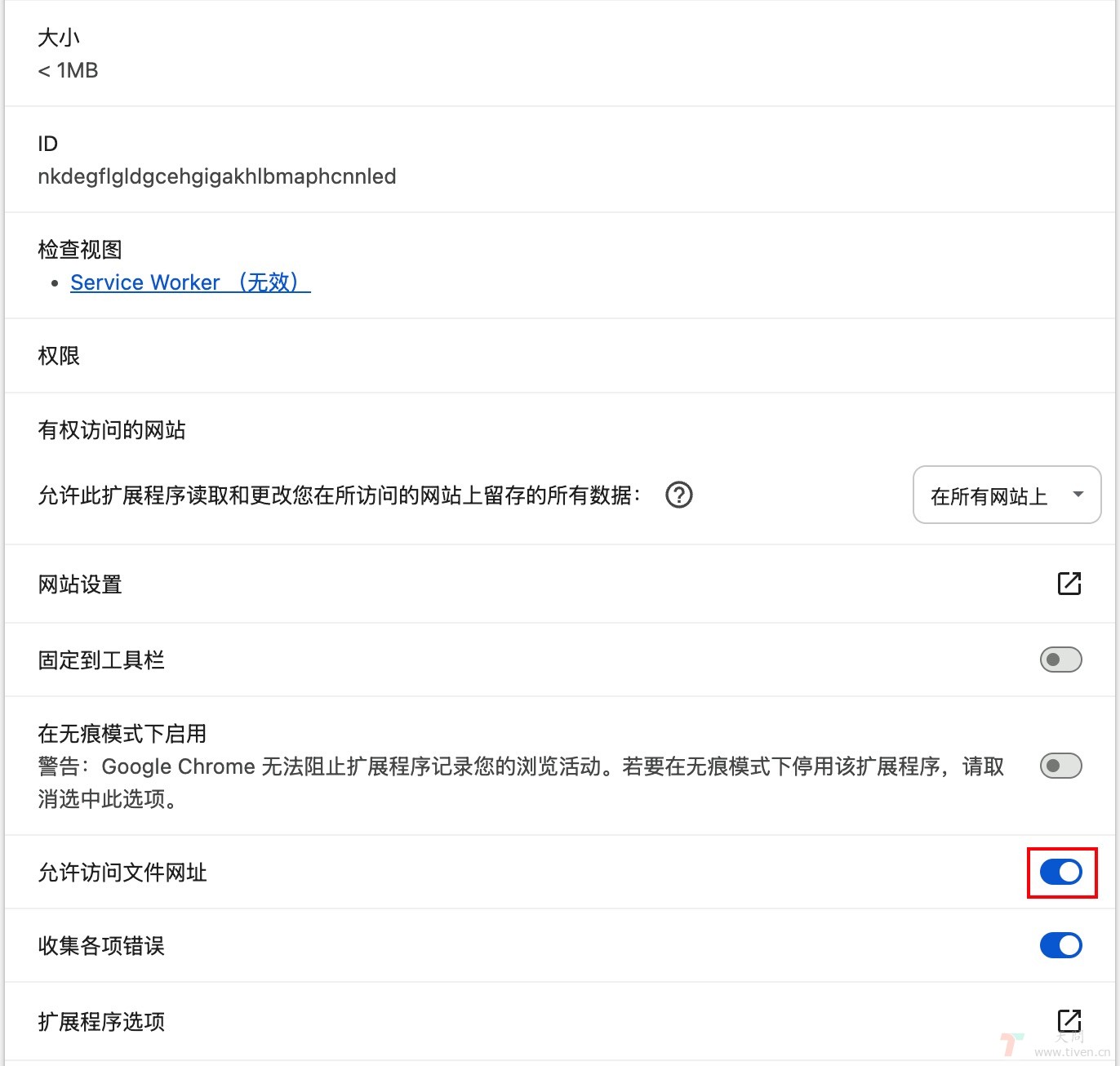
ImgViewdetails page, clickAllow access to file URLs. - Drag and drop or click the image to open it using the Chrome.
- Use the toolbar buttons to zoom in, zoom out, rotate, etc.
Chrome address bar as follows: file:///Users/xxx/Downloads/wallhaven-1pv19v.png