The AppUserModelID Stopgap Tools allow you to pin the same application with different parameters and control their grouping on the taskbar.
Windows is grouping windows on the taskbar based on Application User Model IDs (AppUserModelIDs). The AppUserModelID Stopgap Tools provides utility commands for tweak that grouping behavior.
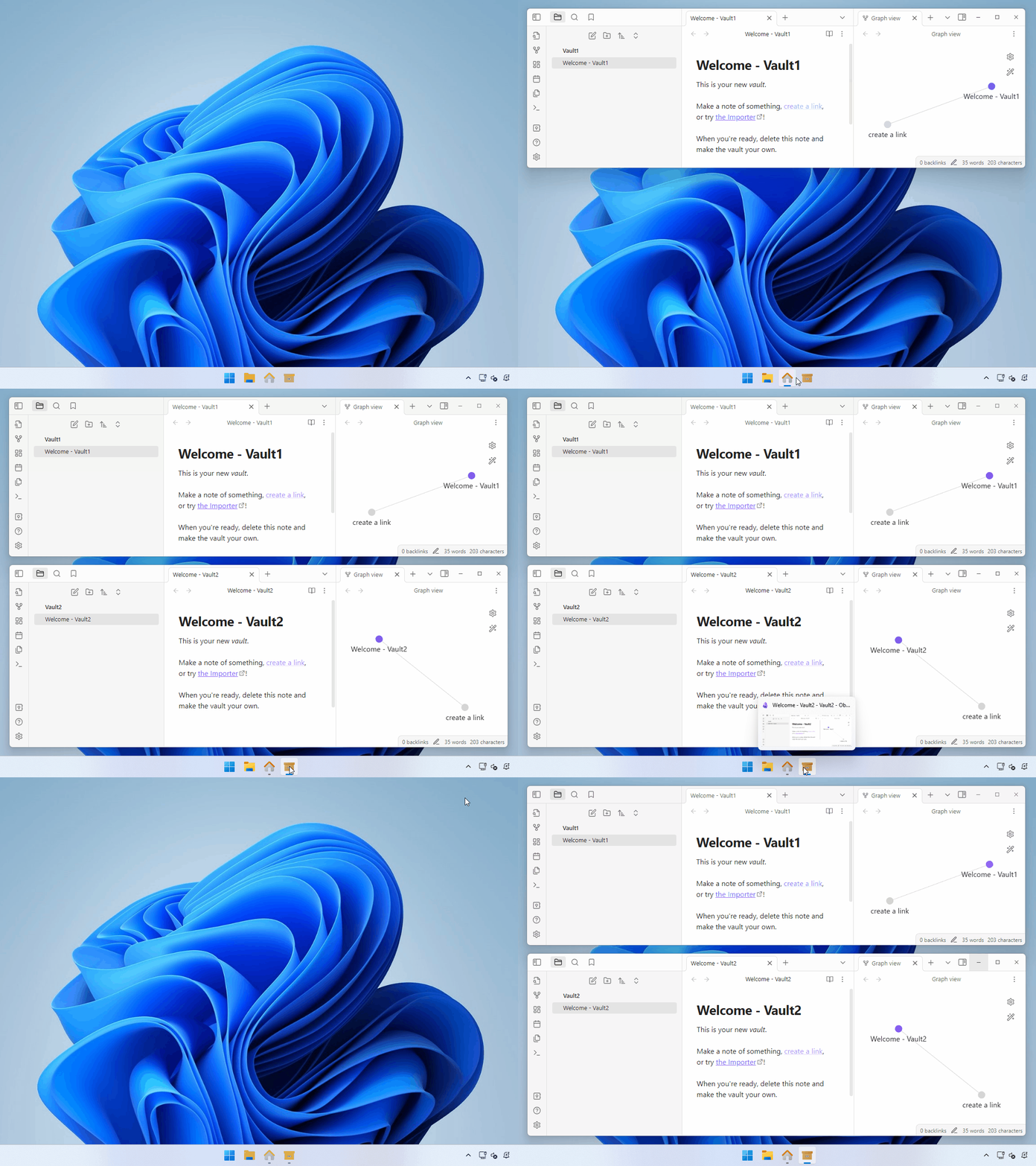
The following demo shows pinned two Obsidian icons on the taskbar with different vaults:
Caution
Essentially, the window grouping is managed by the app itself (AppUserModelIDs managed by the app itself). The AppUserModelID Stopgap Tools change it from externally, that is no in a normal way.
- The tools were tested on the latest version of Windows 11 with the latest updates.
- Also, it may work on the other Windows versions.
- The tools were tested with Obsidian and Visual Studio Code.
- As a mechanism, it can work with other apps too.
-
Download the latest release zip file.
-
Unblock the downloaded zip file by check Unblock from the zip file's property or using the Unblock-File cmdlet.
Unblock-File aumid-stopgap-tools-x.y.z.zip
-
Extract files from the downloaded zip file. You can extract files by the Extract All... context menu in the File Explorer or using the Expand-Archive cmdlet.
Expand-Archive aumid-stopgap-tools-x.y.z.zip
-
Put the extracted files anywhere you like.
If you don't need this tools anymore, you can uninstall it by deleting the tools' folder.
Copyright (c) 2024 Takeshi Katano. All rights reserved. This software is released under the MIT License.
Disclaimer: The codes stored herein are my own personal codes and do not related my employer's any way.