
JupyterLite deployed as a static site to GitHub Pages, for demo purposes.
➡️ https://jupyterlite.github.io/demo
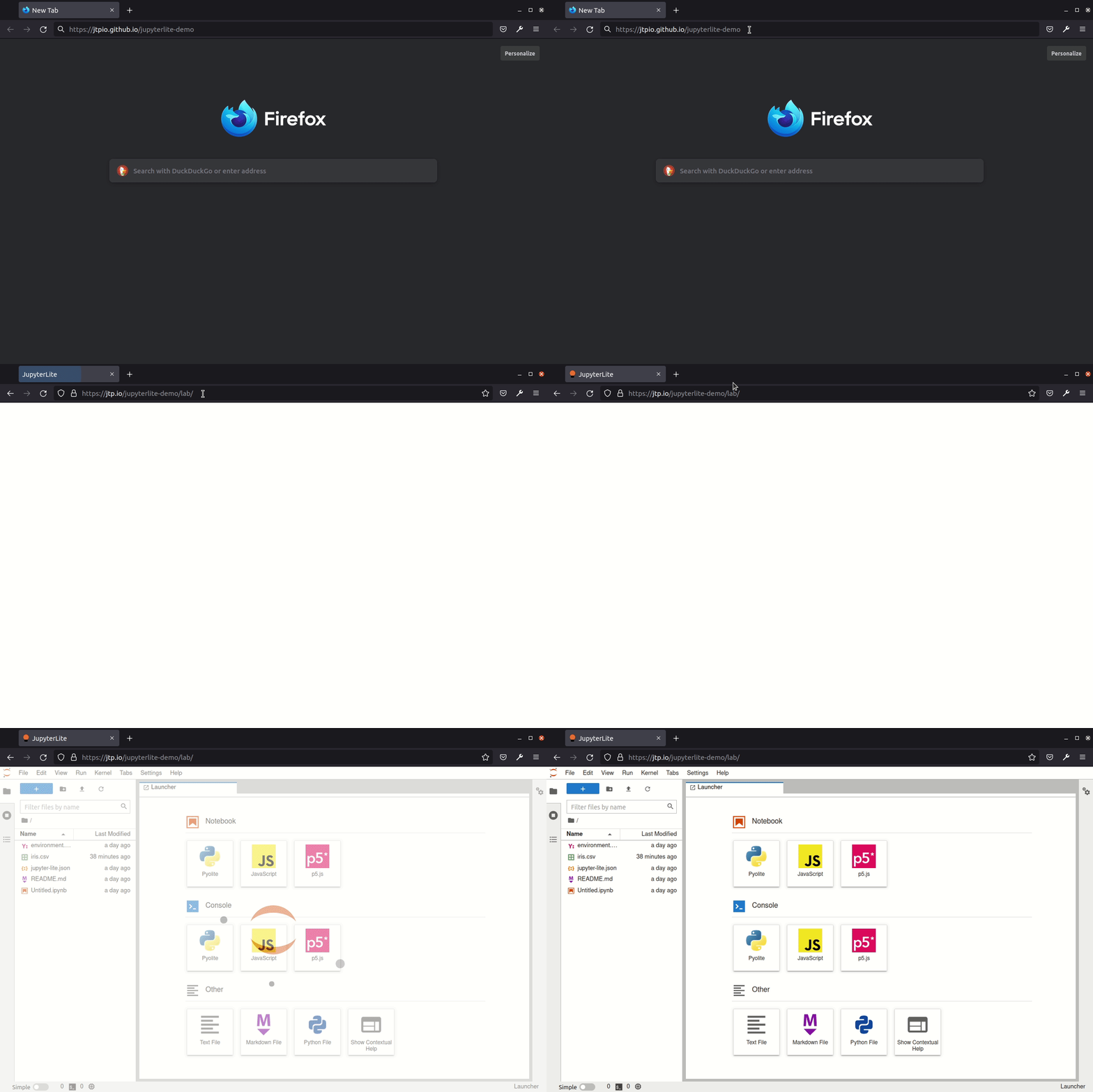
JupyterLite is being tested against modern web browsers:
- Firefox 90+
- Chromium 89+
Check out the guide on the JupyterLite documentation: https://jupyterlite.readthedocs.io/en/latest/quickstart/deploy.html
For more info, keep an eye on the JupyterLite documentation:
- How-to Guides: https://jupyterlite.readthedocs.io/en/latest/howto/index.html
- Reference: https://jupyterlite.readthedocs.io/en/latest/reference/index.html
This template provides the Pyodide kernel (jupyterlite-pyodide-kernel), the JavaScript kernel (jupyterlite-javascript-kernel), and the p5 kernel (jupyterlite-p5-kernel), along with other
optional utilities and extensions to make the JupyterLite experience more enjoyable. See the
requirements.txt file for a list of all the dependencies provided.
For a template based on the Xeus kernel, see the jupyterlite/xeus-python-demo repository
To rebuild a full Pyodide runtime plus all packages from the latest pyodide-recipes:
- Ensure you have
condaandrustup(rustupmust be onPATH). - From the repo root, run:
This will:
pyodide/build_world_from_recipes.sh
- create or update a
pyodide-envconda environment based onpyodide-recipes/environment.yml - clone or update
pyodide-recipes(by default into_pyodide-recipes/) - use
pyodide build-recipesto build all recipes and generate apyodide-lock.json - copy the resulting runtime, lock file, and wheels into this repo’s
pyodide/directory
- create or update a
- Rebuild the site:
./build.sh
Environment variables:
PYODIDE_RECIPES_DIR– where to clonepyodide-recipes(default:_pyodide-recipesunder the repo root).PYODIDE_ENV_NAME– conda env name (default:pyodide-env).PYODIDE_RECIPES_TARGETS– package selection string forpyodide build-recipes(default:"*"for all packages; e.g.*,!imgui-bundleto disable a problematic recipe).