
- Intouch-Language is an open source extension created for Visual Studio Code (Not official!). It provides
syntax highlighting,snippetsandauto-formatfunction for Intouch Basic. New since 2022.11.28 - own darkmode theme for VSC, names Intouch Dark. - Intouch is a programming language for AVEVA (Wonderware) SCADA Intouch Applications.

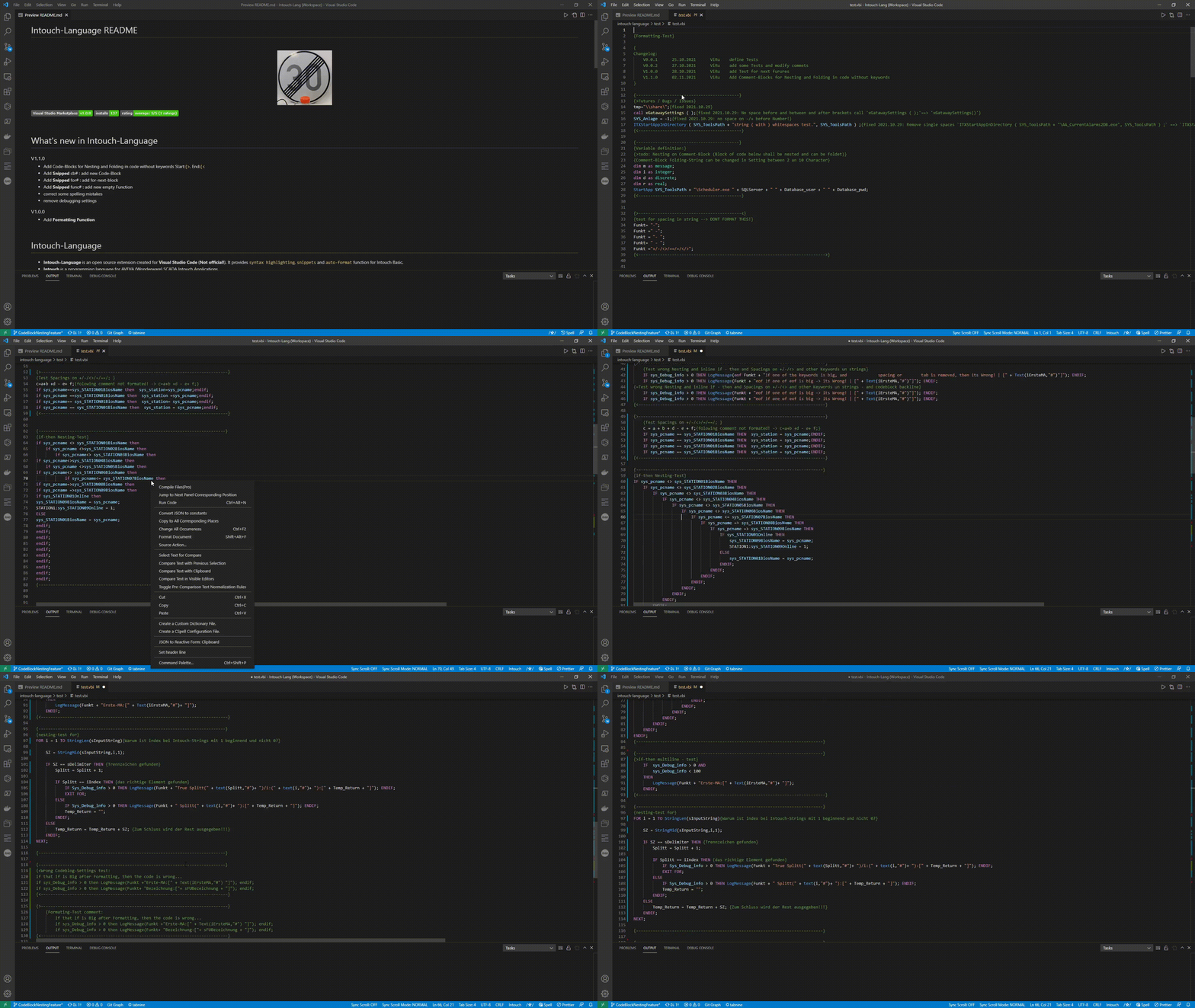
|
NOTE: The default VS Code theme does not color much. Switch to intouch theme (installed by this extension) or use a theme like one of the following to benefit from the changes:
- Material Theme
- XD Theme
- Noctis
- Kary Pro Colors
- One Monokai Theme
- Winteriscoming
- Popping and Locking
- Syntax Highlight Theme
- Default Theme Enhanced
|
Intouch Theme Dark 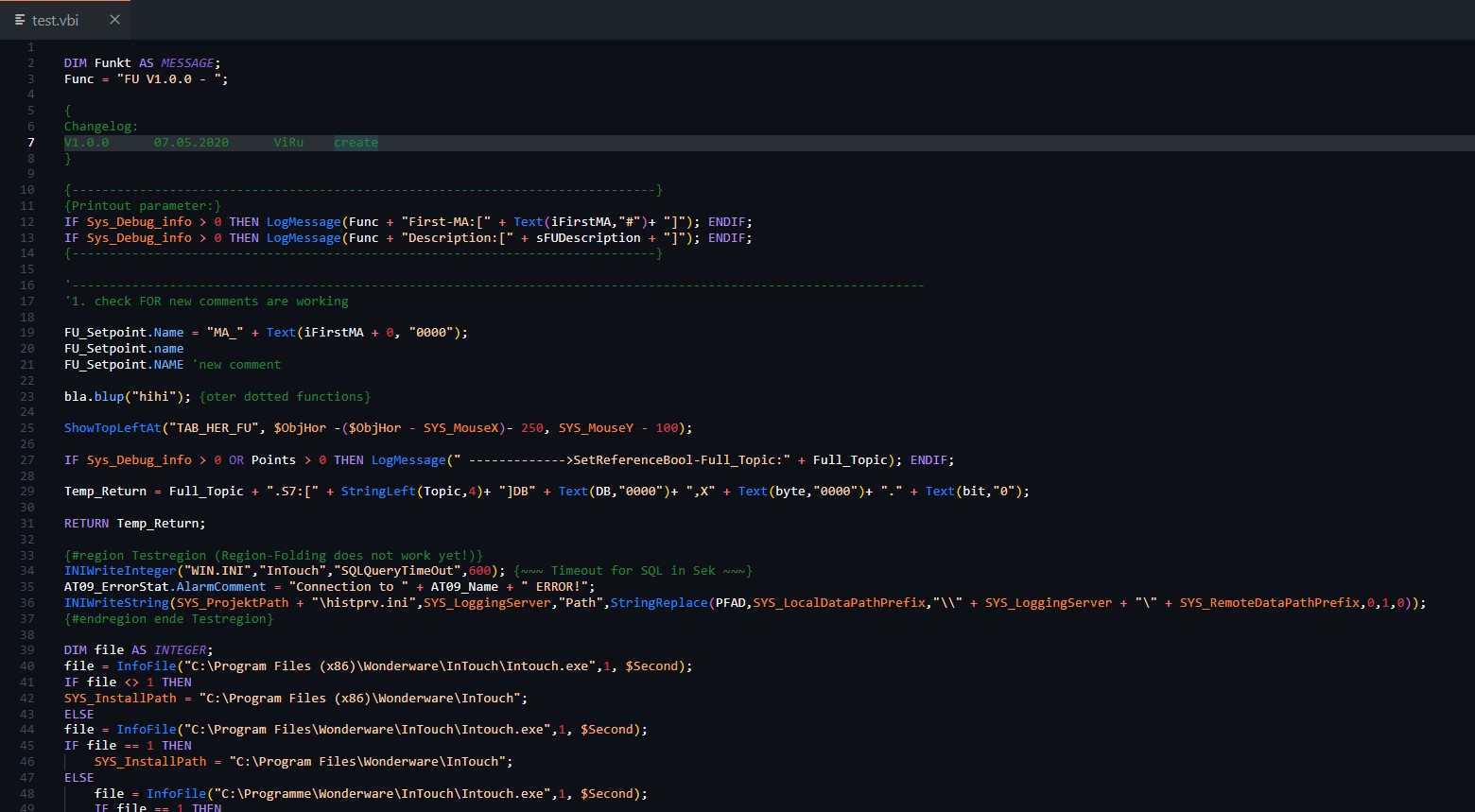
|
VSC Theme Dark+ 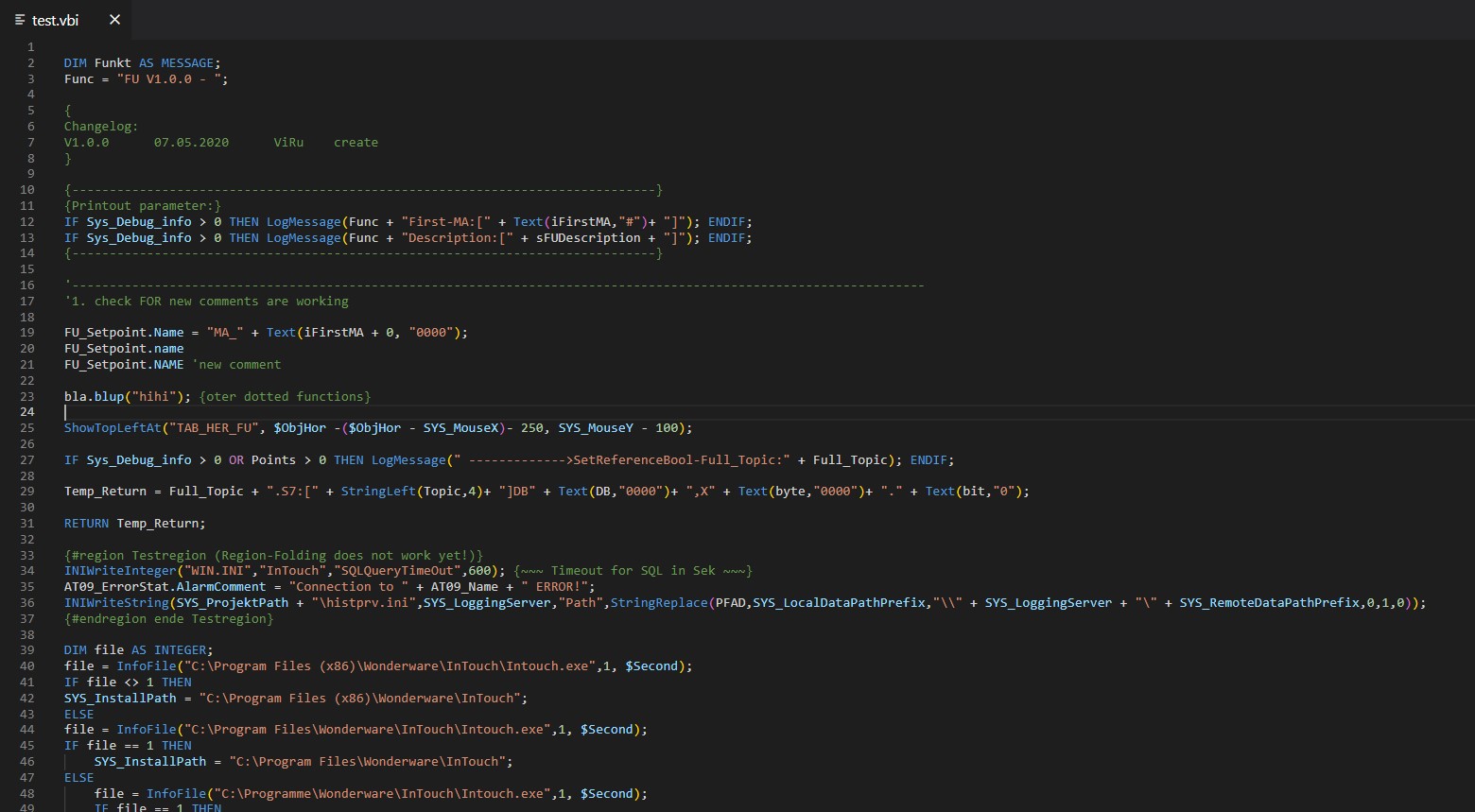
|
|
Material Theme Darker 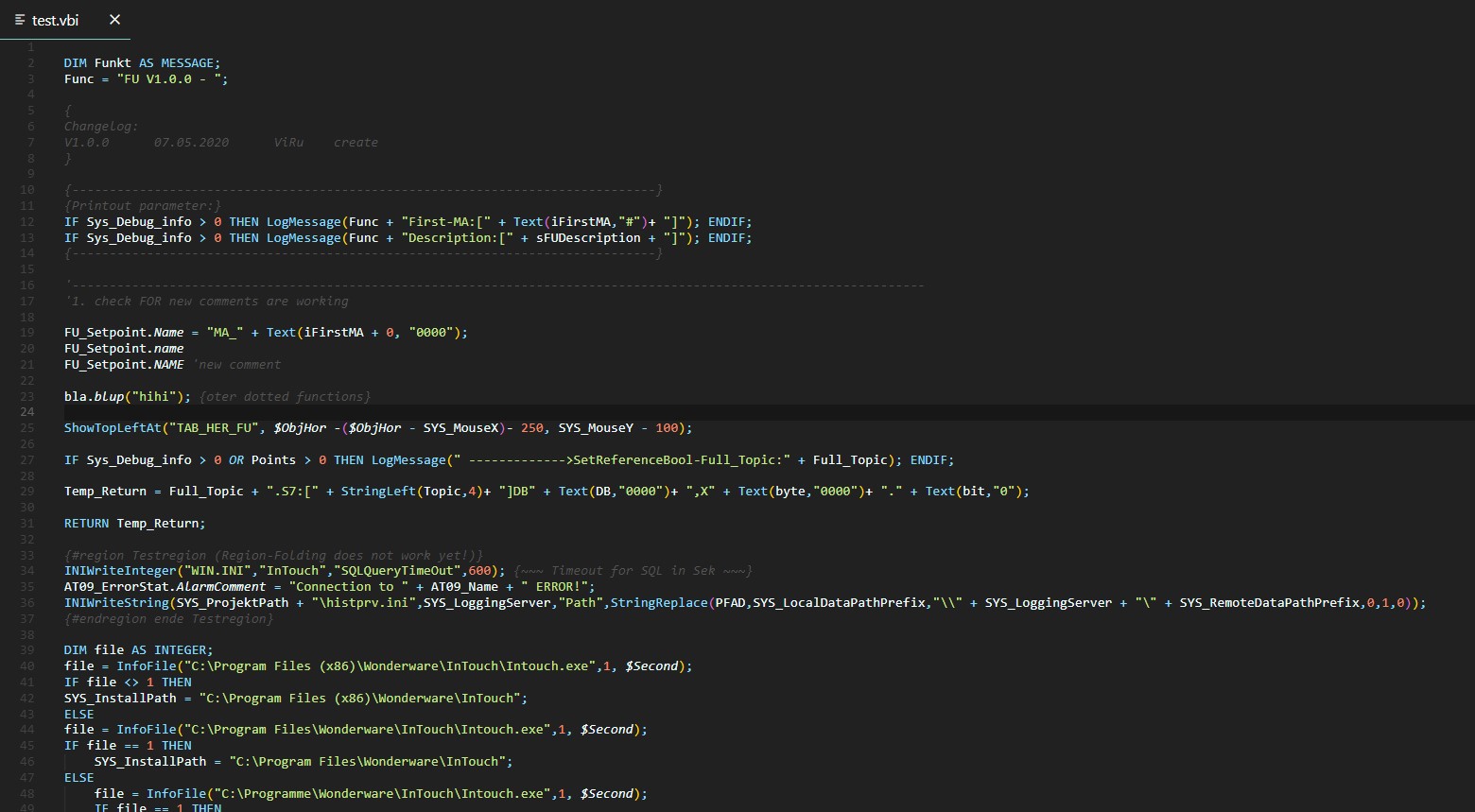
|
VSC Theme Light 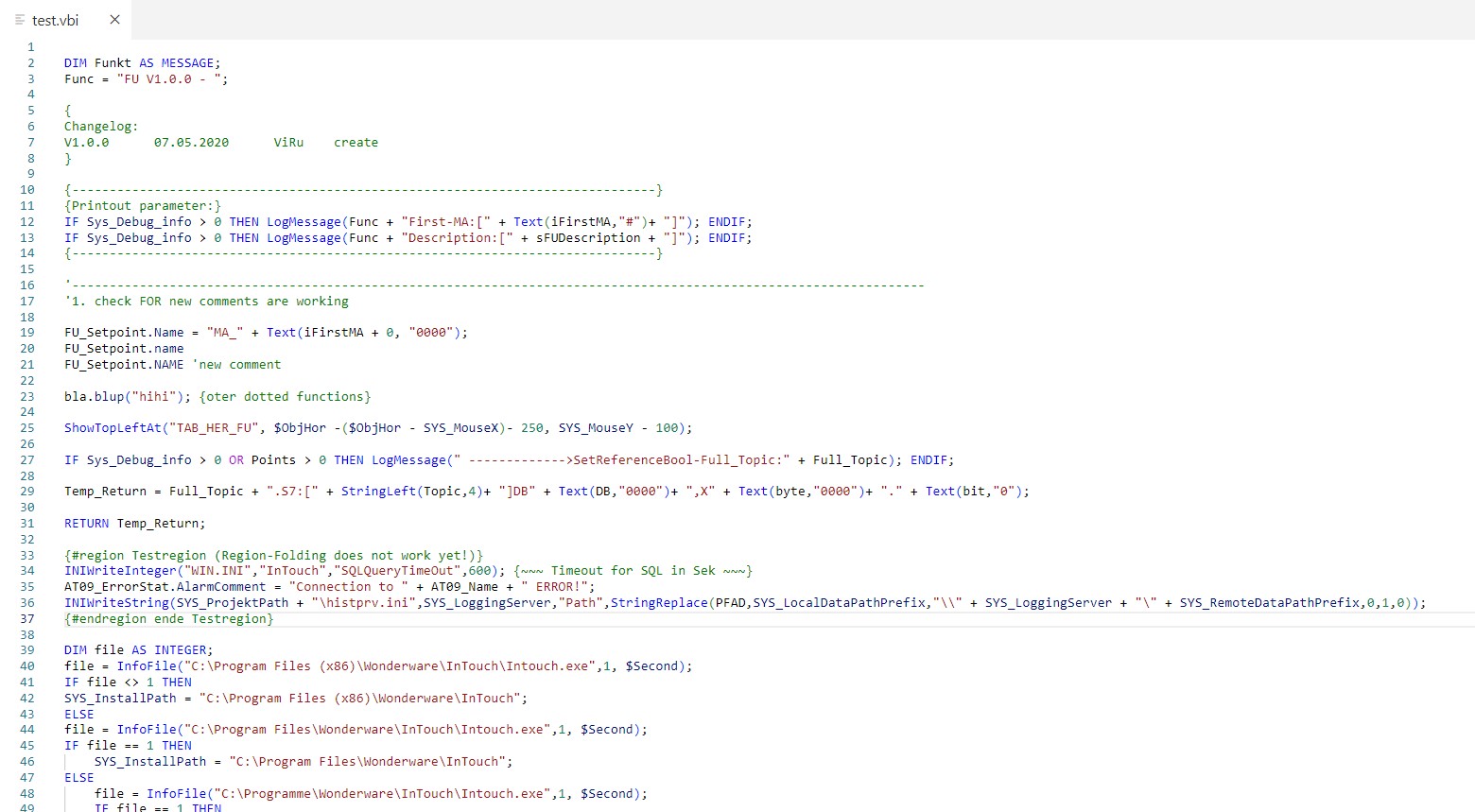
|
- Standard Installation:
- Install it in ext.-manager (type Intouch) or from Visual Studio Marketplace
- Install from Github:
- Copy or clone all in to:
%USERPROFILE%\.vscode\extensions\intouch-language\cd ~/.vscode/extensions/git clone https://github.com/vitalyruhl/intouch-language.git
- Open shell there and type
npm i - Run:
npm run compile, ornpm run watchif you want to make changes in src folder. - You must restart VS Code after installation to apply new settings.
- Copy or clone all in to:
- Dimb -> Dim Boolean (Discrete)
- Dimi -> Dim Integer
- Dims -> Dim String (Message)
- If# -> If code block
- Ife -> If Else code block
- for# -> add for-next-block
- log# -> Log-Debug
- cb# -> add new Code-Block
- func# -> add new empty Function
Save your code as
.vbior.vifor automatic language recognition.
Better-Comment Plugin
Please report missing rules or future-requests on this link.
The following items are either recently resolved or planned but not yet implemented:
-
PLANNED: Range (selection) formatting. Current command formats the entire document.
-
PLANNED: Diagnostics (unclosed IF/FOR, unexpected ENDIF/NEXT) – tracked in modernization plan.
-
PLANNED: Tokenizer-based nesting & keyword uppercasing refactor for improved robustness.
-
NOTE: Multiline IF continuation indentation intentionally uses base + 2 spaces before THEN; THEN line stays aligned with expression by design.
-
NOTE: Spacing inside string literals and single-line brace comments is preserved intentionally; only outer code regions are normalized.
-
Formatter
- Issues
- no issues
- Planned features
- Format selected range (currently formats entire document)
- Issues
- Syntax-highlighting
- No issues
- Planned features
- Add static code diagnostics for common errors
- Snippets
- No issues
- No planned features
- Added deeper multiline IF continuation indentation (base + 2) keeping THEN line aligned with expression
- Removed spaces before semicolons outside of strings (strings remain untouched)
- Preserved all spacing inside string literals and single-line brace comments
- Added highlighting support for instance prefixes of the form
PREFIX:Variable, prefix and variable now use different scopes for theming - General whitespace normalization (trailing whitespace removal, internal multi-space collapse outside strings/comments)
- Add math / intrinsic style functions for uppercasing in formatter: sqr, sin, cos, tan, atn, exp, log, int, frac, round, rnd, sqrt
- bugfix in formatter for '>=' operator
- bugfix in deletion of last line in file
- update dependencies
- Correct some bugs in regex for syntax-highlighting
- Theme -> Add more compatibility to other languages
- Add more compatibility to other Themes (e.g. material-theme)
- Add own dark theme based on GitHub (Dark Classic) VS Code theme from BerriJ
- Some bugfixes in regex for Keywords
- Update dependencies
- Bugfix on snippets
- Bugfix trailing whitespace before
-
- Add folding between
{region xxxx}and{endregion xxxx} - Add Nesting between
{region xxxx}and{endregion xxxx} - Auto closing brackets in strings and comments.
- Remove unused dependency with dependabot alert.
- Add wordPattern and indentationRules into language configuration.
- <fix bug - issue #13, formatter formats dashed variable
foo-bar-->foo - bar
- Add Code-Blocks for Nesting and Folding in code without keywords Start:
{>, End:{< - Add Snippet cb# : add new Code-Block
- Add Snippet for# : add for-next-block
- Add Snippet func# : add new empty Function
- Correct some spelling mistakes
- Remove debugging settings
- Add Formatting Function
|
if you prefer a one-time donation
|
Become a patron, by simply clicking on this button (**very appreciated!**):
|


2021-2025 (c)Vitaly Ruhl
License: GNU General Public License v3.0