Releases: xgraza/nebula-1.7.2
3.0.0+2-66f1138


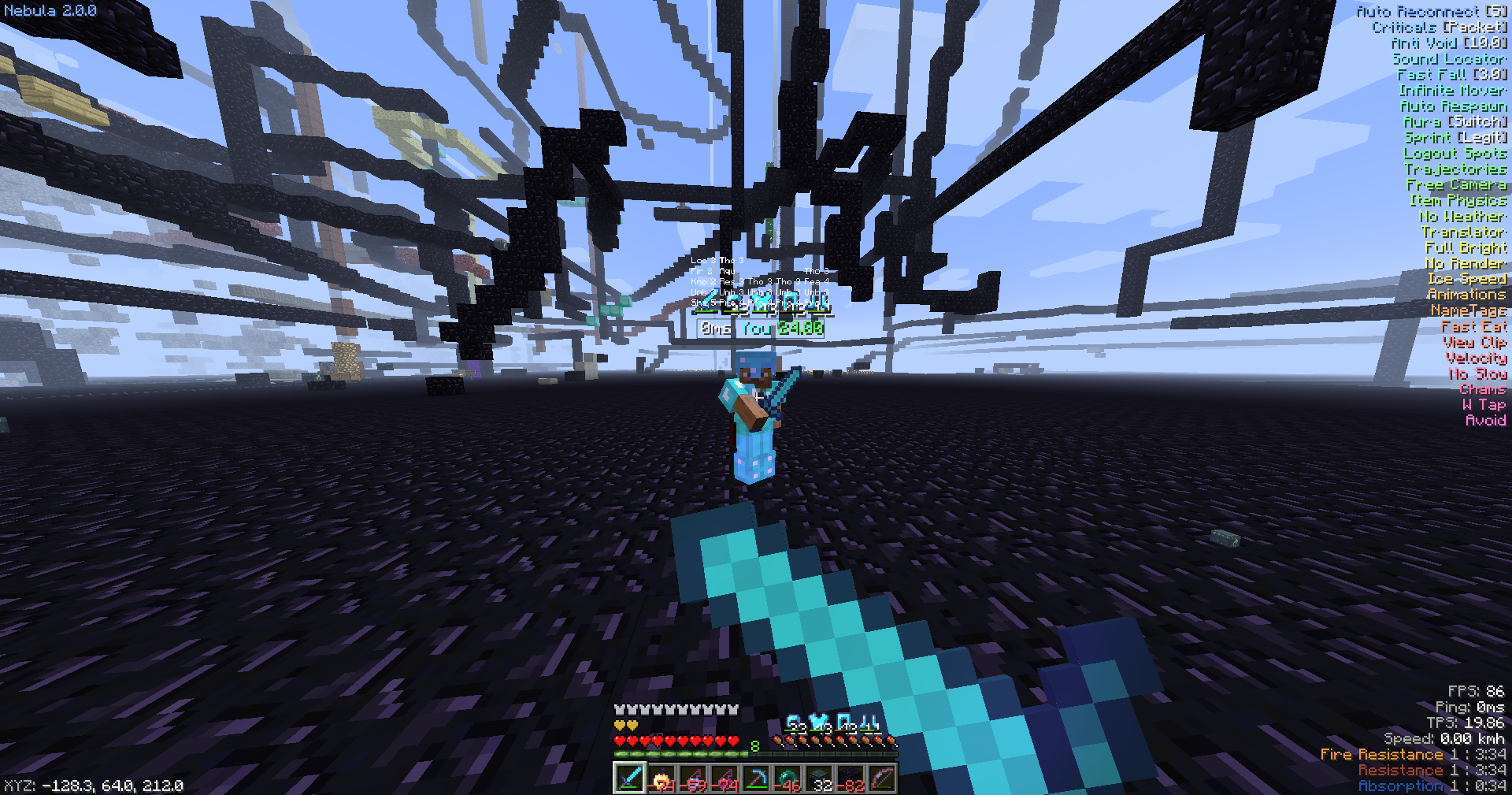
Release 2.0.0
Complete rewrite
This build is a few months old, I just never released an official build.
Screenshot:
This is the last release before 3.0 comes out
1.4.0
The 1.7.2 build is now public. It's basically 1.3.0, but in 1.7.2 with a few bug fixes.
You can now run shaders with the client.
DISCLAIMER: I cannot promise you every single shader pack you run will be 100% compatible with the render modules provided. This is also an old version of shadersmod (the one included with optifine). You are running these shaders at your "own risk"
Now that that's out of the way, here's the release. No release screenshot for this one
P.S: I will be rewriting this client soon
Installation instructions are the same as every other release. This time it does not have a version number appended to the end, so you can just replace the JAR every time I update instead of creating a new profile every single time.
Bugs will happen, the game was fucked in this version. So expect them.
1.3.0
New release!
[+] IRC
[+] LongJump
[+] World Downloader
[+] Bug fixes
Installation instructions:
- Download the zip file
- Extract the
Nebula-1.3.0folder from the .zip file into your .minecraft/versions folder. This path will depend on your operating system. - Go into your minecraft launcher and create a new profile
- Scroll until you find Nebula-1.3.0
- Create the profile and launch!
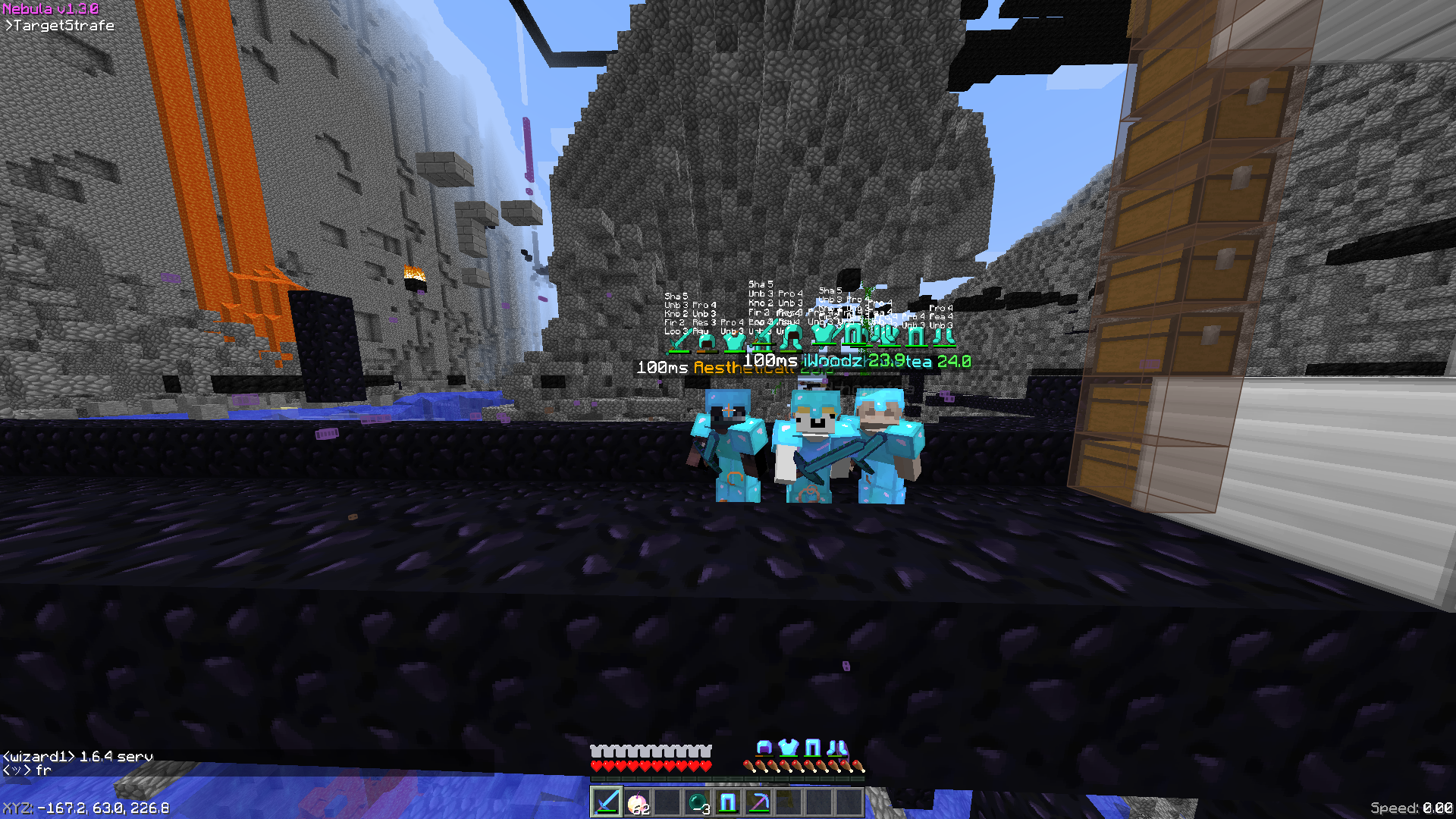
If you find any bugs, please do not hesitate to make an issue.
1.2.0
Alot of shit in this update! So many things were fixed there's too much to list. Here's a list of notable things added:
[+] Optifine D1
[+] New movement and the world category
[+] Fixed config saving bug
[+] Fixed Freecam kicking you for not sending packets (the setting is called AntiKick and is enabled by default)
[+] Fixed some bypasses
[+] And more!
Installation instructions:
- Download the zip file
- Extract the
Nebula-1.2.0folder from the .zip file into your .minecraft/versions folder. This path will depend on your operating system. - Go into your minecraft launcher and create a new profile
- Scroll until you find Nebula-1.2.0
- Create the profile and launch!
If you find any bugs, please do not hesitate to make an issue.
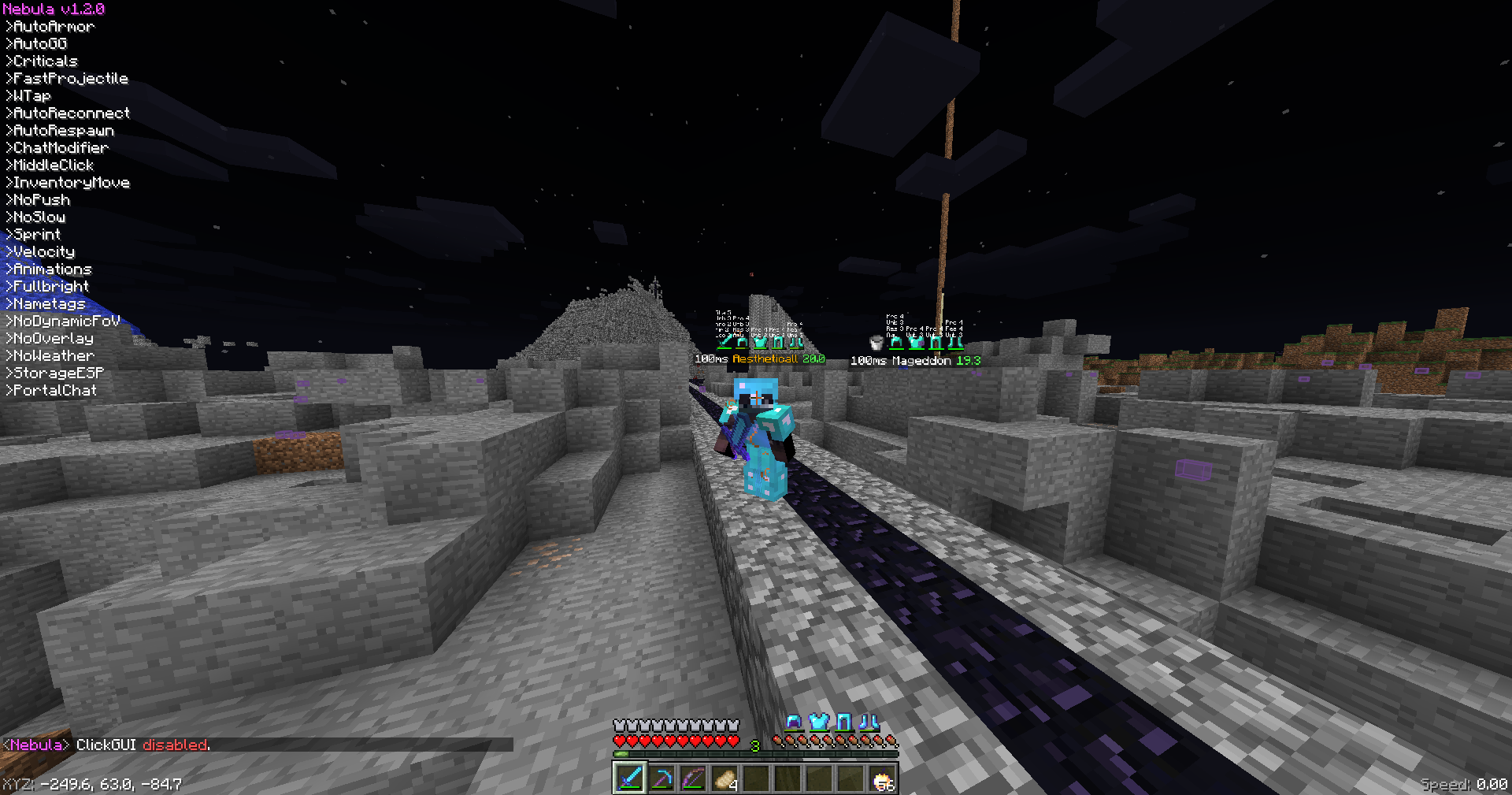
In-game screenshot:
1.1.0
A bunch of shit in this update:
[+] Fixed a bunch of GL issues
[+] Added some new combat modules
[+] Fix some bypasses and add checks for NCP lagbacks
[+] You can now change settings in the ClickGUI by right clicking a module
[+] And more!
Installation instructions:
- Download the zip file
- Extract the
Nebula-1.1.0folder from the .zip file into your .minecraft/versions folder. This path will depend on your operating system. - Go into your minecraft launcher and create a new profile
- Scroll until you find Nebula-1.1.0
- Create the profile and launch!
If you find any bugs, please do not hesitate to make an issue.
1.0.0
After about a week, Nebula v1.0.0 is finally able to release! This is technically a "pre-release", but we'll just release because why not.
Here's some general info:
- Command prefix is
+ - Commands are: bind, bookbot, friend, github, spawn, toggle, waypoints, write
- Default ClickGUI bind is right shift
Installation instructions:
- Download the zip file
- Extract the
Nebula-1.0.0folder from the .zip file into your .minecraft/versions folder. This path will depend on your operating system. - Go into your minecraft launcher and create a new profile
- Scroll until you find Nebula-1.0.0
- Create the profile and launch!
If you find any bugs, please do not hesitate to make an issue.
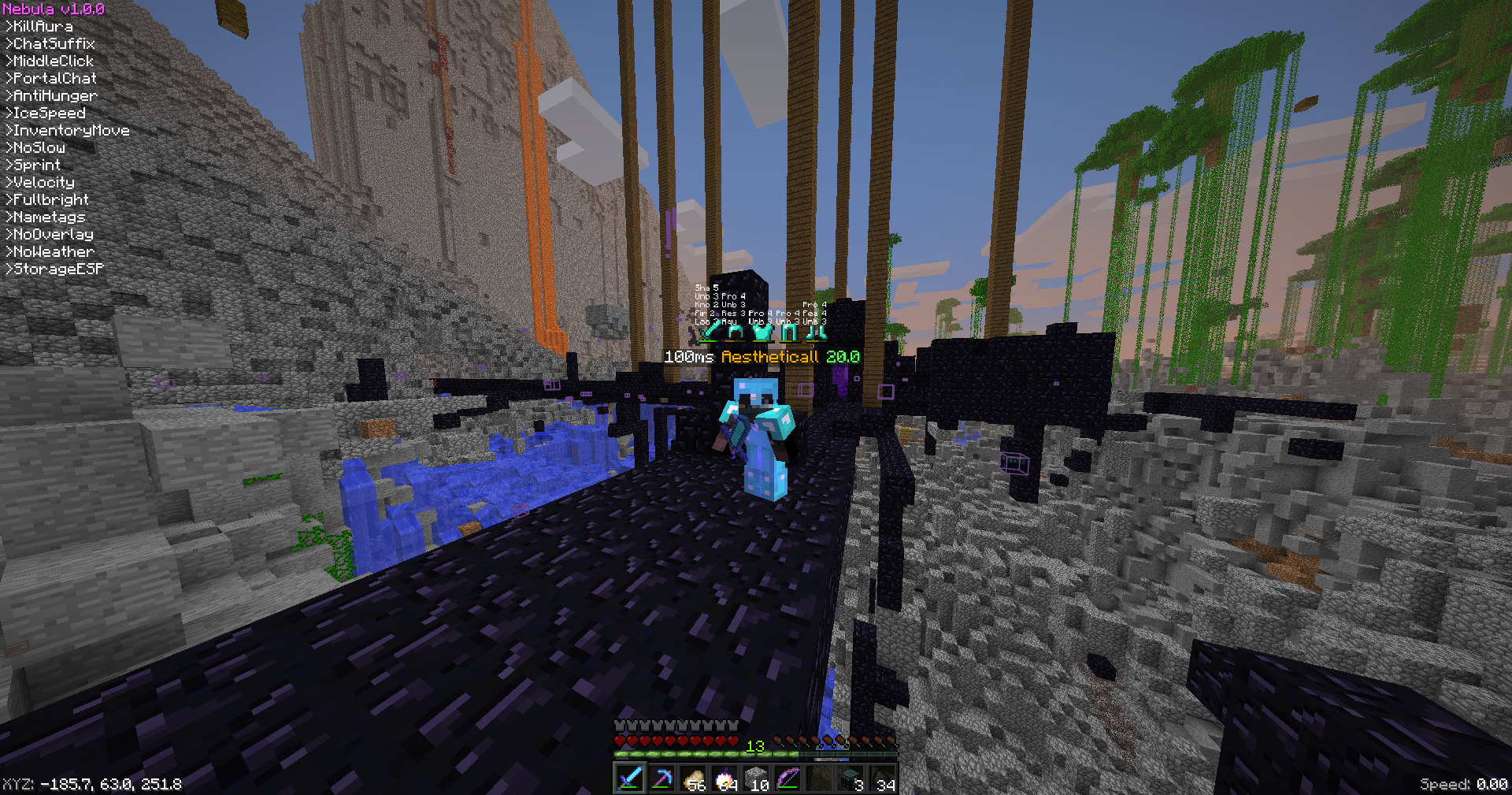
Ingame Screenshot: