




A simple and reproducible way of using fonts in matplotlib. In short, pyfonts:
- allows you to use all fonts from Google Font
- allows you to use all fonts from Bunny Font (GDPR-compliant alternative to Google Fonts)
- allows you to use any font from an arbitrary URL
- is efficient (thanks to its cache system)
- Google Fonts
import matplotlib.pyplot as plt
from pyfonts import load_google_font

font = load_google_font("Fascinate Inline")

fig, ax = plt.subplots()
ax.text(x=0.2, y=0.5, s="Hey there!", size=30, font=font)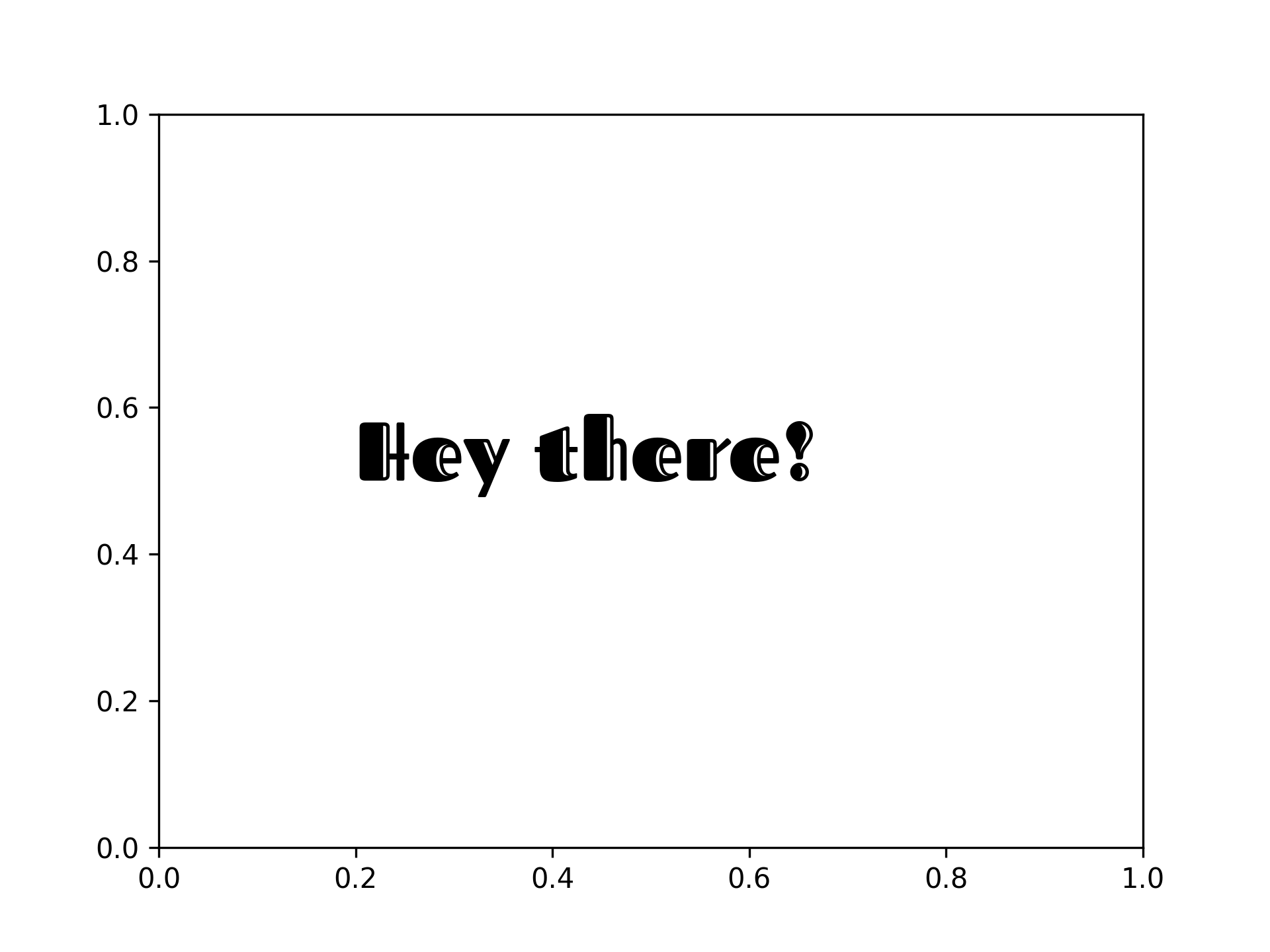
- Bunny Fonts
import matplotlib.pyplot as plt
from pyfonts import load_bunny_font

font = load_bunny_font("Barrio")

fig, ax = plt.subplots()
ax.text(x=0.2, y=0.5, s="Hey there!", size=30, font=font)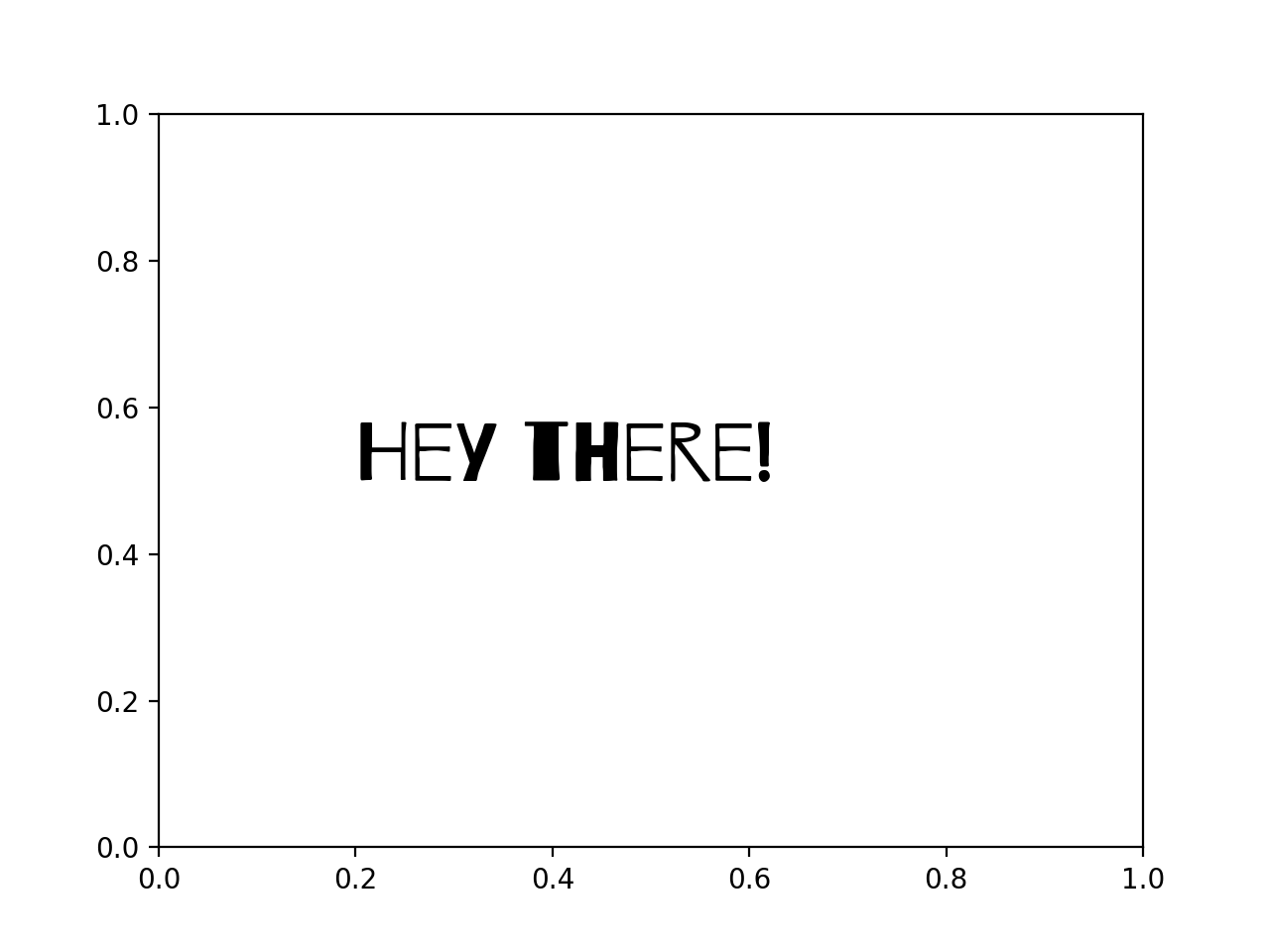
pip install pyfonts