A command-line tool of generating Wi-Fi network config to QR code, which is based on .NET Core 2.1 ,ImageSharp and Zxing.Net.
Scanning QR Code to configure the device's Wi-Fi only support Android and iOS 11+.
Verify that after successful installation of .NET Core Runtime:
$ dotnet --version
─┬─ Microsoft.Win32.SystemEvents.dll.dll
 ├─ SixLabors.Core.dll
 ├─ SixLabors.ImageSharp.dll
 ├─ System.Drawing.Common.dll
 ├─ System.Runtime.CompilerServices.Unsafe.dll
 ├─ WiFiQRCode.dll
 ├─ WiFiQRCode.runtimeconfig.json
 └─ zxing.dll
| Parameter | Desciption | Options | Default Value | Required |
|---|---|---|---|---|
| -a, --auth_type |
Wi-Fi authentication. | WEP/WPA/WPA2/nopass | WPA2 | ✅ |
| -s, --ssid |
Wi-Fi SSID. | ✅ | ||
| -p, --password |
Wi-Fi password. | |||
| -h, --hidden |
Wi-Fi is hidden or not. | |||
| -m, --mode |
Generate mode. | display/image/both | image | |
| -it, --image_type |
The output image type, when mode is image/both. |
bmp/gif/jpeg/jpg/png | png | |
| -iw, --image_width |
The output image width, when mode is image/both. |
value >= 41 | 200 | |
| -ih, --image_height |
The output image height, when mode is image/both. |
value >= 41 | 200 | |
| -od, --output_dir |
The output directory, when mode is image/both. |
Current directory |
| Terminal | Image |
|---|---|
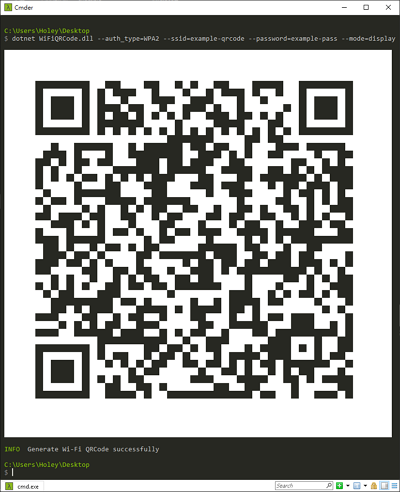 |
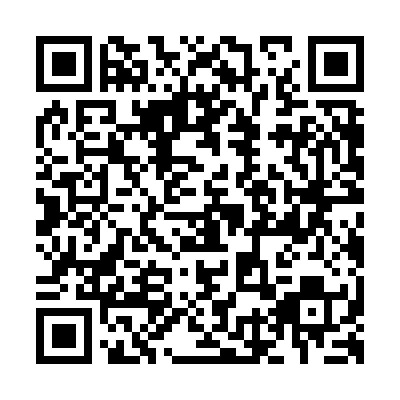 |
$ dotnet WiFiQRCode.dll --auth_type=WPA2 --ssid=example-qrcode --password=example-pass --mode=display$ dotnet WiFiQRCode.dll --auth_type=WPA2 --ssid=example-qrcode --password=example-pass --mode=image --image_type=bmp$ dotnet WiFiQRCode.dll --auth_type=WPA2--ssid=example-qrcode --password=example-pass --mode=image --image_type=bmp --output_dir=../$ dotnet WiFiQRCode.dll
Wi-Fi Authentication Type :
Wi-Fi SSID :
Wi-Fi Password :
Generate Mode :
# If generate mode is image/both
Image Type :
Image Width :
Image Height :
Output Directory :