Backup your albums and enable smart searching in the Coon Gallery android app.
-
Improve the search of you android gallery by detecting text and generating descriptions and labels for your images.
- Is there a cat in a photo? Just search "cat" to find it!
-
Simple in-app albums search.
- Don't have your phone with you? Use the in-app search to find images directly!
-
Sync your albums from your phone to your PC.
- Tired of relying on the cloud? Make local backups with just one click!
-
Sync your metadata between your devices.
- Modified your metadata somewhere? You can move it from one device to another!
This app was made using Python 3.13.11, other versions may work but aren't tested. To run the app:
-
Download the project
Choose wichever version you want from the releases page and download the source code zip.
-
Install dependencies
You can install them by running:
pip install name==versionUsing other versions may work but these are the ones used while developing the app:
- textual (7.0.0)
- websockets (15.0.1)
- transformers (4.53.3, newer versions will throw errors)
- pytorch (2.9.1, select the best option for your gpu)
- einops (0.8.1)
- timm (1.0.24)
- python-doctr (1.0.0)
-
Running the app
You can run the app by opening:
run.bator by running:
python main.py
The app should now run, but generating metadata wont work yet. For that, it is necessary to download Florence2 as the description model.
-
Download the model
You can do it manually or by running:
git clone https://huggingface.co/microsoft/Florence-2-large -
Move the model
Create a
./data/florence2/folder and move the model files inside. It should look like this:Coon-Gallery-PC/ ├─ data/ ├─── florence2/ ├───── config.json ├───── pytorch_model.bin ├───── ... ├─ screens/ ├─ styles/ ├─ util/ └─ main.py
The app is divided into different menus.
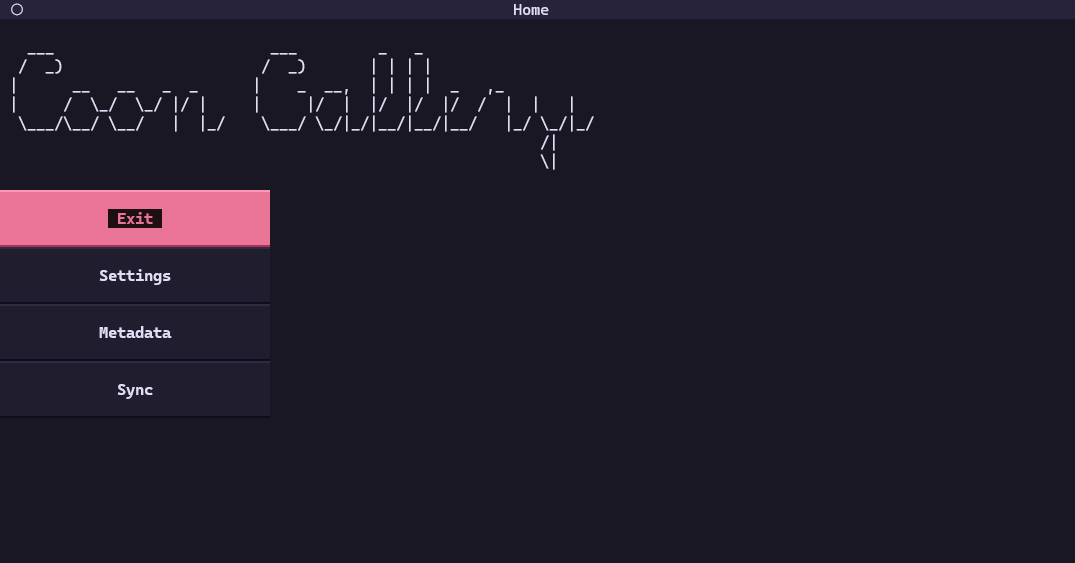
This is the menu where you are greeted after opening the app. You can use it to navigate to other menus or exit the app.
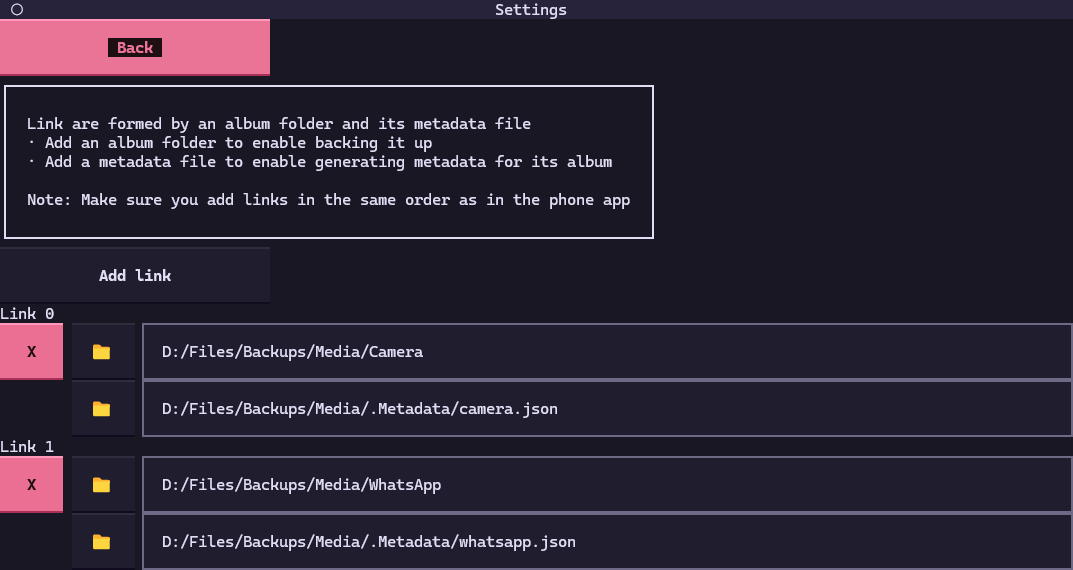
Here you will be able to setup links, which are connections between an album folder and a metadata file.
-
Adding an album folder will let you use the sync menu to backup your albums from your phone to your computer.
-
Adding an album folder and a metadata file will let you use the metadata menu to generate information about your images and improve search.
Note: links should be in the same order as in the phone app.
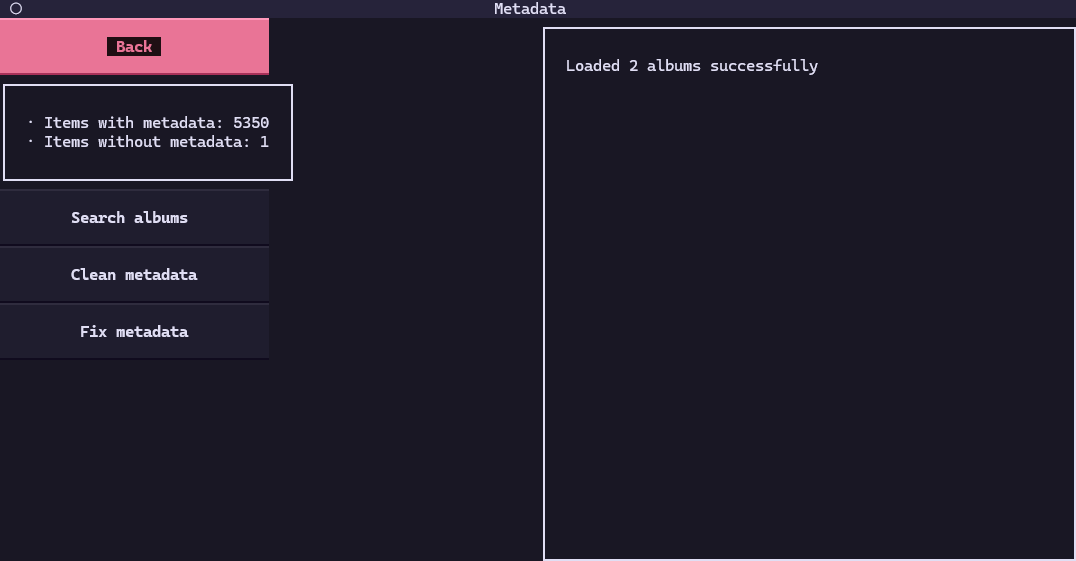
Here is where you can search and generate information about your images. There are 3 different actions to perform.
-
Search albums: asks for a text input and searches in your albums to find images that contain it. If you search for "cat", images containing a cat will appear.
-
Clean metadata: sorts the keys inside each metadata file and removes the ones whose file has been deleted. You'll most likely never need to use this.
-
Fix metadata: generates metadata for all images that don't have it:
-
A description about the image.
-
A list of labels for things in the image.
-
A list of text detected in the image.
-
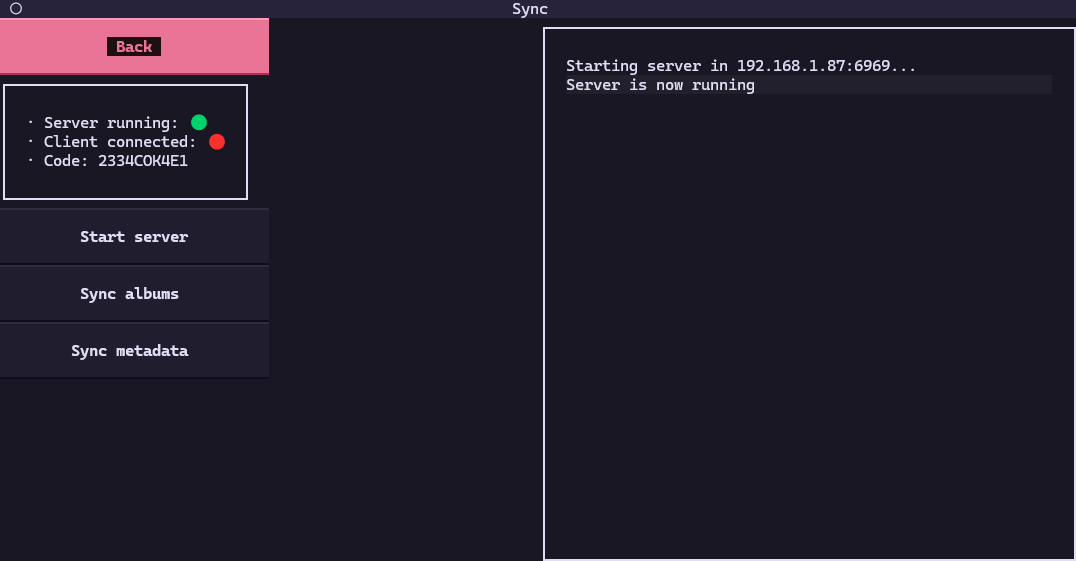
The app has a server running in the background so that the phone app can connect to it. This menu lets you perform actions when the phone is connected.
-
Start server: in case there was a problem, you can try restarting the server from here.
-
Download albums: creates a backup of the linked albums from your phone in your computer.
-
Download metadata: updates the metadata files from your computer with the ones in your phone.
-
Upload metadata: updates the metadata files from your phone with the ones in your computer.