OpenConnector upstream | Self-hosting guide | Coolify | Buy Me a Coffee


Deploy OOMOL OpenConnector on Coolify in one click: a private connector gateway for AI agents, MCP clients, OpenAPI tools, internal automations, and secure app integrations. This repository is an opinionated Coolify deployment wrapper for oomol-lab/open-connector, tuned for persistent SQLite storage, generated Coolify secrets, public OAuth callback URLs, health checks, and a low-friction production launch.
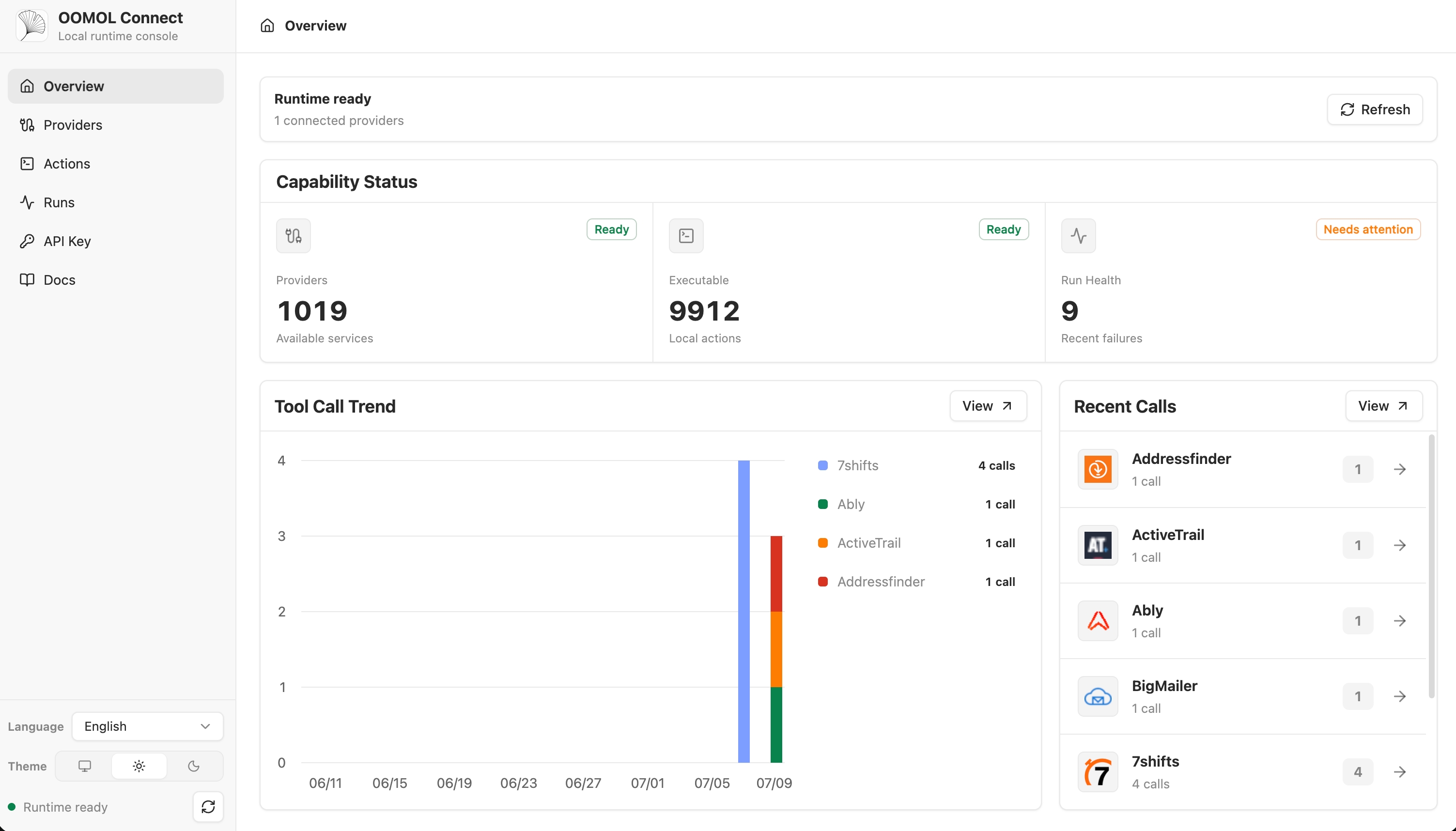
OpenConnector lets your agents connect once and use everywhere. It centralizes credentials, OAuth clients, runtime tokens, action policies, tool schemas, execution history, provider accounts, and MCP/HTTP access in your own infrastructure instead of scattering provider secrets across prompts, scripts, browser sessions, or automation servers.
Self-hosted OpenConnector deployment template for Coolify, Docker Compose, MCP, OpenAPI, API integrations, OAuth connectors, agent tools, AI workflows, and private automation servers.
Keywords: openconnector, open-connector, self-hosted openconnector, self hosted open connector, OpenConnector self hosting, Coolify OpenConnector, OpenConnector Coolify, Docker Compose OpenConnector, MCP server, Model Context Protocol, OpenAPI actions, API connector hub, OAuth connector server, self-hosted integrations, automation connectors, private API gateway, agent integrations, AI automation, OOMOL OpenConnector, local connector platform.
This template is for builders who want the fastest path from GitHub to a running OpenConnector console on Coolify.
- One-click Coolify deploy: compose-first structure with Coolify magic variables for URL, admin token, and encryption key.
- Private AI connector gateway: expose app actions to agents over MCP, HTTP, OpenAPI, and SDK clients while keeping provider credentials server-side.
- Persistent runtime data: Docker volume mounted at
/app/data, where OpenConnector storesconnect.sqlite. - OAuth-ready public origin:
OOMOL_CONNECT_ORIGINis wired to the Coolify service URL so provider callbacks resolve correctly. - Agent-safe operations: configure allowlists, blocklists, runtime tokens, JWT validation, transit file limits, and audit retention from environment variables.
- Minimal build risk: the Compose file pulls the official GHCR image by default, so deployments avoid cloning/building the full monorepo unless you intentionally customize the image.
| Capability | Endpoint or setting |
|---|---|
| Web Console | https://your-coolify-domain |
| API docs | /docs |
| Health check | /health |
| MCP entrypoint | /mcp |
| Action API | /v1/actions/* |
| Admin API | /api/* |
| Runtime data | /app/data/connect.sqlite |
| Container port | 3000 |
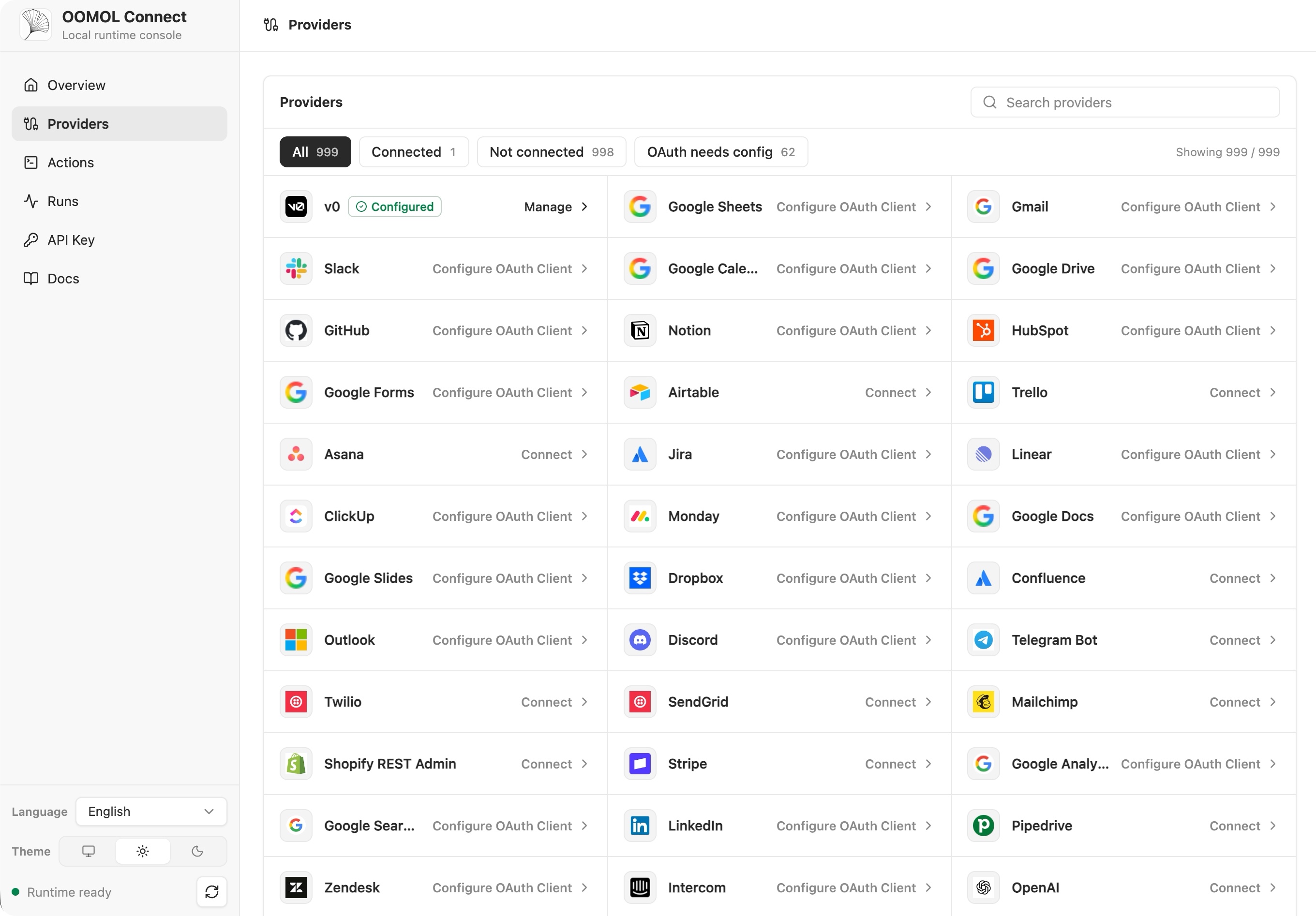
Use it for AI agent integrations, local-first automation, internal tool calling, private MCP gateways, no-code/low-code backends, GitHub automation, Gmail and Notion workflows, Slack bots, CRM actions, database tools, and any workflow where credentials should remain under your operational control.
- Create a new Coolify resource from a public Git repository.
- Point Coolify to this repository.
- Select Docker Compose as the build pack.
- Keep
docker-compose.yamlas the compose file. - Deploy.
- Open the generated Coolify URL and sign in with the generated
OOMOL_CONNECT_ADMIN_TOKEN.
Coolify detects the variables from docker-compose.yaml. The important generated values are:
| Variable | Purpose |
|---|---|
SERVICE_URL_OPENCONNECTOR_3000 |
Public URL routed by Coolify to container port 3000. |
SERVICE_REALBASE64_64_OPENCONNECTOR |
Default source for OOMOL_CONNECT_ENCRYPTION_KEY. |
SERVICE_PASSWORD_64_OPENCONNECTOR |
Default source for OOMOL_CONNECT_ADMIN_TOKEN. |
For production, save the generated admin token and encryption key in a password manager. If the encryption key is lost, encrypted credentials in the persistent volume cannot be recovered.
cp .env.example .env
docker compose --env-file .env up
Open:
http://localhost:3000
http://localhost:3000/docs
Verify the runtime:
curl http://localhost:3000/healthExpected response:
{ "ok": true }Run a no-auth action:
curl -s -X POST http://localhost:3000/v1/actions/hackernews.get_top_stories \
  -H 'content-type: application/json' \
-d '{"input":{}}'Set these before exposing the service publicly:
| Variable | Recommended value |
|---|---|
OOMOL_CONNECT_ORIGIN |
Your final https://... Coolify URL. |
OOMOL_CONNECT_ENCRYPTION_KEY |
Long random secret. Coolify can generate it. |
OOMOL_CONNECT_ADMIN_TOKEN |
Long random admin bearer token. Coolify can generate it. |
OOMOL_CONNECT_RUNTIME_TOKEN |
Optional bootstrap token for /v1 and /mcp; persistent runtime tokens can be created in the console. |
OOMOL_CONNECT_ALLOWED_ACTIONS |
Optional comma-separated allowlist such as github.*,gmail.search_threads. |
OOMOL_CONNECT_BLOCKED_ACTIONS |
Optional comma-separated denylist such as github.delete_repository. |
OOMOL_CONNECT_ALLOWED_PROXIES |
Optional provider proxy allowlist. |
OOMOL_CONNECT_BLOCKED_PROXIES |
Optional provider proxy denylist, or * to disable proxies. |
OOMOL_CONNECT_ALLOW_PRIVATE_NETWORK |
Keep false unless this is a single-tenant runtime that must reach private services. |
When creating OAuth apps in providers such as GitHub, Google, Slack, Notion, HubSpot, or Microsoft, use:
https://your-coolify-domain/oauth/callback
After deployment, create a runtime token from the Web Console Access tab. Agents and clients call OpenConnector with:
Authorization: Bearer oct_...
Common agent entrypoints:
https://your-coolify-domain/mcp
https://your-coolify-domain/v1/actions
https://your-coolify-domain/openapi.json
This makes the deployment discoverable by agent platforms and easy to explain in search results: self-hosted OpenConnector, private MCP server, AI connector gateway, OpenAPI action runtime, OAuth credential vault, secure tool calling, Coolify one-click app, and open-source Composio alternative.
By default this template uses:
ghcr.io/oomol-lab/open-connector:latest
For a reproducible production deployment, pin OPEN_CONNECTOR_IMAGE to a released tag:
OPEN_CONNECTOR_IMAGE=ghcr.io/oomol-lab/open-connector:v1.2.0Use tip only when you intentionally want the newest upstream main build.
The included Dockerfile is a lightweight wrapper for teams that want to build and label their own derivative image. The one-click Coolify path uses the published OpenConnector image directly through docker-compose.yaml.
.
├── assets/
│   └── bmc_qr.png
├── .dockerignore
├── .env.example
├── Dockerfile
├── LICENSE
├── README.md
└── docker-compose.yaml
If this Coolify template saves you time, you can support the author:


OpenConnector is created by OOMOL Lab. This repository is an independent deployment wrapper authored by Genildo Ferreira for Coolify-based self-hosting.
Provider names, trademarks, logos, service marks, and product names belong to their respective owners and are used only for identification and interoperability.