
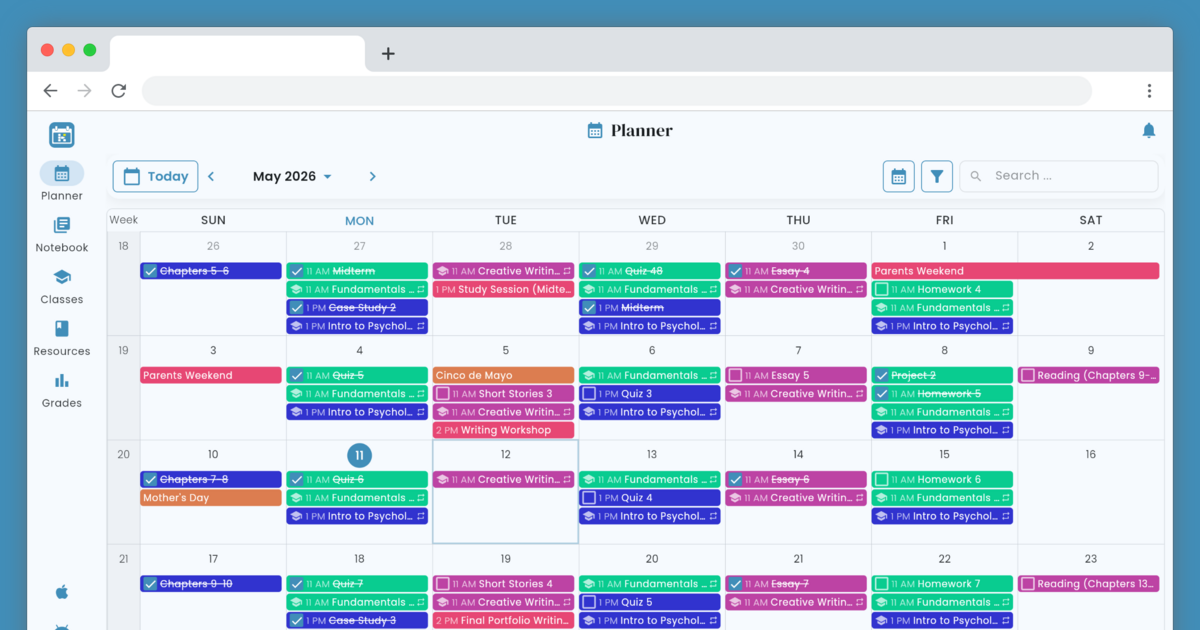
Helium is a free, color-coded online student planner for classes, homework, grades, and notes — the academic calendar built for the way you actually study.





The backend platform for Helium - Student Planner, including API and worker functionality. Docs for
integrating with the API can be found here.
Released container images are published to Helium's AWS ECR.
- Docker
- Python (>= 3.12)
- MySQL (>= 8)
- Redis (>= 7)
The platform is developed using Python and Django.
This project is configured to work with a Virtualenv within a Docker container. Once provisioned, development can be done offline, as the container built for development includes LocalStack to emulate AWS services locally.
To provision the Docker container with the Python/Django platform build and all dependencies, execute:
makeThis builds and starts two containers, one for the API (named platform-api-1), and one for the Worker
(named platform-worker-1). Once running, the platform API is available at http://localhost:8000, and the
platform Worker is running to execute async and scheduled tasks.
To create an admin user, you can run:
docker exec -it platform-api-1 python manage.py createsuperuserAn admin extends a basic user (when you register from the frontend website) with
access to the admin site.
The shell of containers can be accessed using their name, like:
docker exec -it platform-api-1 /bin/bashBy default, the Docker image will be built for linux/arm64. To build a native image on an x86 architecture
instead, set PLATFORM=amd64.
The platform is split up into several modules, all contained within this repository. The base configuration is
defined under conf. The applications within this project are:
- auth
- common
- feed
- importexport
- planner
There are also some special environment variables that can be set in development or deployment of the project:
ENVIRONMENTdev-localprovisions hosts aslocalhostlocalprovisions hosts aslocalhostfor use outside of Docker (ex. when using Django'srunservercommand)prodprovisions hosts to be suffixed withheliumedu.com- Any other env name provisions a prod-like hostname with
<ENVIRONMENT>.as the prefix
USE_AWS_SECRETS_MANAGER- Set to
Trueto use AWS Secrets Manager before falling back to environment variables
- Set to
USE_NGROK- Set to
Trueto have pyngrok open angroktunnel and provide a real hostname (only works whenENVIRONMENTis notprod
- Set to
These and other environment variables can be configured in the .env file. This is also where credentials to
third-party services (for example, AWS services like SES) can be set. Do NOT commit real credentials to third-party
services, even in example files.
Before commits are made, be sure to run tests and check the generated coverage report.
make testThe frontend is served from a separate repository and can be found here.
The frontend and platform containers can be started alongside each other to almost entirely
emulate a prod-like environment locally. For functionality that still requires Internet-connected external
services (ex. emails and text messages), provision the dev-local Terraform Workspace,
which is meant to work alongside local Docker development.
Auto-generated API documentation is accessible via any environment at /docs.
