Releases: MightyXdash/ONCard
Release list
ONCard 1.5.9

Completely Re-imagined...
In this version, I focused on improving the user experience, and making ONCard's own AI models for improved accuracy and speed

Summary
This update introduces QNS-1, ONCard’s in-house summarization model designed for fast, efficient, and factual text summarization. QNS-1 delivers up to ~20× faster performance than typical ~8B models while using significantly lower power.
The release also includes improved Wikipedia integration, OCR and rewrite tools, reasoning-enabled AI features, adaptive MCQ grading, Web Lessons, wireless account migration, experimental dark mode, and expanded beta update support.

Added
- ONCard now features its own AI summarization model, delivering up to ~20× faster performance than typical ~8B models with significantly lower power usage.
- Improved FTC processing to be up to 1.3x faster for bigger models.
- Pressing
ctrl + spacewill open a search bar which will be redirected to the Wikipedia search tool. - Wikipedia now feature "images". (Beta)
- Users can continue from the Wikipedia browser tool.
- QNS-1 (QN-Summarizer-1) users will get a short description about the Wikipedia query the user made. (Rc2)
- Removed the create menu with a simpler dropdown to choose either
QuestionorFTC. - FTC and Question maker menus features a glassy design.
- Question maker menu got an OCR feature to OCR documents to extract text from them.
- Question maker menu features a new Rewrite feature to rewrite messy questions. (Rc1)
- Settings menu is redesigned for a unique glassy design.
- settings menu features avatars and a bio display.
- Broke down extra features into new tabs in the settings menu.
- Added a time and stress based grading system for MCQs.
- Follow up AI got an AI model selector.
- Follow up AI got reasoning support in the model selector. Turn on think to turn on reasoning.
- Enhanced the NSFW punisher for flashcards.
- Added
Web Lessons. Users can study in their browser by scanning a QR code or pasting a link in their browser (requires the user to be on the same network). - Added a
Wikipediabutton in the quick actions (plus icon in the top left) for non technical users. - Added wireless account migration. In
settings -> account -> account actionsmake the current device the host, and the new device the peer, by confirming the request the peer makes, the host can send a copy of their account to the peer. - All models are reasoning vision models. Except for QNS-1, other text models features vision reasoning capabilities.
- Removed unnecessary buttons from the main UI to make the UI minimalistic.
- ONCard features experimental dark mode.
- Updates on the update fetcher and installer supports future BETA binaries.
Notes
- Only QNS-1 will produce a short description about the Wikipedia query.
- Ollama discontinued cloud for free users. Only supported model: Gemma4 cloud.
- There are known bugs with the: stats tool, new wikipedia interface, new widgets on smaller screens and uncommon aspect ratios.
- QNS-1.5 will be a preference tuned model based off QNS-1 with reduced hallucination and improved accuracy.
- The app takes about ~10 seconds after loading in to be stable.
ONCard 1.4.9
ONCard v1.4.9
ONCard 1.4.9 is a patch release with expanded AI controls, Ask AI improvements, and Files To Cards OCR tuning.
Added
- Added OCR model selection for Files To Cards so OCR can use its own installed text model.
- Added per-feature AI context length settings for card autofill, grading, MCQ generation, Ask AI, Wikipedia breakdowns, Files To Cards, follow-ups, reinforcement cards, and stats summaries.
- Added Wikipedia breakdown support from Ask AI with cleaned article extracts and study-ready explanations.
- Added Ask AI image search and wiki/search action icons.
Improved
- Improved AI model preflight handling so OCR model selection follows installed model availability.
- Improved Ask AI, autofill, grading, MCQ, and Files To Cards workers to use the configured context lengths.
- Prevented settings combo boxes, sliders, and spin boxes from changing accidentally while scrolling unless focused.
Included
- Release artifacts for
1.4.9use theONCard-Setup-1.4.9.exenaming convention.
ONCard 1.4.8
Fixed Nomic embed problems
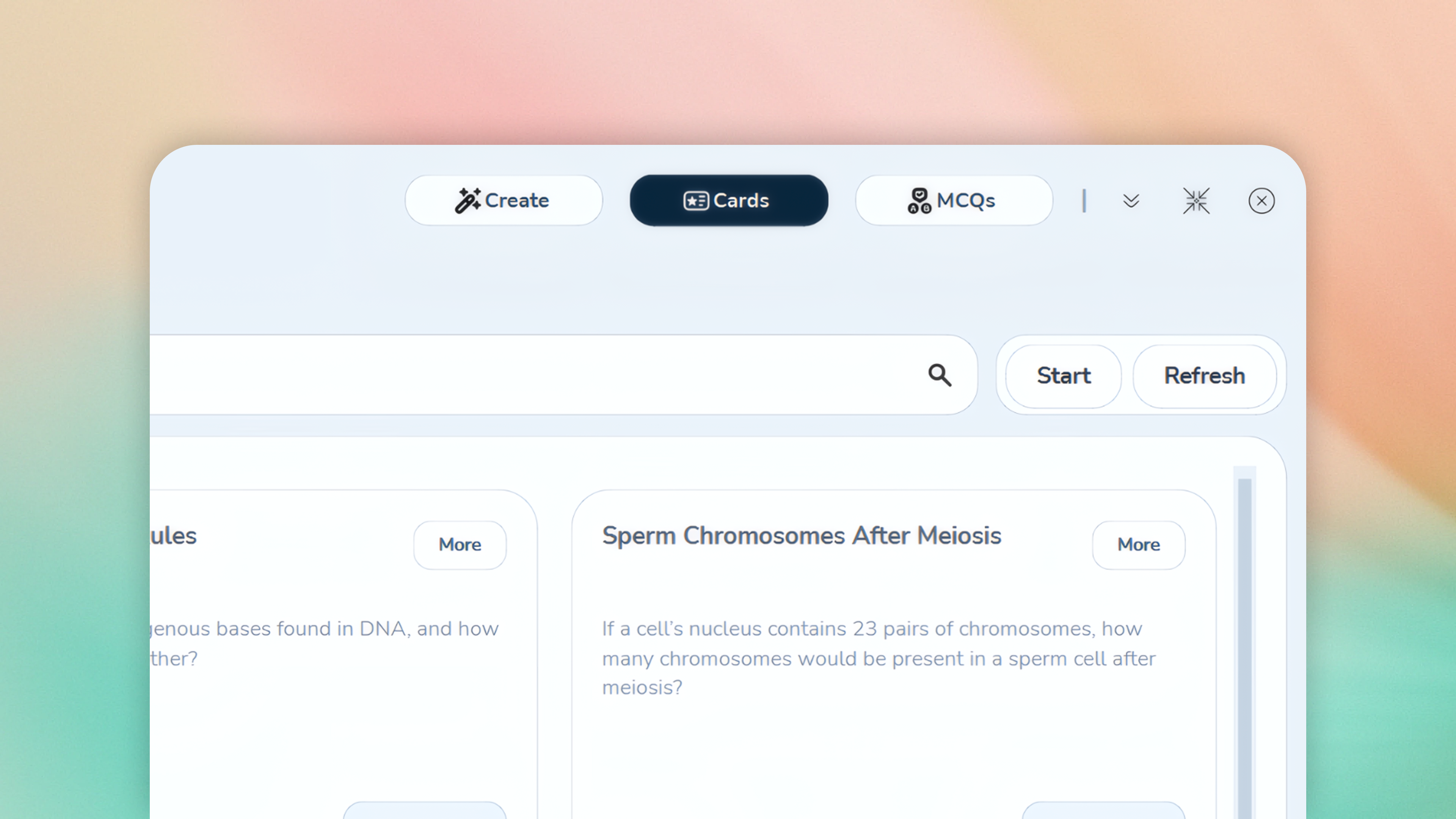
ONCard 1.4.8 is a patch release for the MCQ update.
✨ Summary:
- Fixed issues with the installation state of the Nomic embedding model
- Updated model installation.
For further info:
Fixed
- Fixed Nomic embedding model detection when Ollama reports the installed model as
nomic-embed-text-v2-moe:latest. - The app now accepts both
nomic-embed-text-v2-moeandnomic-embed-text-v2-moe:latestwhile checking NNA/semantic model availability.
Included
- MCQ study support and the 1.4.x update artwork remain included.
- Release artifacts for
1.4.8use theONCard-Setup-1.4.8.exenaming convention.
ONCard 1.4.7
More Than One Choice...
Added MCQ support

v1.4 shifted focus to MCQs. This update introduces the initial MCQ support.
📌 Note: MCQs are currently graded at 10 marks for a correct answer and 0 marks for an incorrect answer. Upcoming patch releases will introduce refined grading pipelines to enhance evaluation logic and decision-making accuracy.
✨1.4.7
This update introduces a new MCQ study mode for more interactive learning.
Core systems like settings, navigation, and NNA have been refined for better stability and consistency, while FTC and image pipelines were improved for stronger AI generation.
Additional cleanup was done to documentation and structure. MCQ grading remains in beta and will be improved in future updates.
For further info:
View Added Features
- Added MCQ study mode for easier, more interactive practice.
- Added the interactive recipe app UI.
View Improvements
- Stabilized settings dialog motion state and slider interactions.
- Fixed the settings header icon artifact and increased navigation icon size.
- Redesigned settings navigation with icon-based sections and a modal shell.
- Further enhanced NNA uniformity so it can serve the whole app more consistently.
- Customized FTC and image processing pipelines to help generation for FTC and Ask AI.
- Cleaned up README structure and installation guidance.
View Notes
- Build and release artifacts for
1.4.7should use theONCard-Setup-1.4.7.exenaming convention. - Replace the
1.4.7update banner assets before publishing the GitHub release so release note image URLs render correctly. - MCQ grading is still in beta. Marks will be either 10 or 0 while a better grading system is being developed.
ONCard 1.3.7
ONCard v1.3.7

ONCard 1.3.7, "A Better Yourself", focuses on helping learners know themselves better, with stronger Ask AI tools, cloud model support, multi-account workflows, and clearer performance feedback.
Summary
This update focuses on expanding AI capabilities, improving system efficiency, and strengthening account management. Major additions include enhanced Ask AI features (vision, tones, emojis, and card browsing), support for more models and Ollama Cloud, and a robust multi-account system. Performance and UI consistency have been refined, with better streaming and increased context length. Several stability and security issues were fixed, particularly around accounts, loading, and markdown handling. Overall, this release makes the platform more powerful, efficient, and reliable.
For more info, please refer:
Added
- Added a stats tool for viewing performance across selected time periods.
- Added card browsing for Ask AI.
- Added vision response support for Ask AI.
- Added selectable Ask AI tones.
- Added selectable emoji usage for Ask AI.
- Added support for a total of 5 AI models.
- Added account export, import, delete, and swap support.
- Added support for multiple accounts, with stable use around 6 to 10 accounts.
- Added Ollama Cloud support.
- Added support for the Ministral-3 series in Ollama.
- Added newer and better system prompts for AI models.
- Added custom windows and blur effects beyond the default window style.
- Added version-specific update artwork for the 1.3.7 "Know Yourself" flow.
Improved
- Storage and RAM usage are more efficient.
- The UI is more consistent, with more work still planned.
- Ask AI context length increased from 8k to 9k.
- Text input and output streaming is more optimized.
- Animations were updated.
- Cloud mode is off by default and overrides local text-model selection only while enabled.
- Embedding remains local even when cloud inference is enabled.
Fixed
- Fixed an issue where Settings -> New Profile -> Add profile could not add existing accounts.
- Fixed account loading problems.
- Fixed account export security so API keys are not embedded across exported accounts.
- Fixed loading screen bugs and lazy loading for certain files.
- Fixed markdown problems for native function-calling models.
- Fixed streaming bugs in certain widgets and AI features.
Notes
- Build and release artifacts for
1.3.7should use theONCard-Setup-1.3.7.exenaming convention.
ONCard 1.2.6
Say YES To A Better UI And Features!

This release focuses on Ask AI and user experience. The new update enables local browsing using Google's latest 4B parameter model. Use only for light browsing. Adding support for RAG in the future.
Demo_Ask_AI.mp4
Summary✨
- Use
/aiin the semantic search bar to open Ask AI and start interacting with it directly. - Ask AI now works with in-app data and context, allowing more natural and relevant interactions while using ONCard.
- The updated UI provides a cleaner layout with better space usage, making navigation and interaction smoother across the app.
For more info:
New
- Added Ask AI, accessible via
/aiin the semantic search bar for instant AI-assisted interaction. - Migrated core data handling from JSON to SQL, improving reliability, scalability, and data integrity.
- Introduced multiple optimizations across the app, including faster response times, improved data access patterns, and smoother runtime performance.
- Implemented new UI layouts and expanded settings for a more refined and customizable user experience.
Changed
- Removed the traditional title bar to enable a cleaner interface and better utilization of UI space.
- All AI features now natively share context, resulting in a more seamless and natural interaction flow.
- Several internal UI systems were reworked for improved speed, temporarily trading additional compute for better responsiveness.
Notes
- Build and release artifacts for
1.2.6should use the existingONCard-Setup-1.2.6.exenaming convention. - Version-specific update media can still fall back to the shared assets in
assets/updates/commonwhen1.2.6does not ship custom banners.
ONCard 1.1.6
UI polish🌟
This release focuses on enhancing interface polish, providing smoother motion, and delivering cleaner interaction feedback.
Improved
- Reworked search suggestions so they render above the card grid instead of shifting layout content downward.
- Improved search suggestion sizing and visibility, allowing up to five results to display cleanly without clipping.
- Refined card-result entrance animations with smoother motion and enhanced blur-based transitions.
- Improved top-level tab transitions with a more fluid animated slide effect.
- Added selected-state white icon variants for the main
CreateandCardsnavigation buttons.
Changed
- Restricted
wooshsound effect to navigation flows; reverted other interactions to the standard click sound. - Removed the launch sound effect when opening the app window.
Notes
- Installer metadata and packaged update content refreshed for version
1.1.6. - Update banners continue to gracefully fall back to shared assets when version-specific images are unavailable.
Summary✨
This update focuses on smoother UI and cleaner UX. Search suggestions are now better positioned and more readable, animations feel more polished, and navigation transitions are improved. Sound effects were simplified to reduce noise, and backend update packaging was refreshed for stability.

View Images
More Pictures of v1.1.6


ONCard 1.1.5
Optimized the last version🚀
This is a focused stability and performance update.🌟
Fixed🛠️
- Hardened JSON to SQLite migration for upgraded users, including legacy subject files outside the current taxonomy.
- Fixed unsafe SQLite backup behavior under WAL mode by switching backups to SQLite's backup API.
- Fixed updater validation around malformed release metadata, helper launch failures, and invalid silent-patch installer paths.
- Fixed reinforcement and temporary embedding flows that could stall behind nested local event loops.
Improved🟡
- Reduced semantic-search overhead by replacing full embedding-cache deep copies with direct record lookups.
- Reduced startup warmup overhead by removing fake parallelism on a lock-serialized data path.
- Removed extra artificial delay from seed-card embedding/session-prep flow.
- Tightened release/update safety for patch delivery.
Notes🟢
- Existing user data is preserved.
- This release is intended to feel faster and more reliable on larger libraries.
Summary:
- Faster, safer, and more stable.
- Reduced lag, fixed critical bugs, and improved reliability for larger card quantities.

ONCard 1.1.4
Introduced a unified intelligence system to help create the best sequence of cards, and more...
Optimized backend with a unified algorithm

Highlights
- Introduces NNA, ONCard's new unified study algorithm.
- Adds Semantic Search so cards can be found by meaning, not just exact keywords.
- Improves study flow responsiveness with smarter background grading behavior.
- Adds focused General and AI settings.
- Improves large card-set handling in the cards workspace.
- Includes updater flow improvements for smoother installs and first-launch update messaging.
📦 Detailed Breakdown
The one-and-only unified algorithm is here, bringing ONCard its biggest leap yet in intelligence, speed, and adaptive studying.

This system replaces fragmented logic with a single, connected pipeline that understands user performance at a deeper level. It detects weak areas earlier, connects related material more naturally, and adapts the study flow with much higher precision.
Every interaction, including answers, hesitation, skips, and struggles, feeds into the same system. This allows ONCard to continuously refine what you see next, creating a study experience that feels dynamic, responsive, and far more intelligent.
Semantic Search

Semantic Search removes the need for exact keywords by understanding meaning and intent. Instead of relying on rigid matching, ONCard can interpret natural language and incomplete queries to surface the most relevant cards.
You no longer need to remember exact phrasing. The system intelligently retrieves content based on context, making navigation faster, smoother, and far more intuitive.
ONCard 1.0.0
ONCard v1

📝 Summary
This release focuses on improving the accuracy, efficiency, and overall usability of the platform. Core systems such as the autofill pipeline, grading logic, and update mechanism have been significantly refined to deliver a more reliable and personalized learning experience.
Major highlights include the introduction of the Files To Cards (FTC) feature for automated content generation, substantial improvements in question-to-card accuracy, and a drastic reduction in dependency size for faster and lighter installations.
In addition, several quality-of-life features have been added, including guided learning support through the "I Don’t Know" option and enhanced card management tools. While some minor issues remain, this update lays the foundation for upcoming intelligent systems such as the Neural Algorithm (NNA) and a fully context-aware AI assistant.
Overall, this release represents a strong step toward a more adaptive, efficient, and user-centric study platform.
📦 Full Release Information
🚀 Added Features
-
Files To Cards (FTC): Import or drag-and-drop school notes, presentations, or slides to automatically generate study cards.
(Limits: up to 29 questions / 24 pages-F | 20 questions / 12 slides-S) -
Improved Autofill Pipeline: Enhanced the "Questions → Cards" generation system, increasing accuracy by approximately 20%
(Current: ~97% | Previous: ~87%) with only a minor ~4% performance reduction -
Enhanced Teaching & Grading System: Improved grading accuracy with dynamic adjustments based on the user’s grade and age level
-
Massive Dependency Optimization: Reduced total dependency size from 31.9 GB → 4.5 GB, significantly improving installation efficiency
-
"I Don’t Know" Feature: Allows users to flag uncertainty and enter a guided follow-up mode to understand the topic better
-
Improved Update System: Introduced a more stable and seamless update pipeline
-
Card Management Improvements: Added additional functionality, including the ability to delete cards
⚠️ Known Issues
-
OCR Toggle Malfunction: The OCR "On/Off" button does not function reliably
-
UI Scaling Issues: Interface may break or display incorrectly under certain aspect ratios or window configurations (recommended: 16x9 | 18+ Inch screen)
🧠 Upcoming Features
-
Neural Algorithm (NNA): A neural network-driven system that dynamically selects the most effective cards to target user weaknesses
-
Adaptive Question Generation: The system will detect weak areas and request permission to generate temporary targeted questions for reinforcement without permanently modifying the user’s board
-
Discuss (AI Assistant): A context-aware AI chat system that understands user strengths and weaknesses, supports general interaction, and assists with academic queries
-
UI & SFX Enhancements: Subtle visual and sound design improvements to elevate the overall user experience