
🚀 Make and receive SIP calls directly in your Home Assistant dashboard
SIP Core, part of the SIP-HASS project, is the system that powers Home Assistant cards to make and receive SIP calls using WebRTC. It includes official cards and popups, but also supports third-party cards.



- 📞 Make and receive calls
- 🔔 (Custom) Ringtones
- 📹 Video calls
- 🔢 DTMF support
- 🪟 Popups for incoming calls
- 🚀 Auto call on load (using
?call=<number>in the URL) - 🎤 Audio device selection
- 🛠️ API for third-party developers to build custom cards and popups
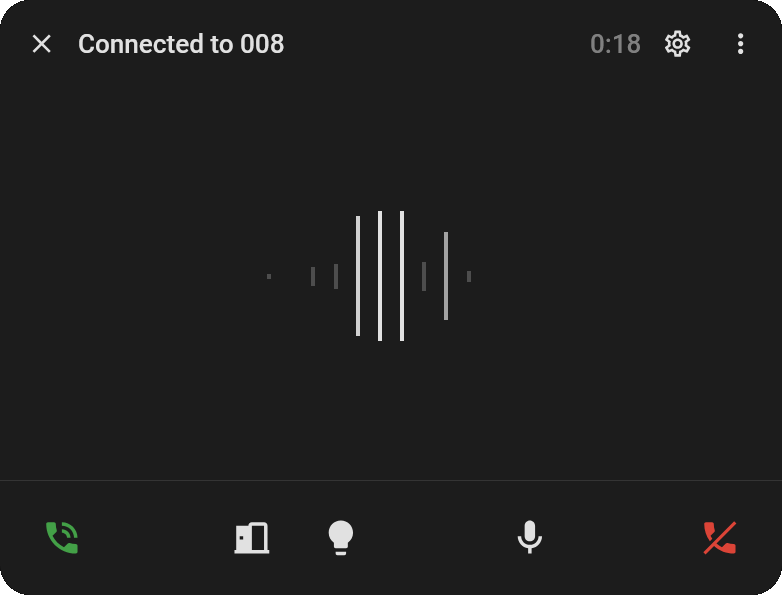
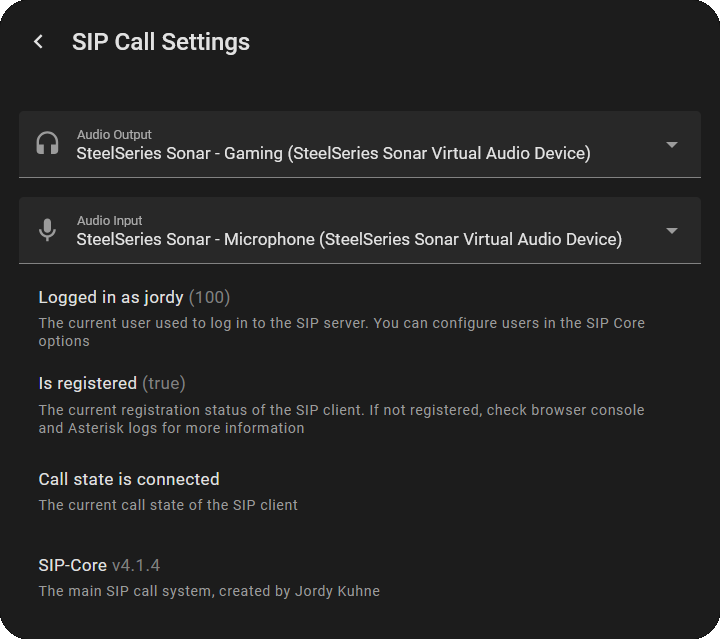
- 🚪 Automatically opens on incoming calls
- 📊 Audio Visualizer
- ⚙️ Menu to configure audio devices
- 🐛 And shows debug information
- 🎮 Custom buttons
- 🔇 Mute mic & camera buttons
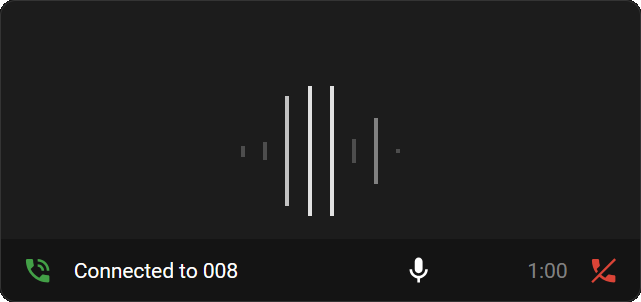
custom:sip-call-card
- 📊 Audio Visualizer
- 📹 Supports camera entities for video
- 🎮 Custom buttons for quick actions
- 🔇 Mute mic & camera buttons
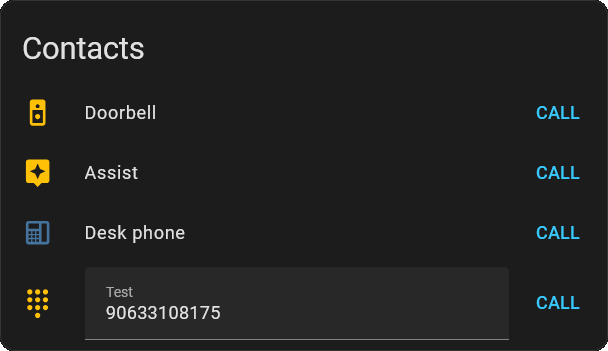
custom:sip-contacts-card
- 📞 Start calls to users/numbers
- 👤 Option to hide your own user
- 🎨 Custom names & icons
- ✏️ Open field option
- 🟢 State color with status entity
custom:sip-call-button
A minimal card with a single button for a fixed extension.
- 🟢 Green call button when idle
- 🔴 Red hangup button while a call is active
- 🔁 Reflects an ongoing call when you navigate back to the page
type: custom:sip-call-button
extension: "100"
name: Doorbell # optional
rainbow_border: true;
# override_icon: mdi:doorbell # optionalFor this to work you will need the following:
- ☎️ A sip/pbx server (Works best with the Asterisk add-on)
- 🔒 HTTPS for Home Assistant
- 📦 HACS for easy installation
You can find the installation instructions and guides on the documentation site: SIP-HASS Docs