[WIP] Common Issues and What To Avoid
This can cause Issues, especially with local mods being placed there.
To Deploy Mods with Faster, Faster creates a SymLink Folder of the Deployed Mods inside the Arma3Server Folder and links them to the associated mod folder in the Mod Staging Folder.
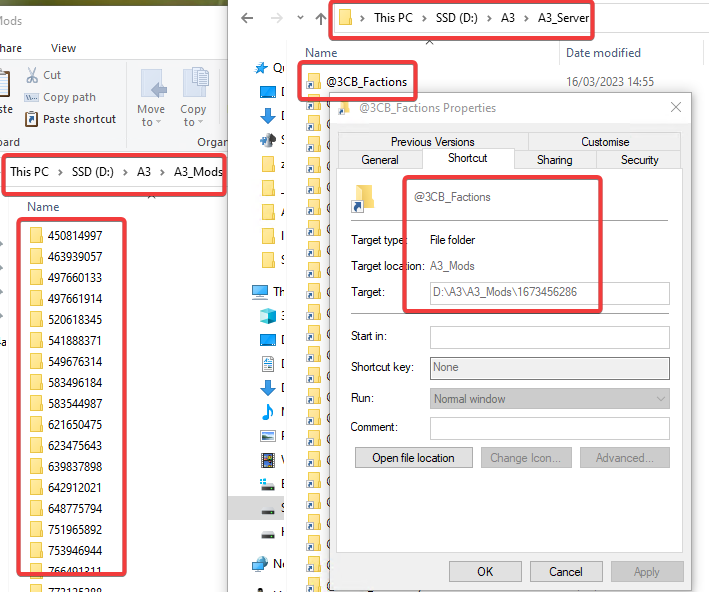
If you now instead, mods directly into the A3_server folder, espl with local mods that have a @modname like this, it creates a SymLink Folder with the same Name and overwrites your original, local mod folder, resulting in the data being nuked.
D:\A3\A3_Server\
Here, Faster will keep the Arma3server.exe and all the files needed to run the basic arma3 Server, including Profiles etc.
D:\A3\A3_Mods\
Here, Faster will store Mods which are managed by itself via the Faster/Mods Tab, added via Steam Workshop ID or preset.html.
D:\A3\A3_ModsLocal\
This (optional Folder) should be place where you, as the server admin, can manage any local mods by yourself. You can add mods from this folder as Local Mods but those will not be updated by faster.