EN_Install_WinXP_i386_EmuGUI
Windows XP has been developed by Microsoft under the codename "Whistler" and released on October 25th, 2001. Although it's EOL since 2014, a few people still use it as their daily driver (not recommended). This is why we just have to do this!
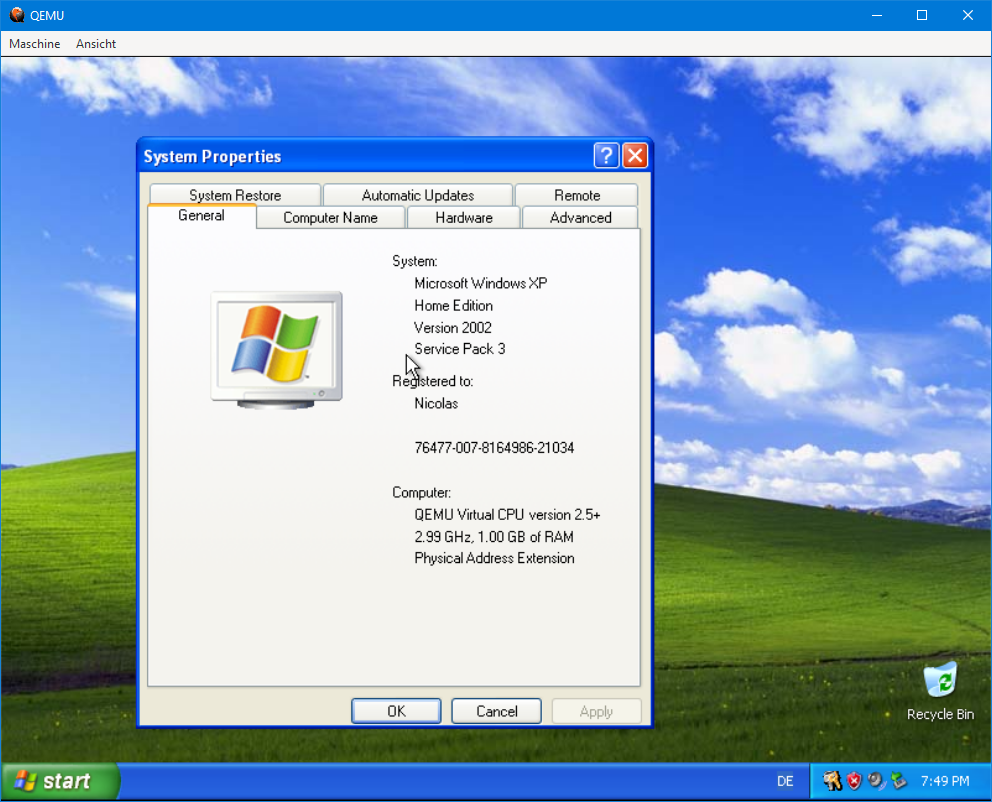
Before you can install Windows XP, you must meet the following requirements:
- You must have EmuGUI and QEMU installed. If you haven't, the link is here
- You must have a Windows XP ISO file. I won't show you how to get one for legal reasons.
Now, let's create a virtual machine. With EmuGUI opened, click on "New Virtual Machine" and choose the following:
- Name: (your name here)
- Architecture: "i386"
- Machine: "Let QEMU decide"
- CPU: "qemu64" or "host"
- RAM: between 128 MB and 2 GB
- VHD: QCOW2 format, 20 GB minimum
- USB support
- Additional arguments: "-accel tcg" (qemu64) / "-accel haxm", "-accel kvm", "-kvm-enable" or "-accel whpx" (host)
Now, everything should be fairly simple to get by yourself but here's the most important anyway.
- CDROM: (your Windows XP ISO here)
- Date & Time: Set to system
- Boot from: d
- File system: NTFS
Everything else should be pretty easy.