Making BDDStack Reports available through Jenkins Menu items
BDDStack generates a series of reports as a result of the test run, but these reports are not all that easy to access. The following describes a method to show the reports via a Jenkins menu entry, making access significantly easier.
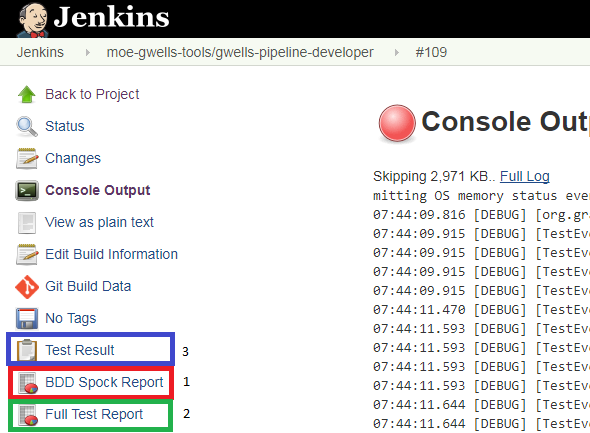
- Spock Report (Typically the best report to share with your Client)
- GEB Test Results report (Typically the go to report for testers and developers)
- The standard Jenkins JUnit report
In order to set this up you need to do the following: