mici ui replay: refactor events to support custom delay #37106
Conversation


mici raylib UI Preview❌ Videos differ! View Diff Report |
There was a problem hiding this comment.
Pull request overview
Refactors the UI diff replay script to schedule replay actions by time delays per event (in seconds) instead of frame-based timestamps, making it easier to add events with varying durations.
Changes:
- Renames
DummyEventtoEventand adds adelayfield (default1.0s) to control pacing between events. - Simplifies
SCRIPTfrom(frame, event)tuples to a sequential list ofEvents. - Updates the replay loop to advance events based on elapsed time rather than exact frame numbers.
💡 Add Copilot custom instructions for smarter, more guided reviews. Learn how to get started.
raylib UI PreviewAll Screenshots
|
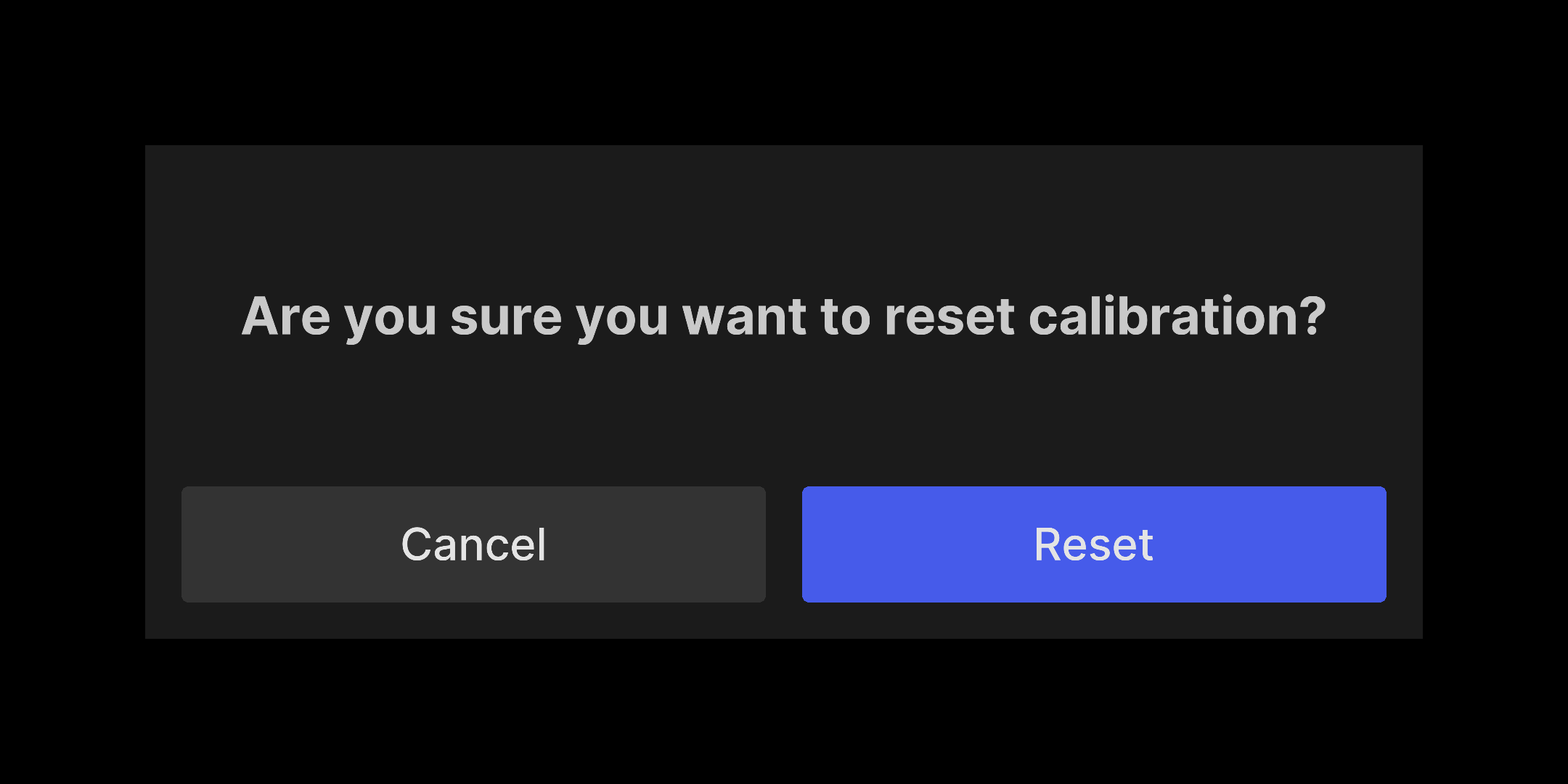
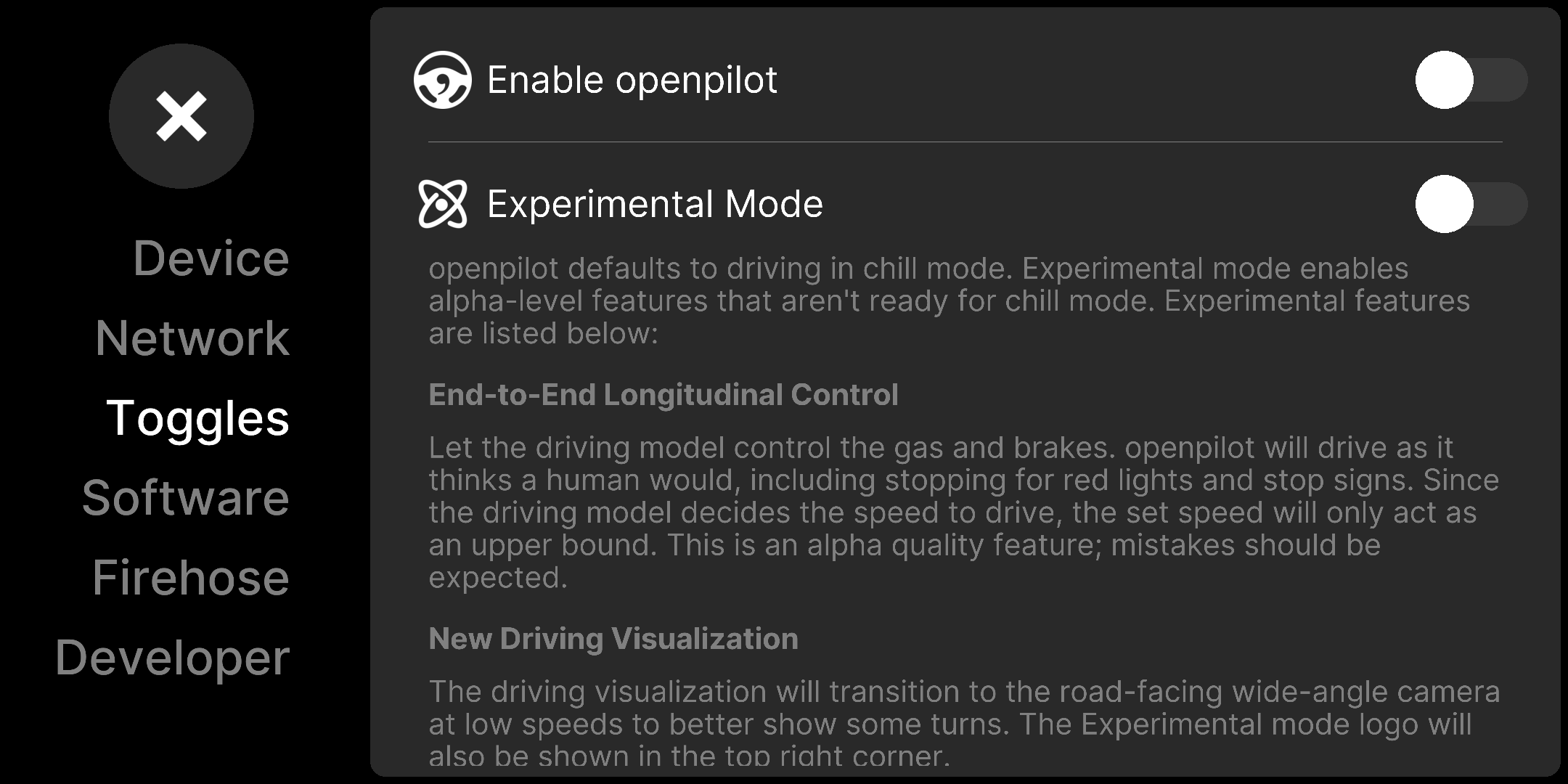
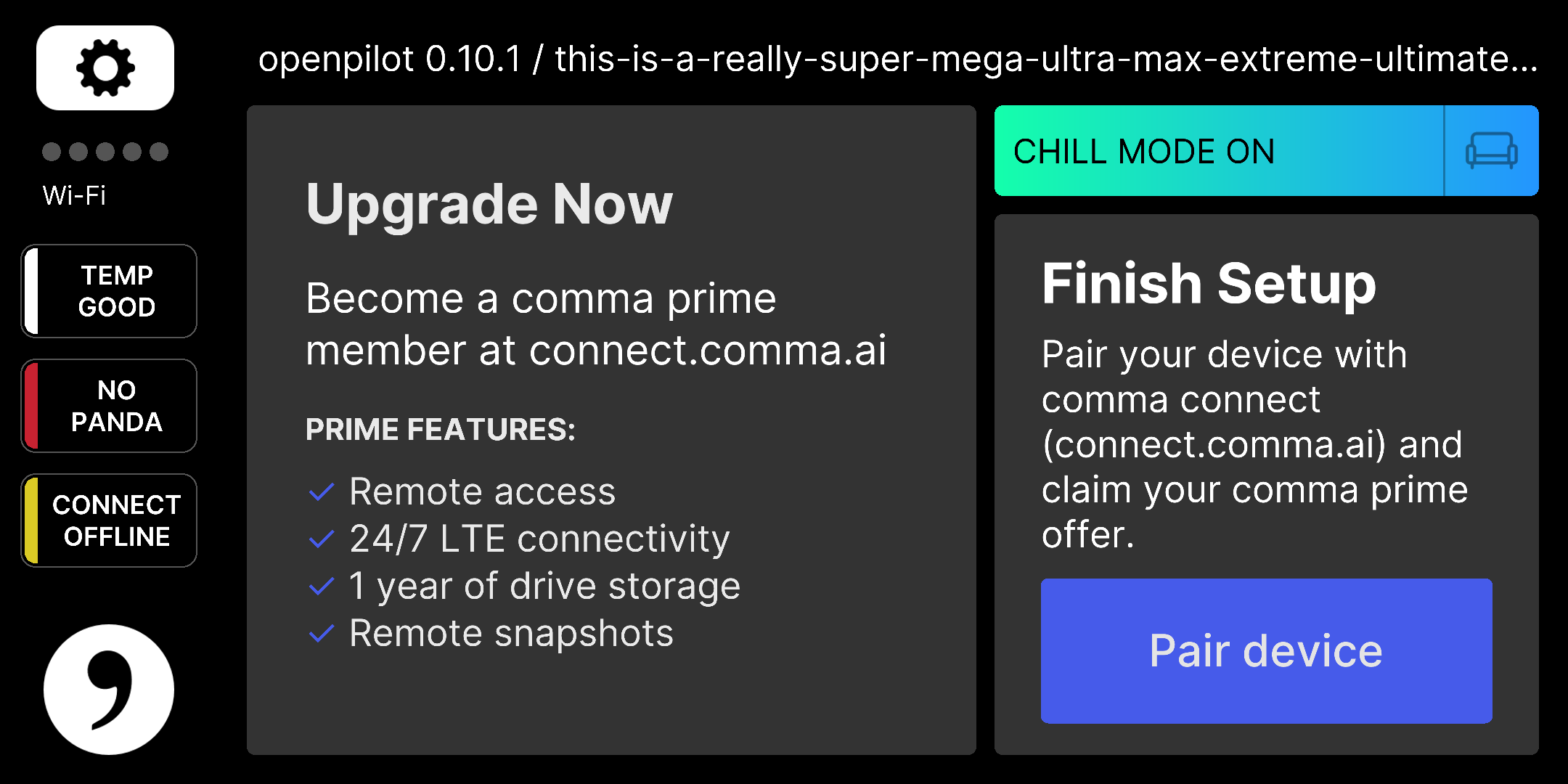
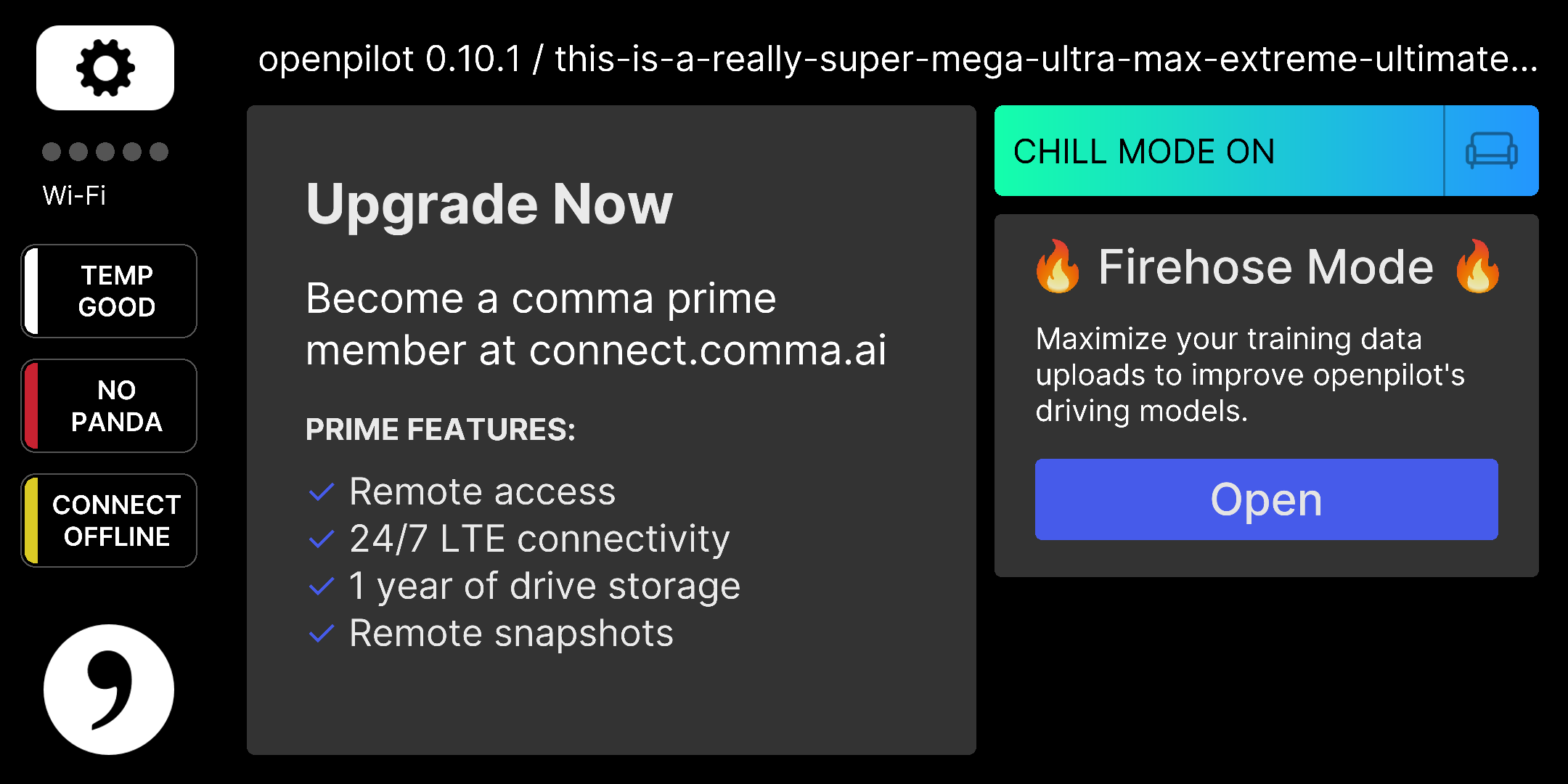
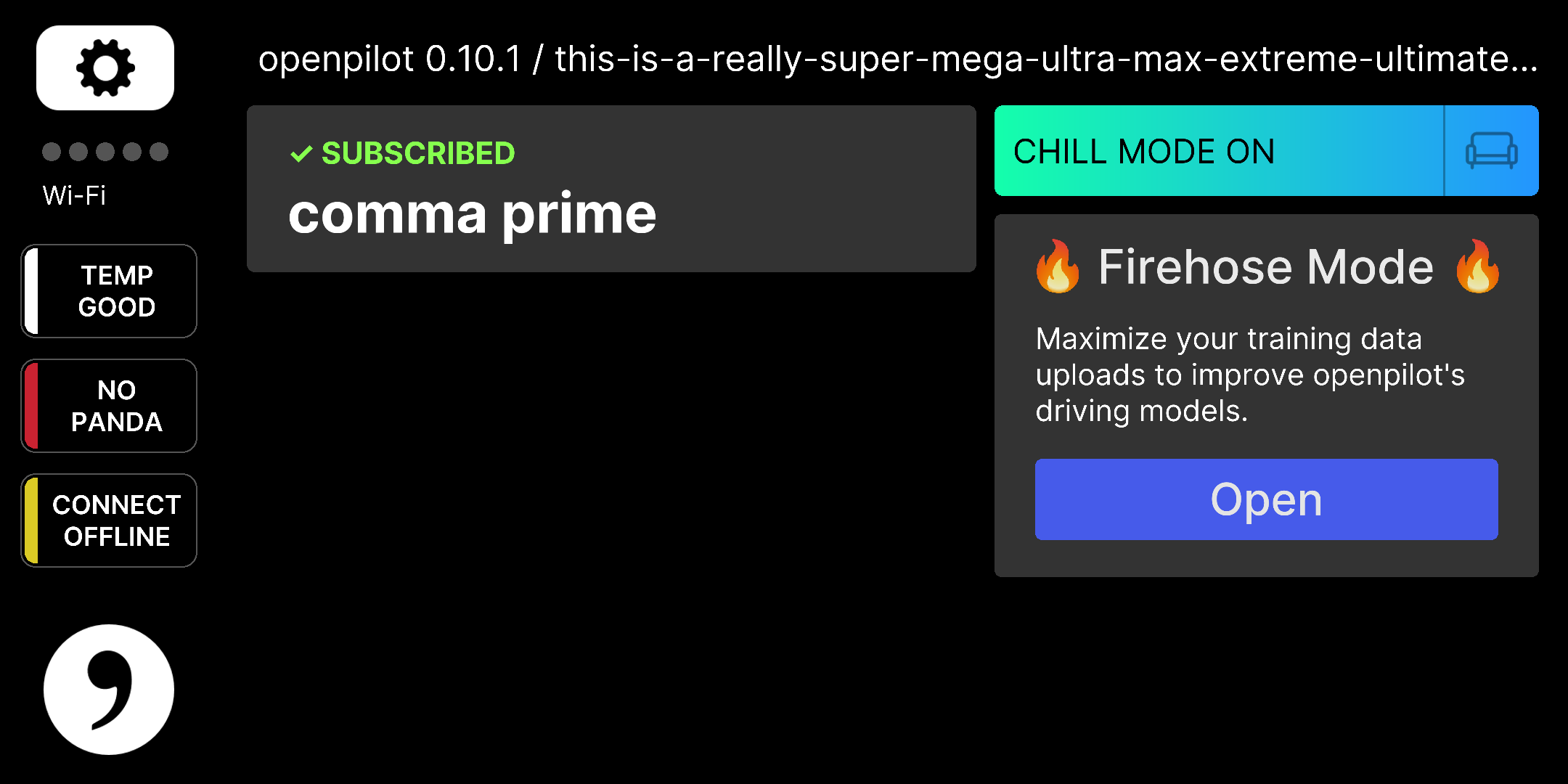
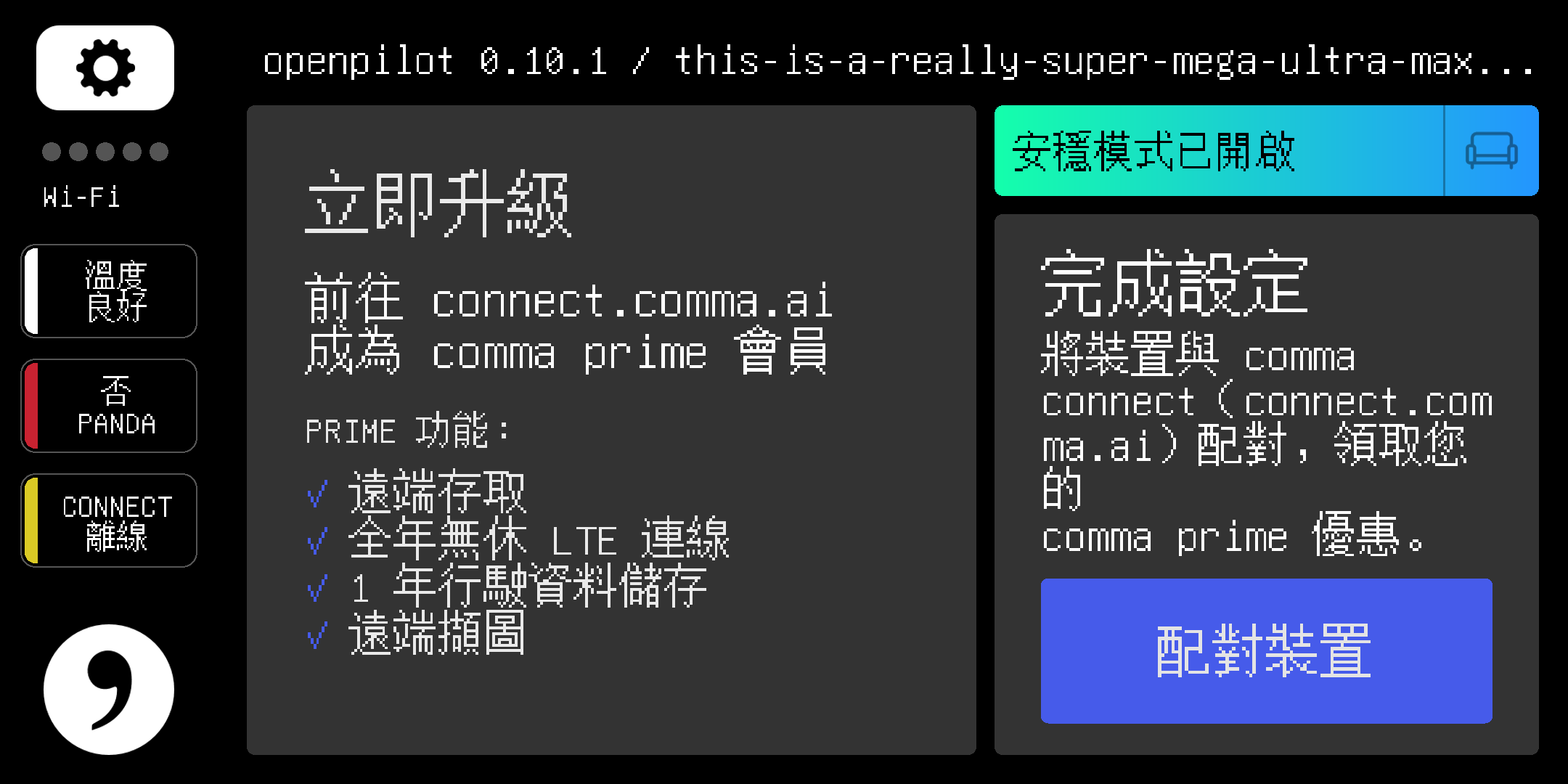
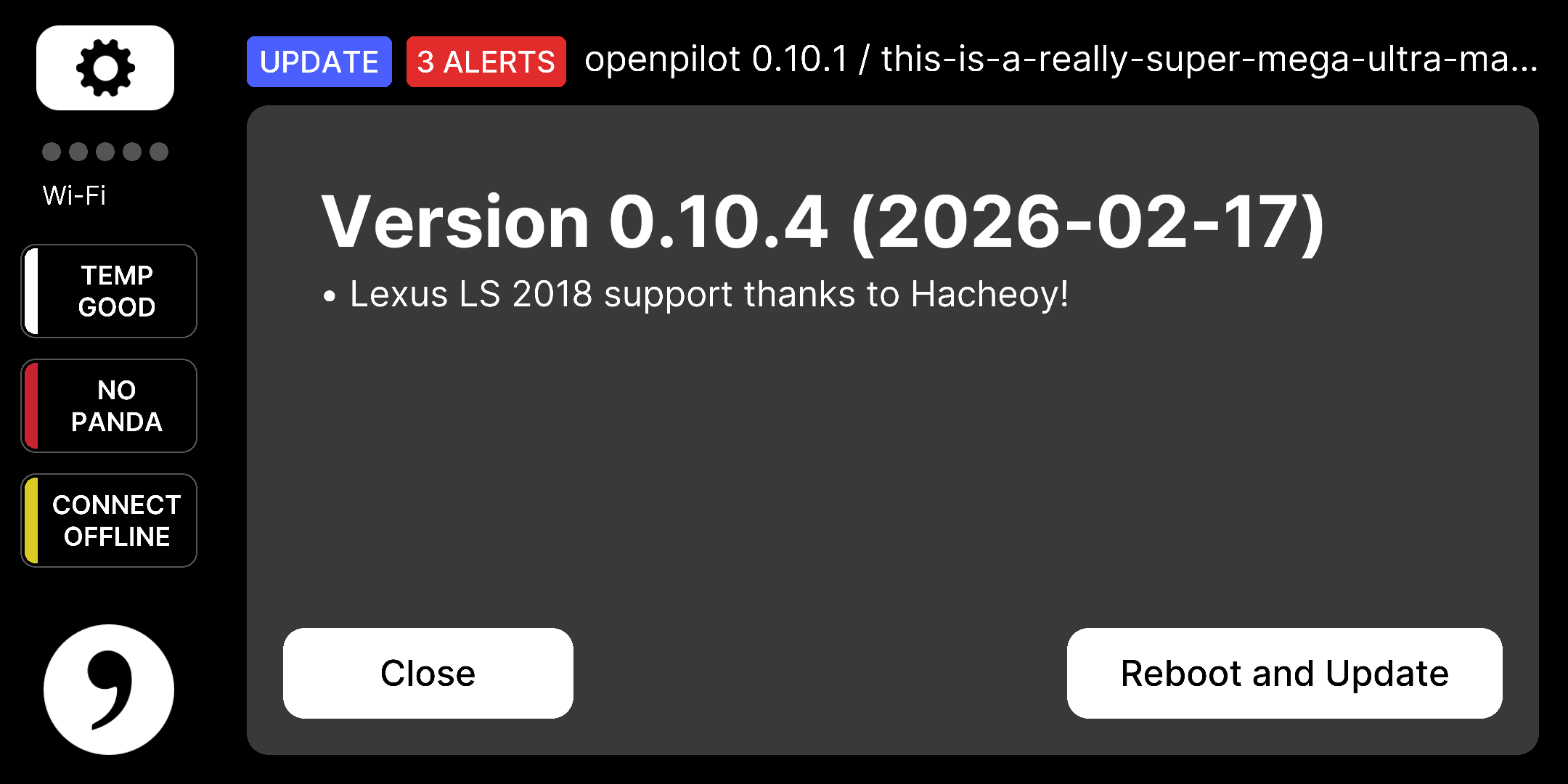
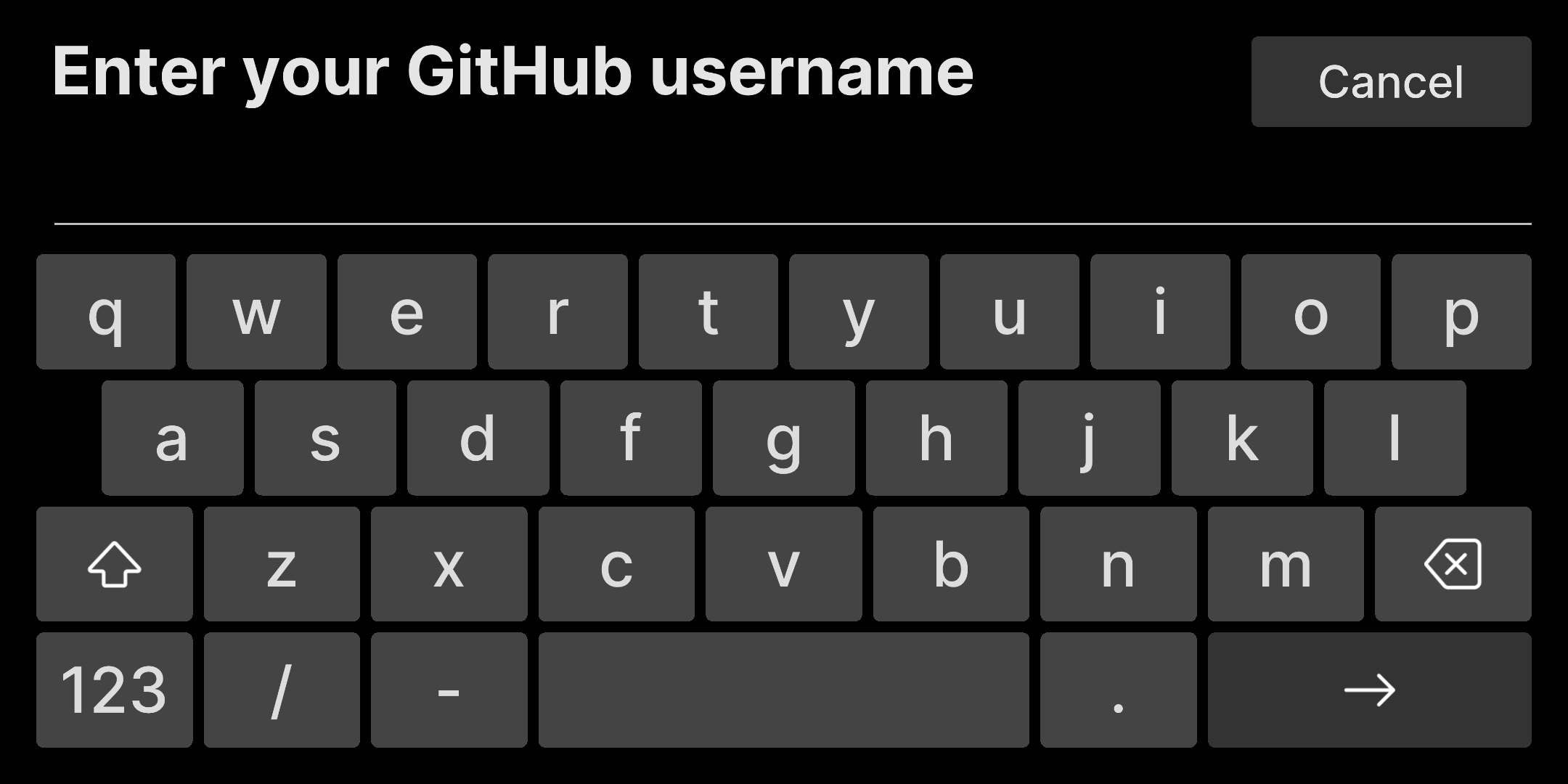
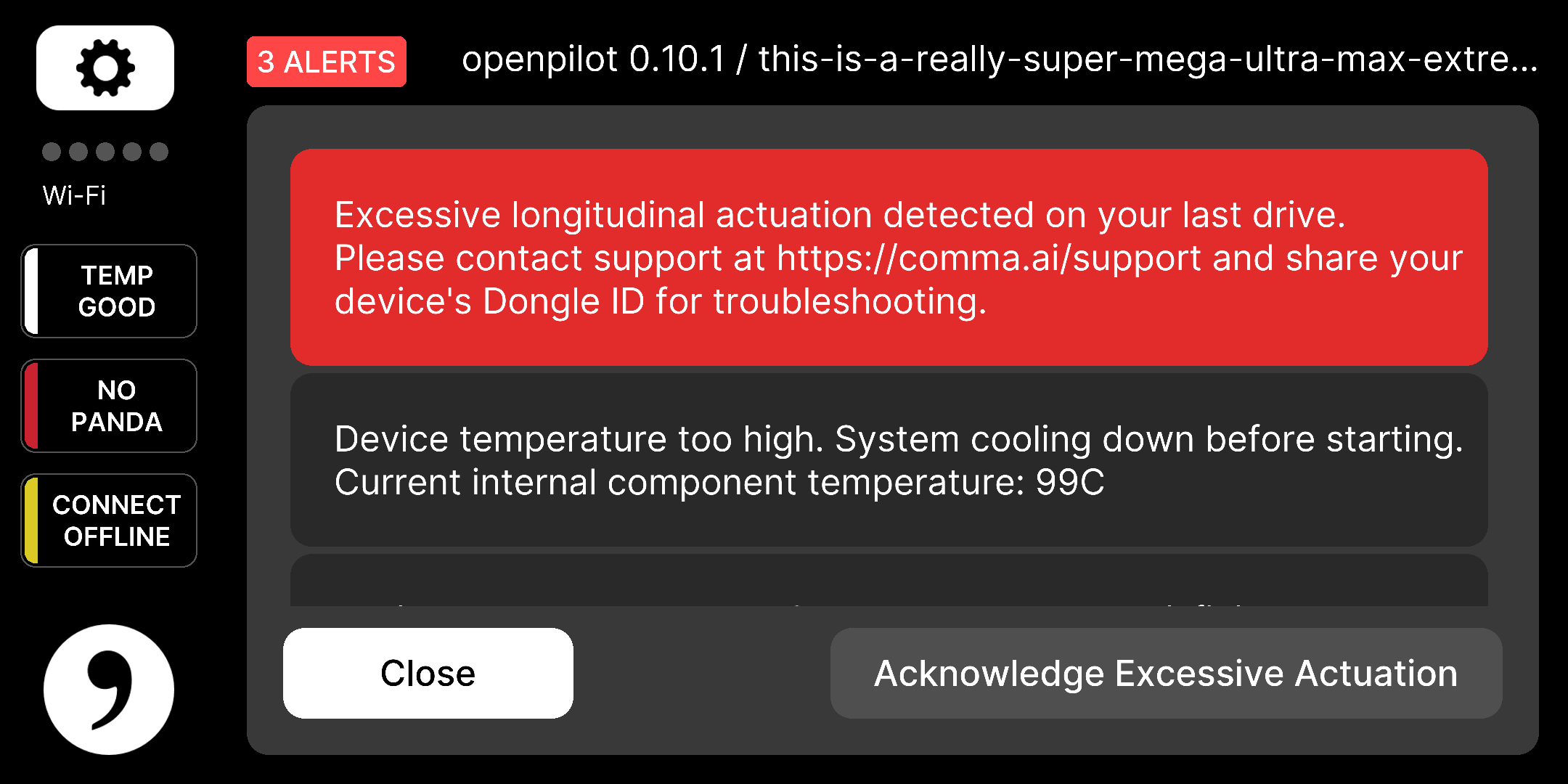
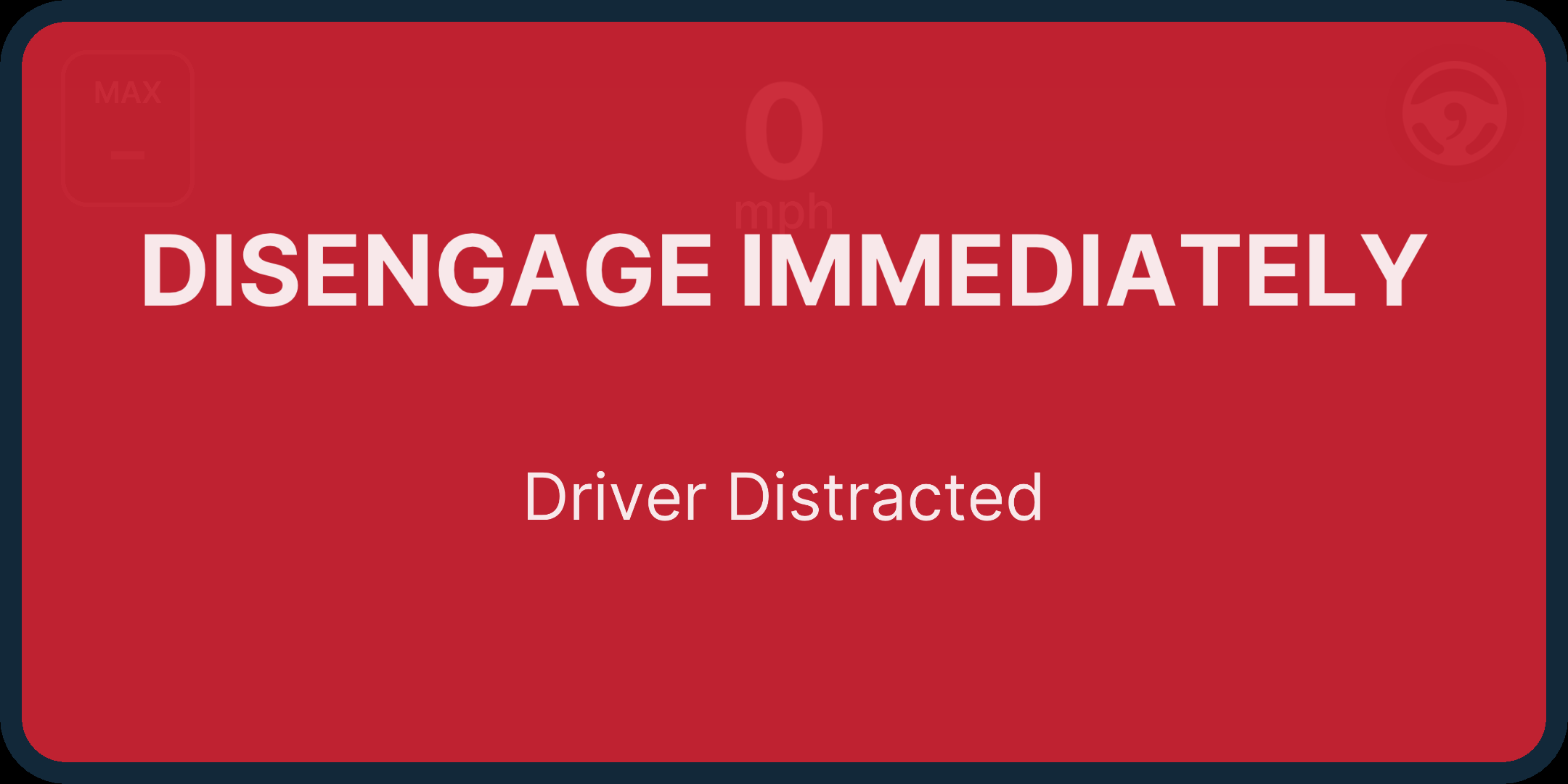
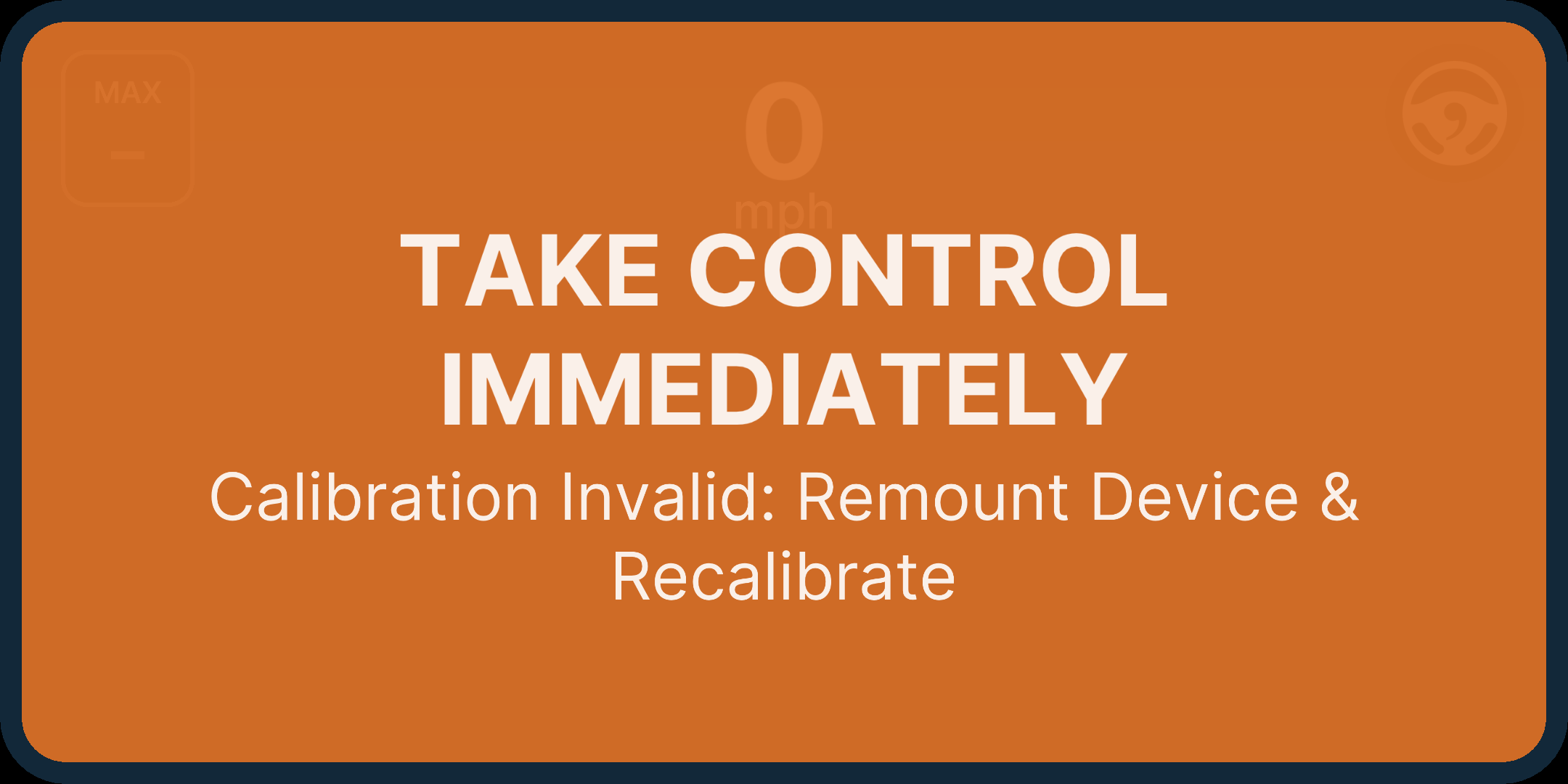
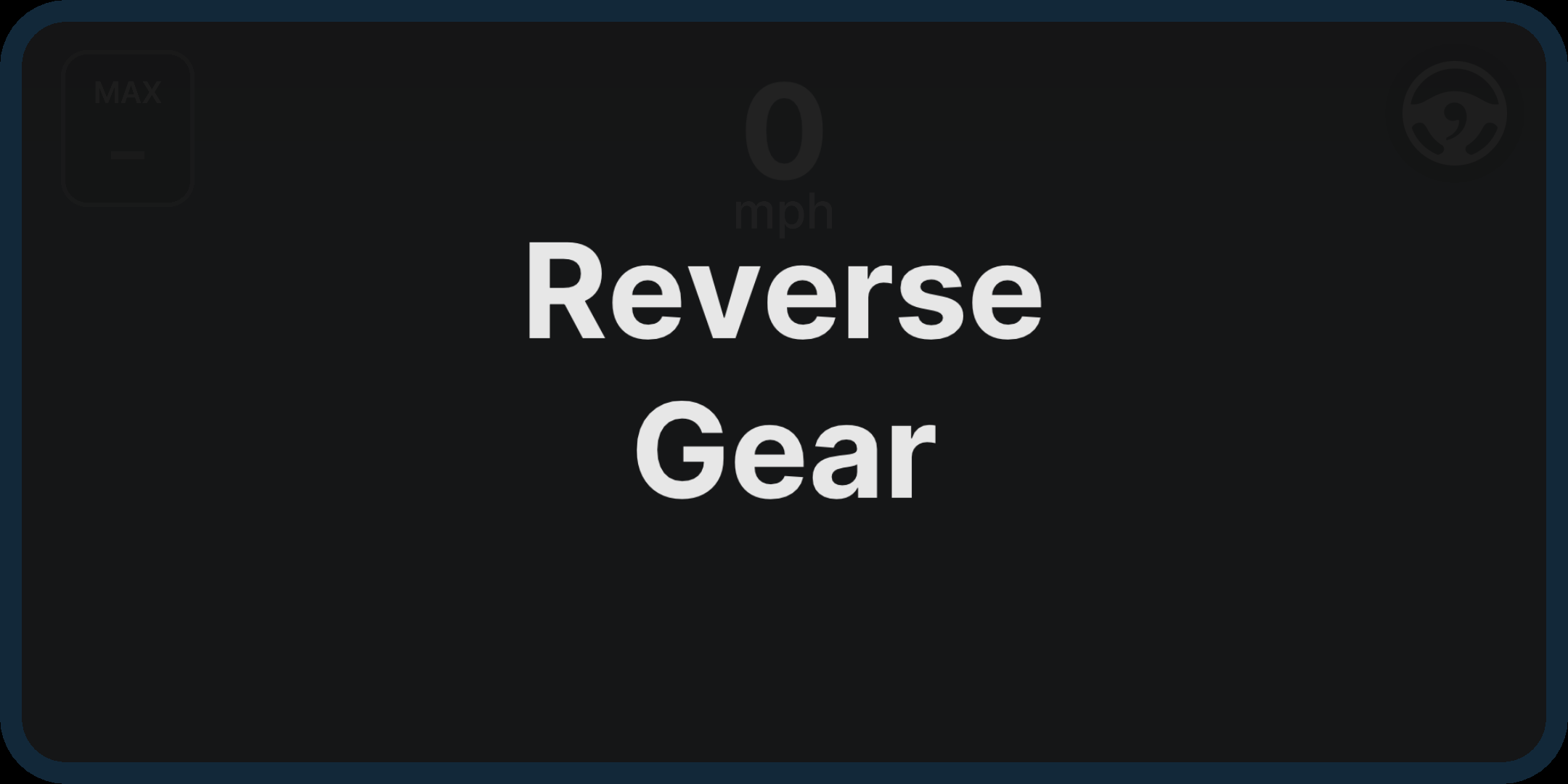
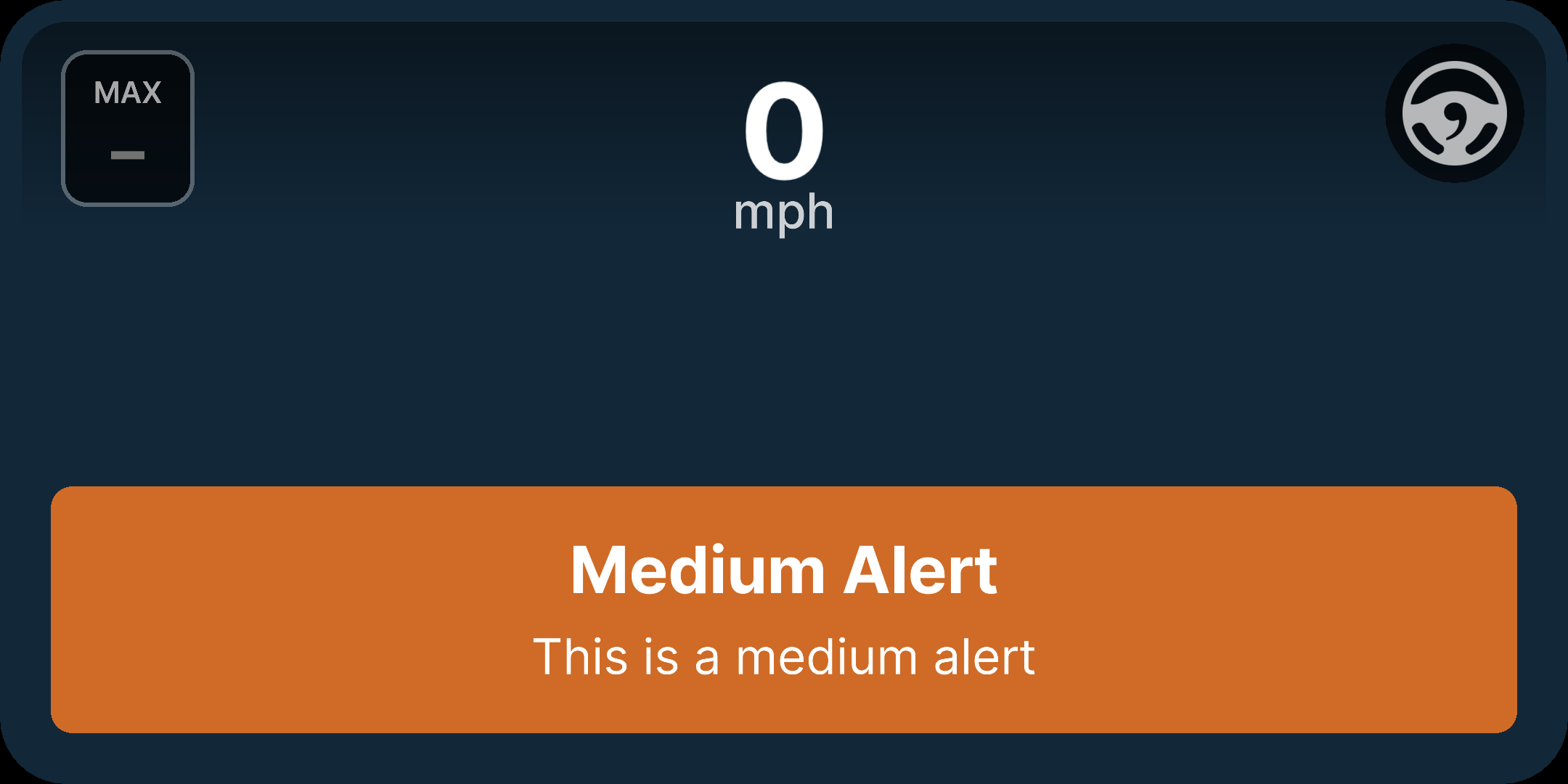
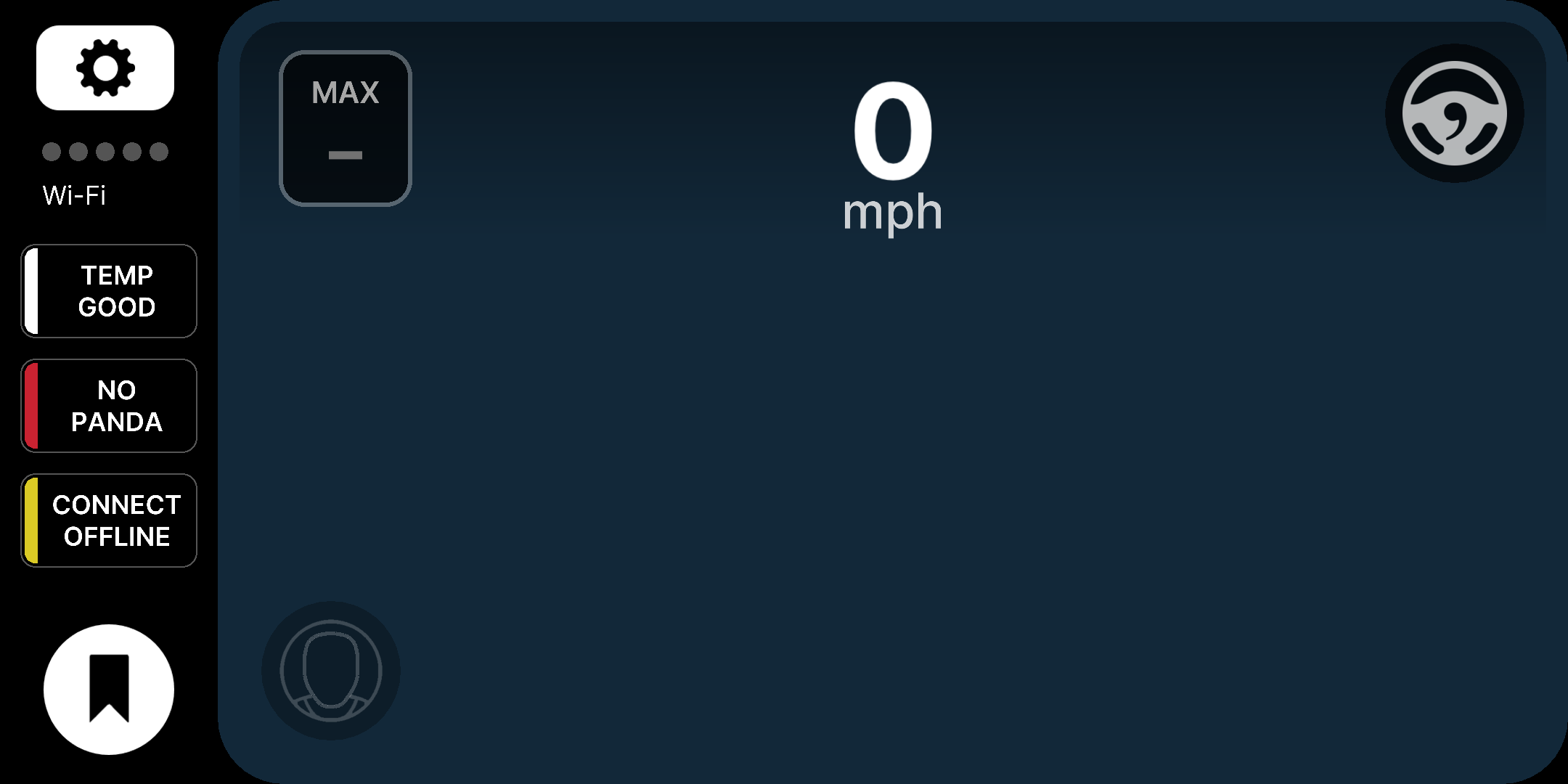
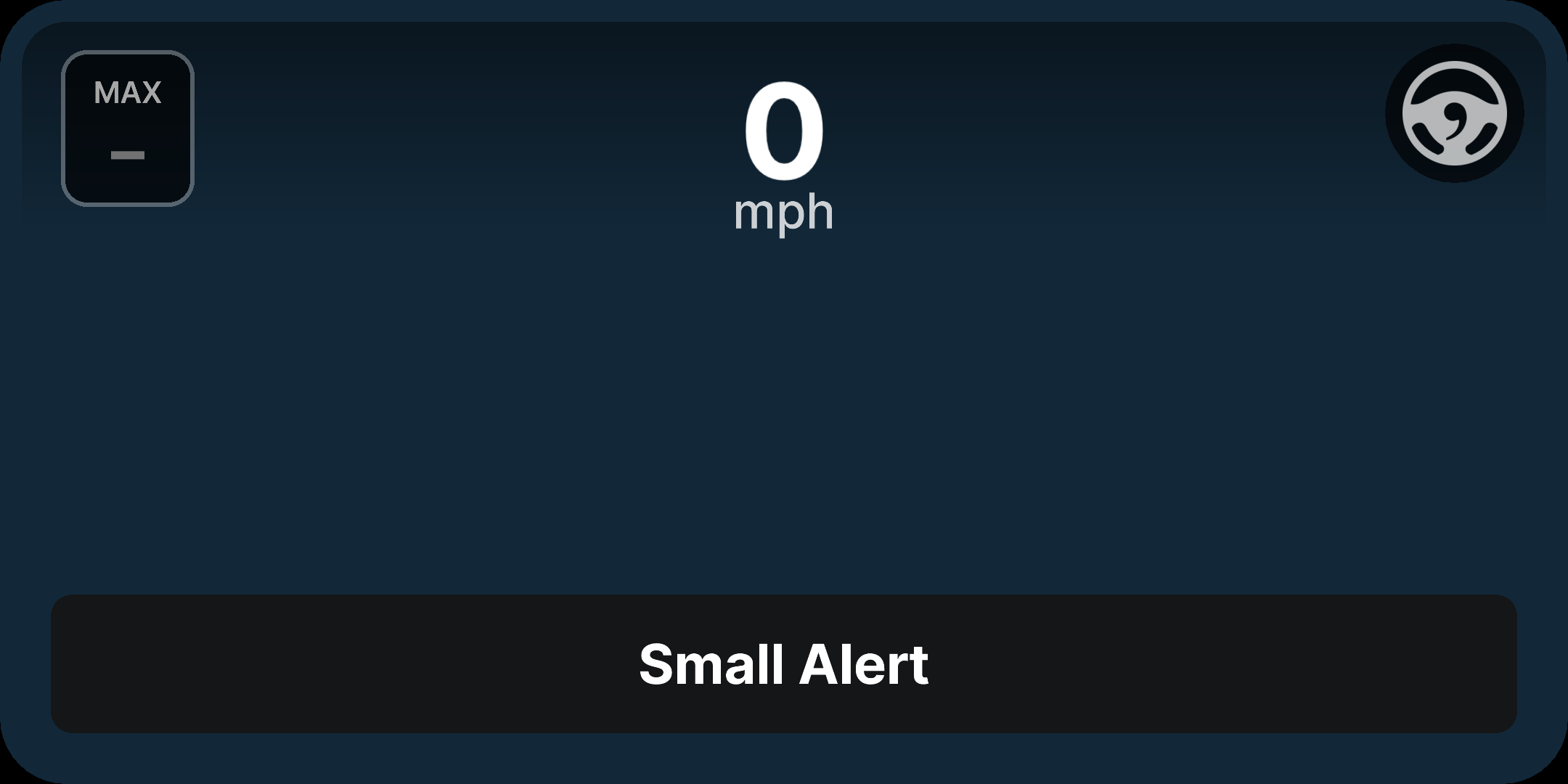
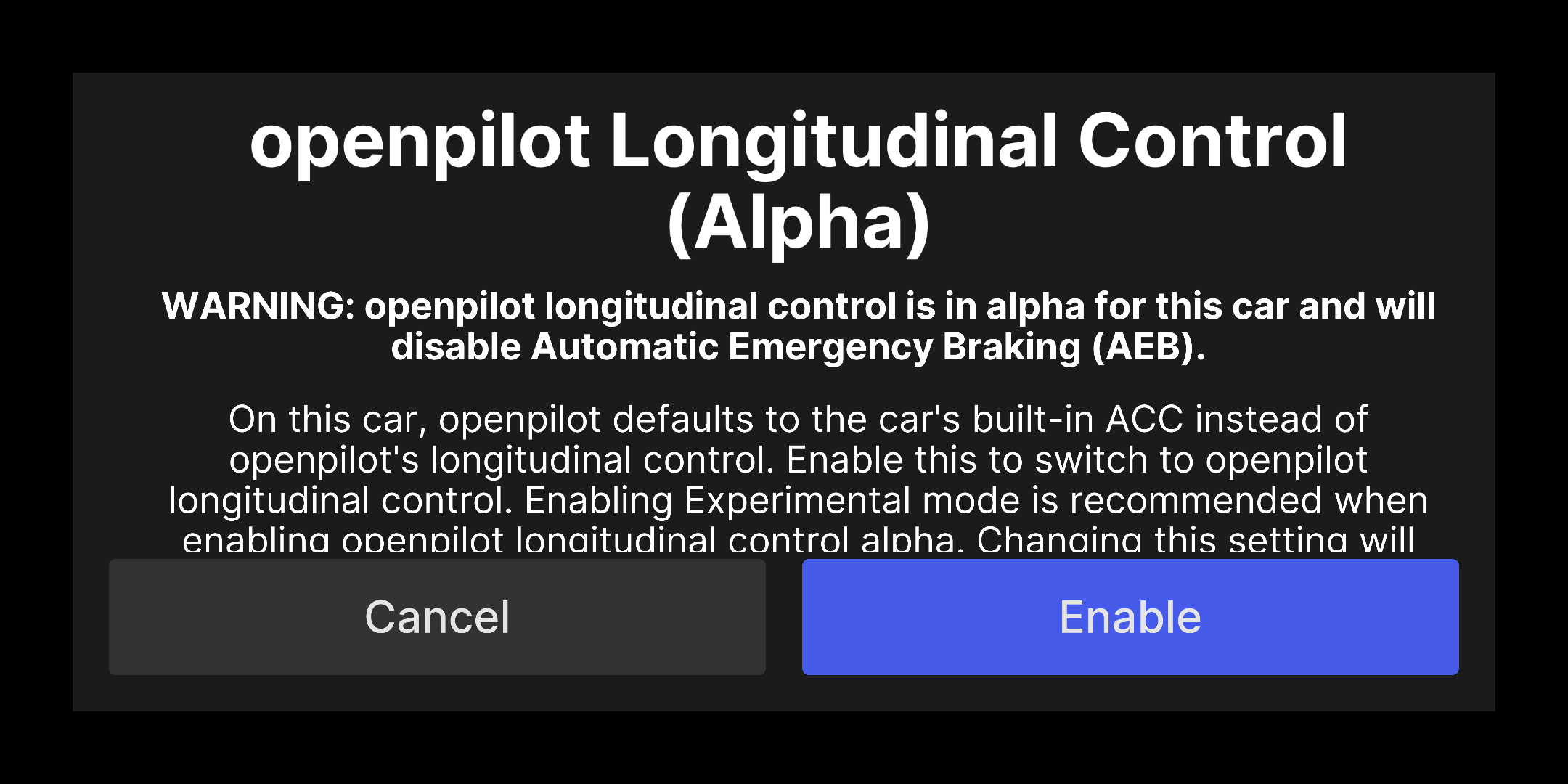
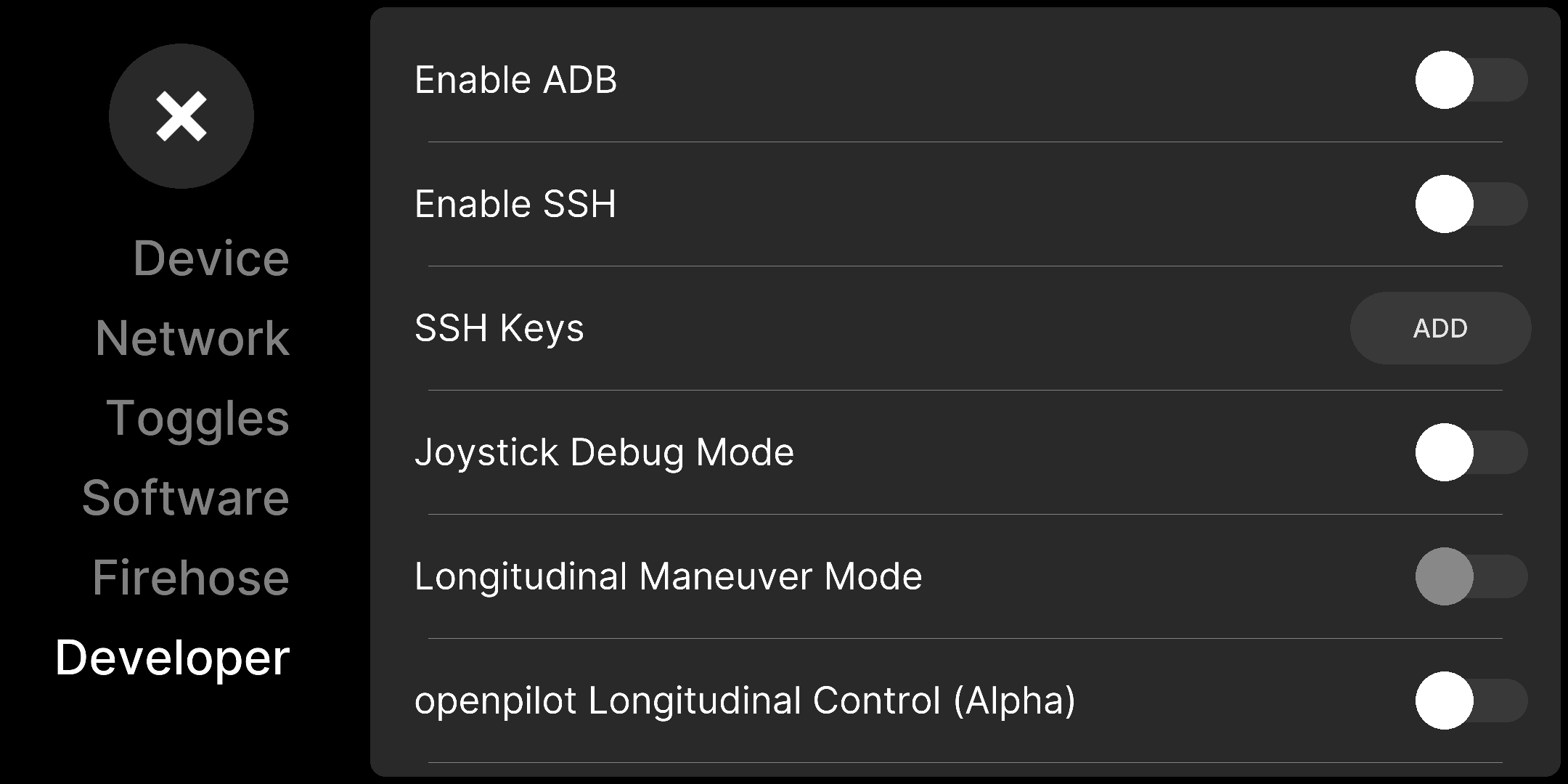
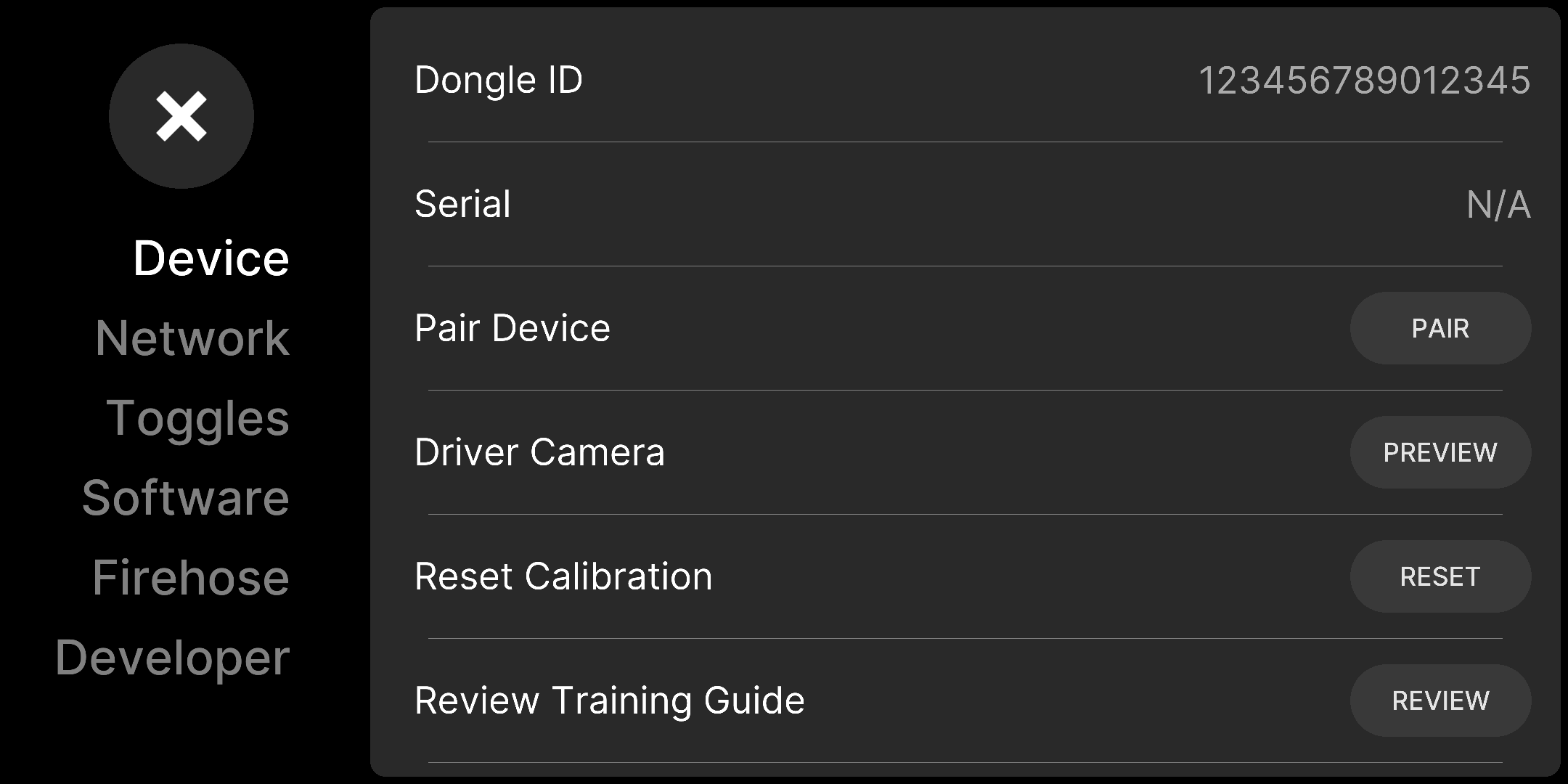
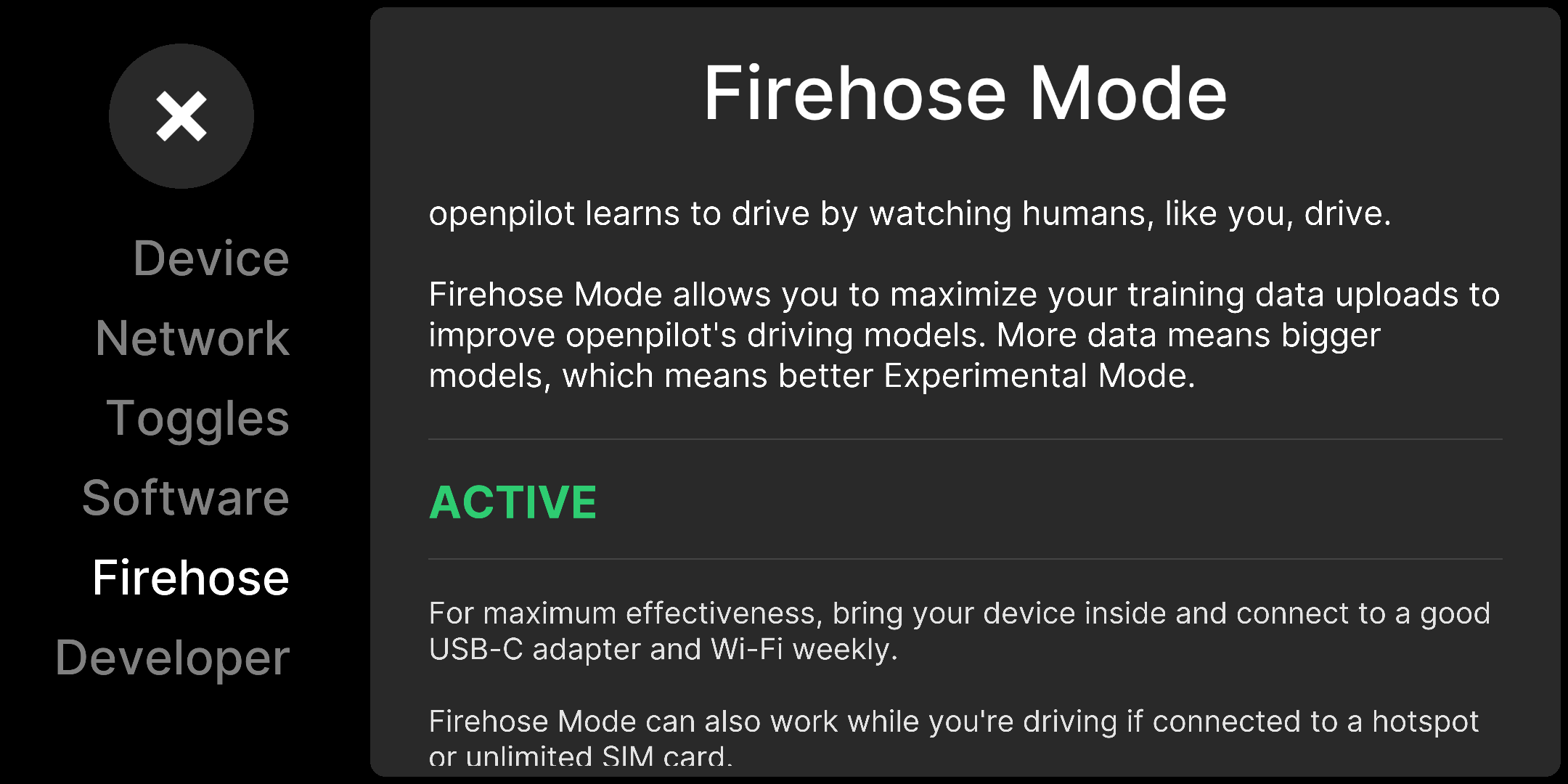
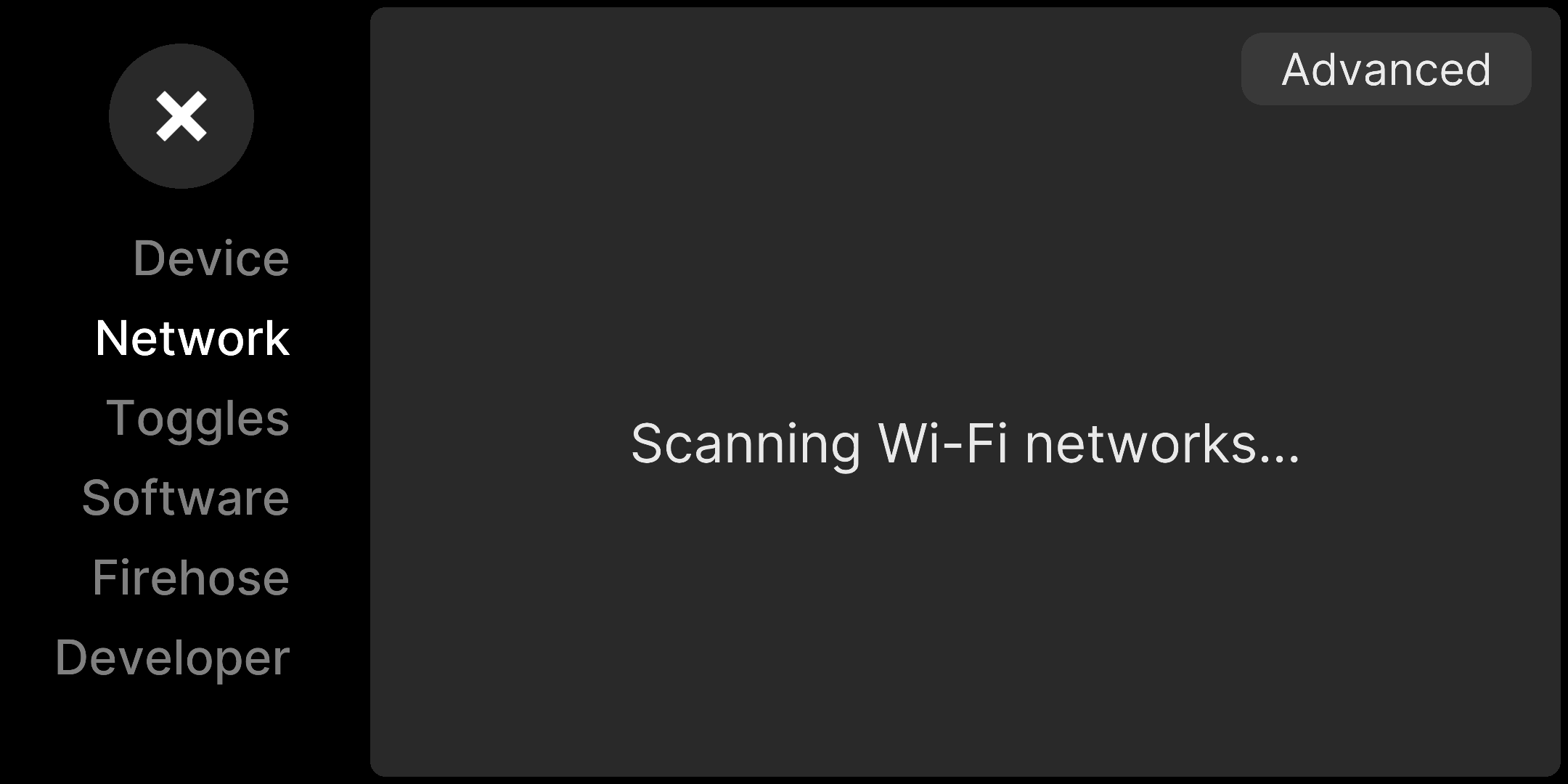
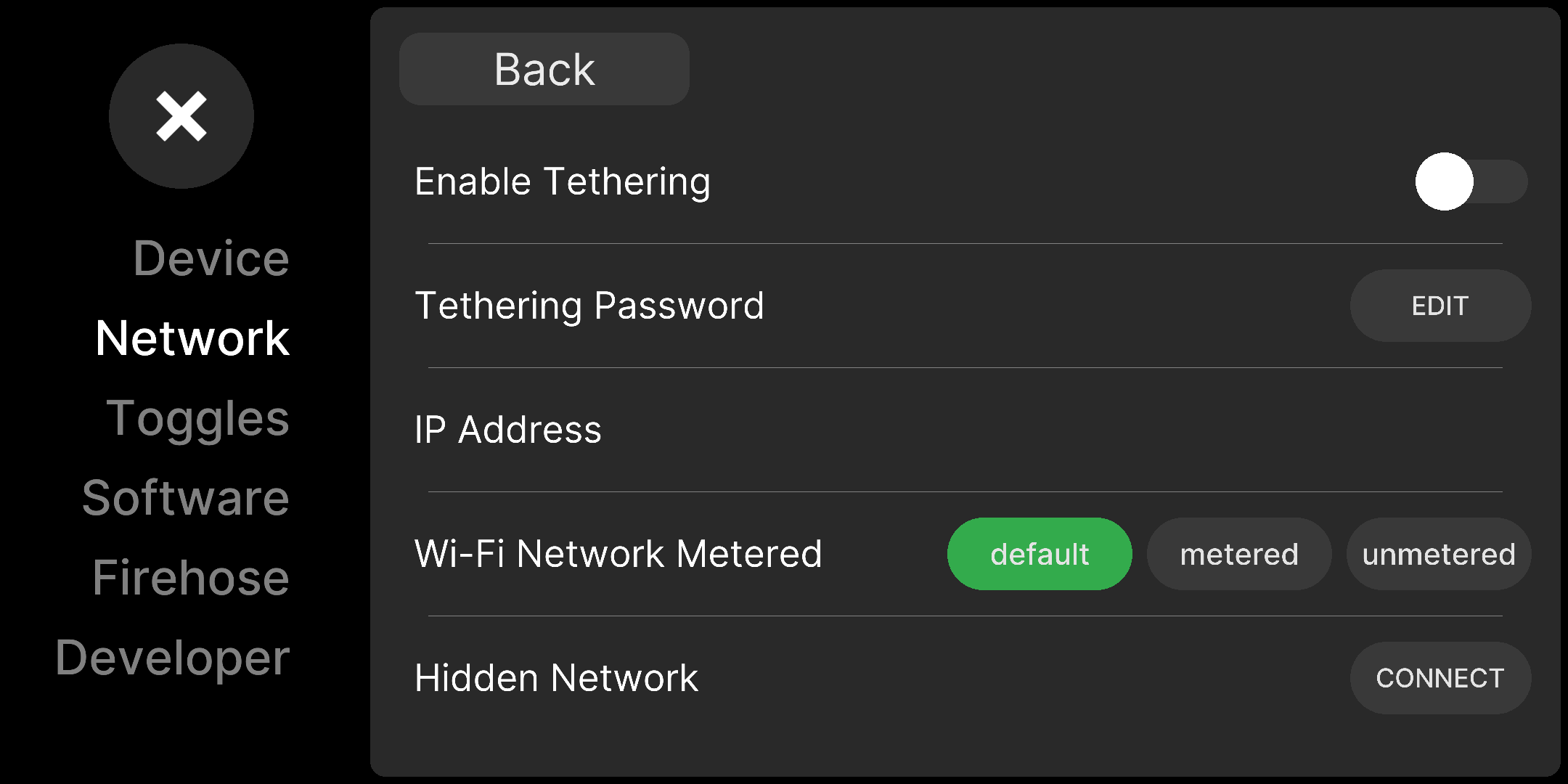
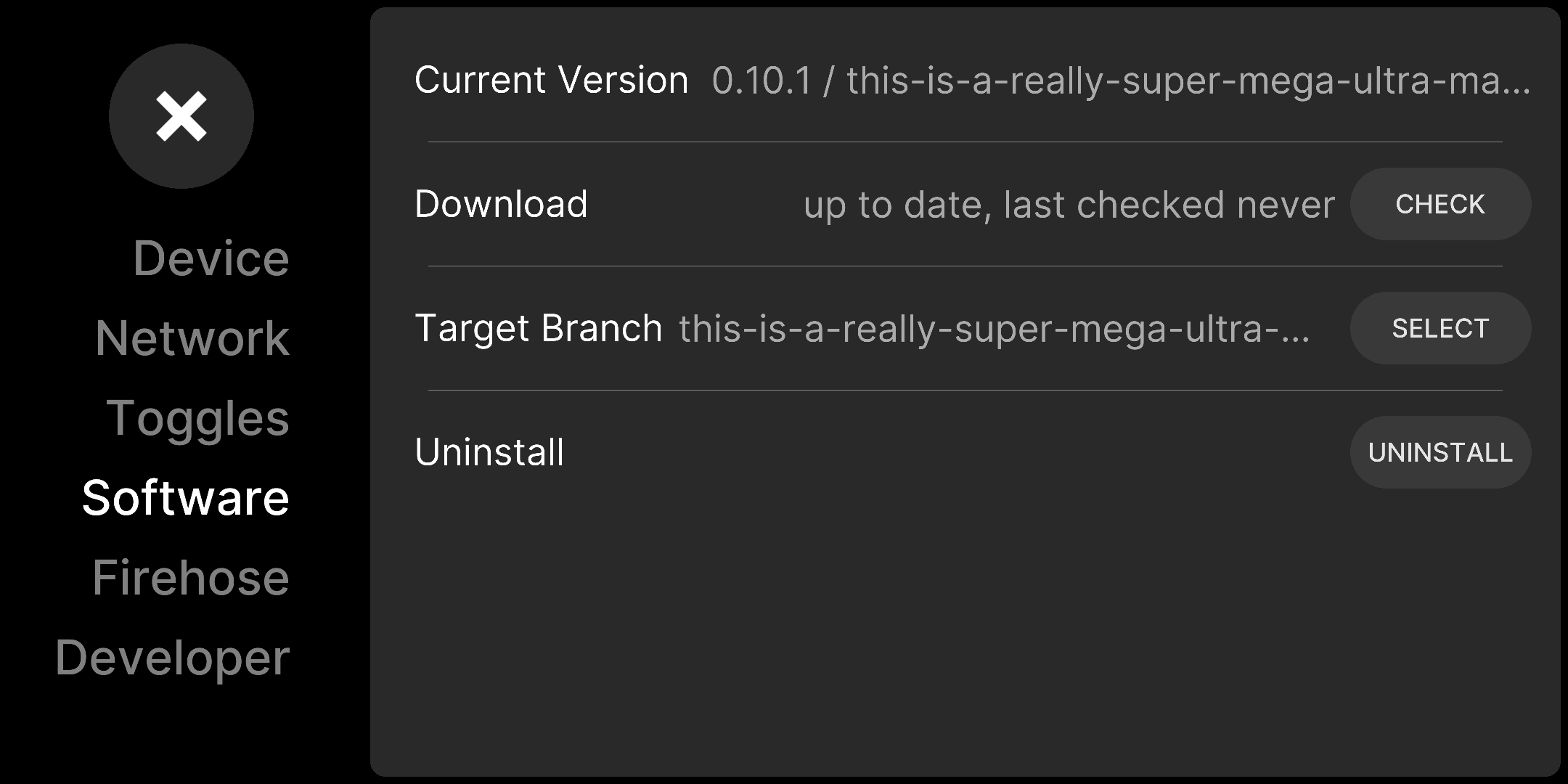
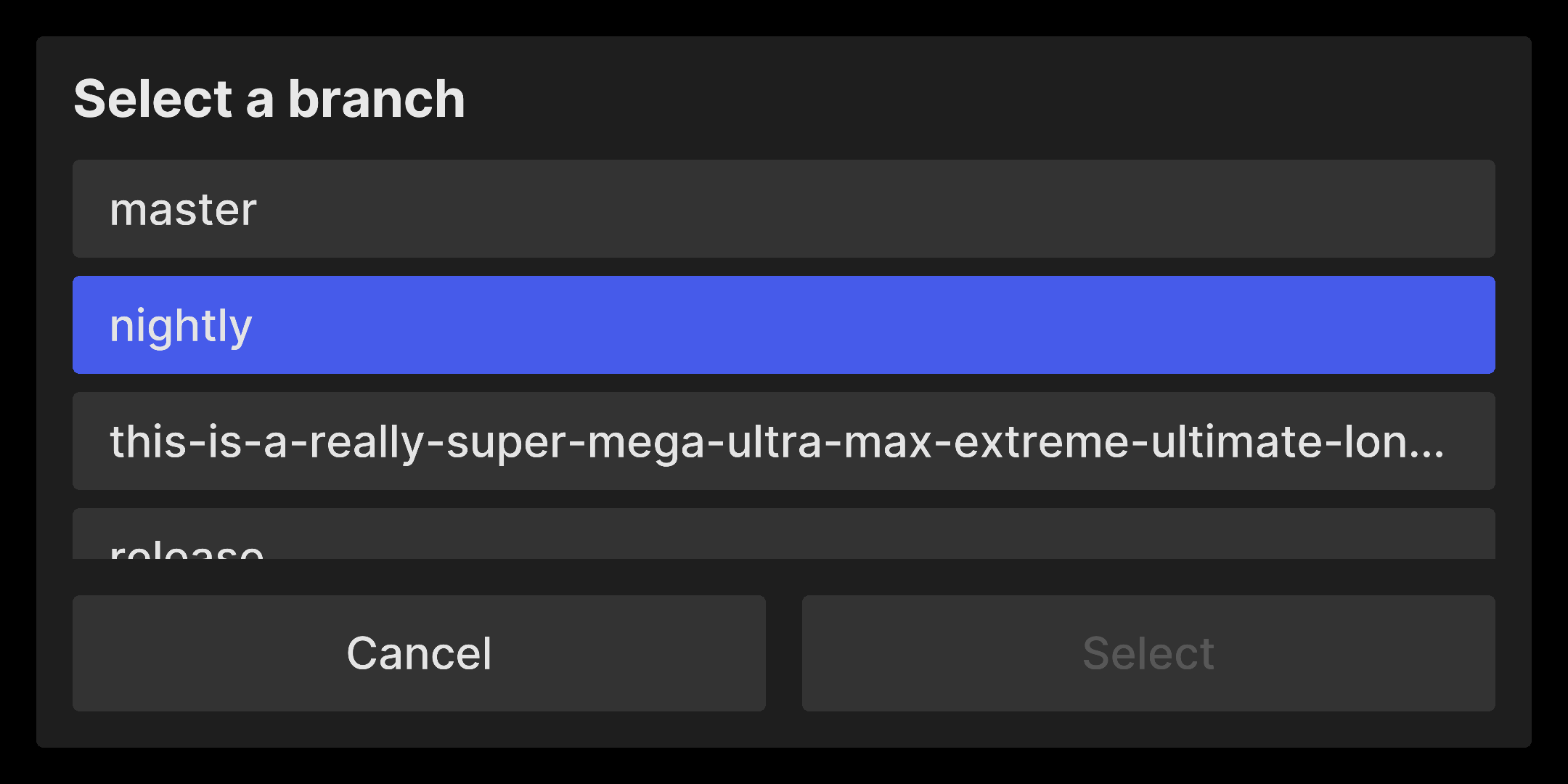
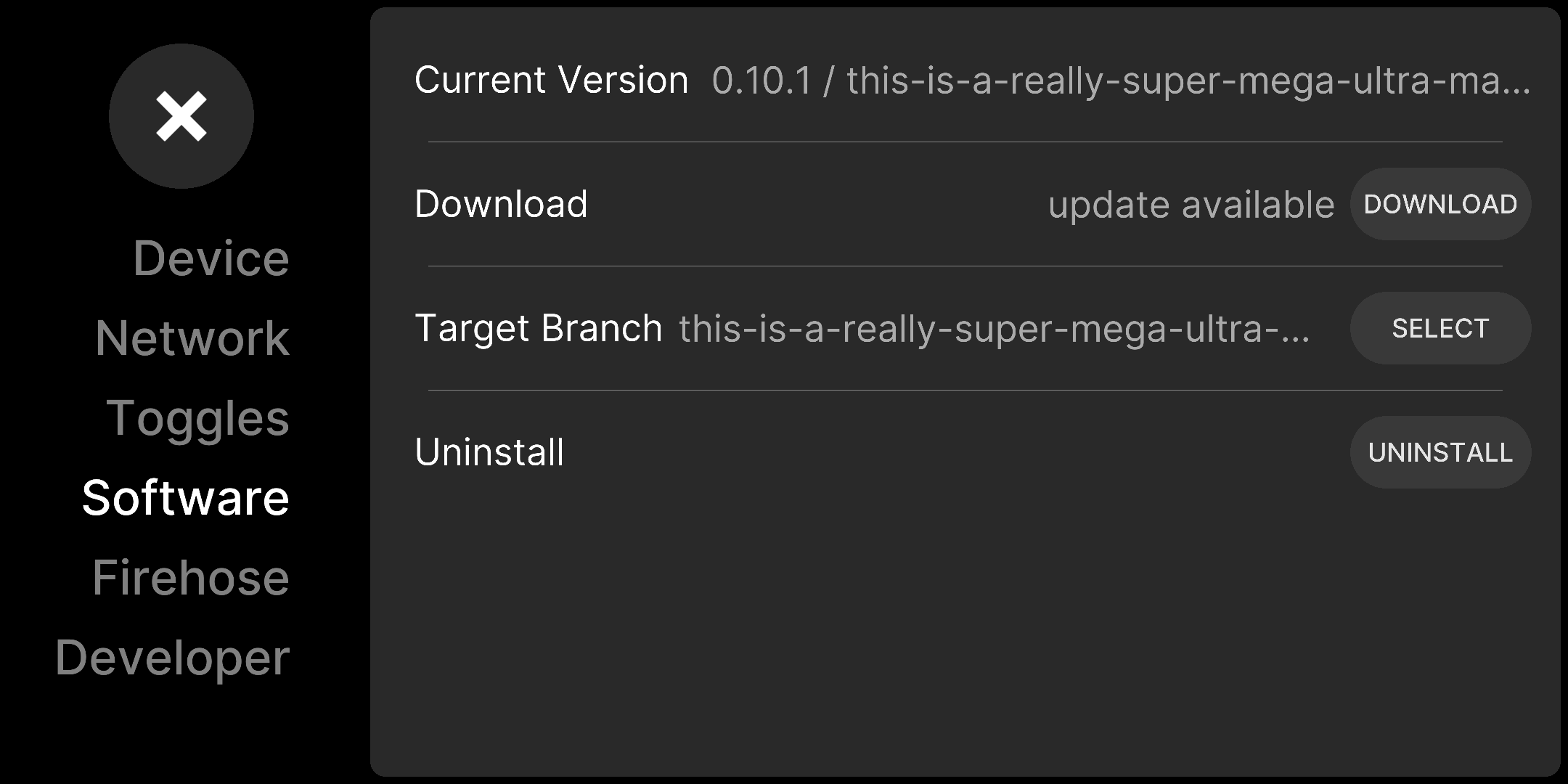
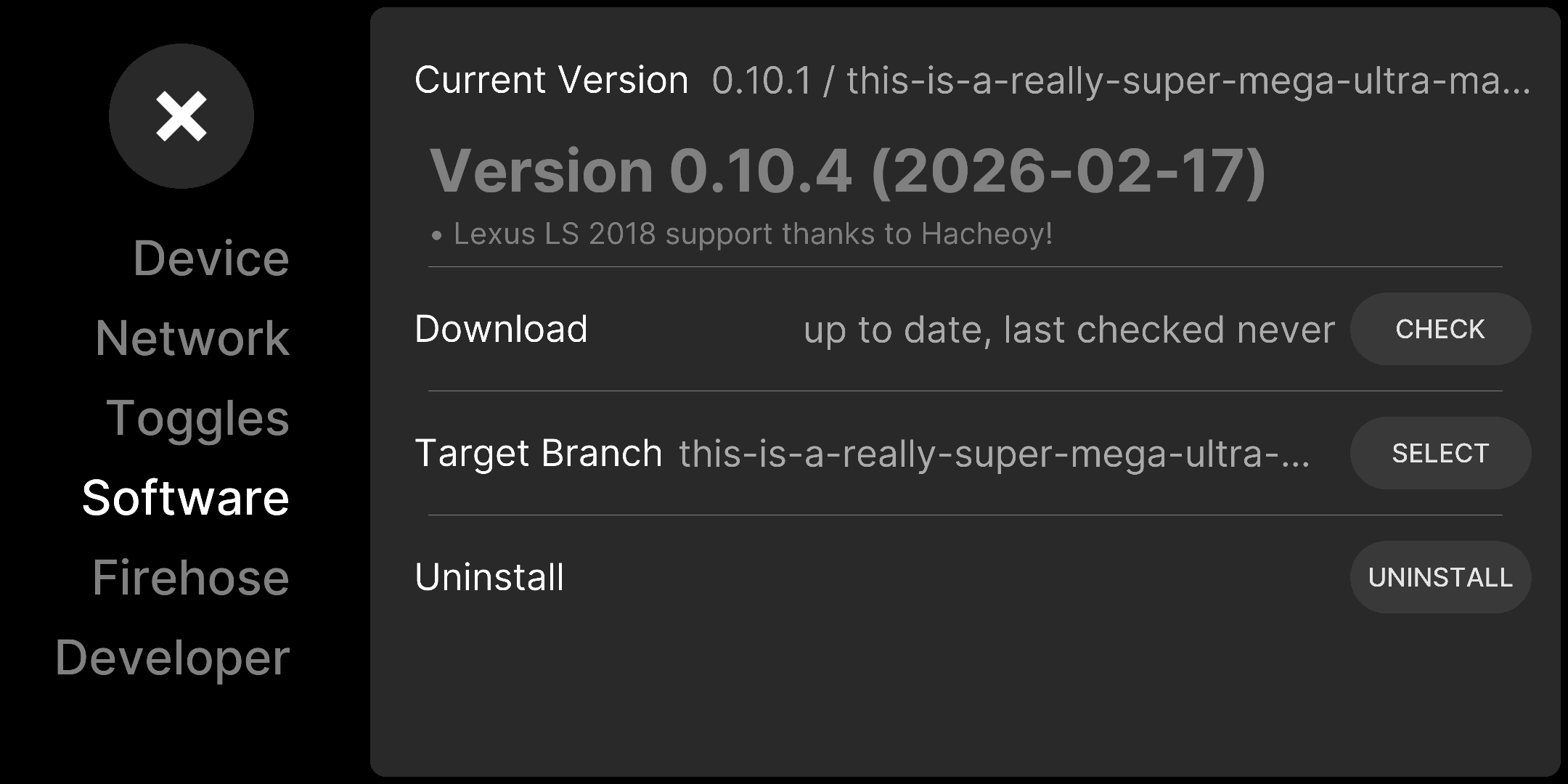
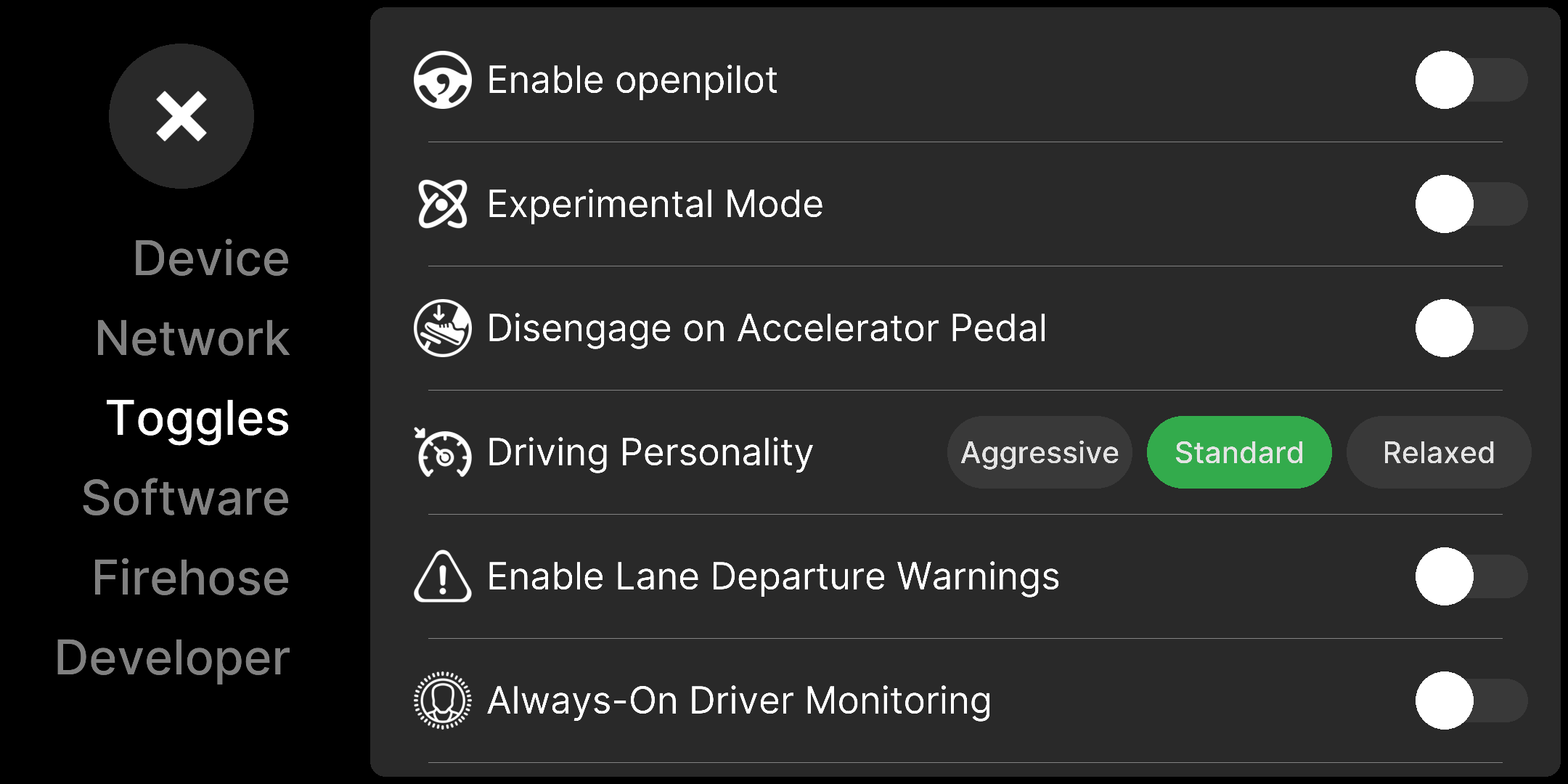

I'm making a fix for the interdetermism next. But on my end, running it twice and diffing doesn't show any difference within this PR, so the UI diff must be due to a slight change to how the timing of the events are processed. |


|
keeping timing based on ticks / frames is a good way to make it deterministic i would think you need to add lot of extra code to get wall clock timing to work |
|
RE: your other open PRs 🙂 |
Yep, and that should still be how it works with this PR, because the elapsed time is calculated as And as you likely have seen, we can solve the indeterminism for raylib timings for animations/scrolling using this idea: #37110 |
2 participants


Instead of manually specifying the time using the FPS, which was ugly, we can just pass in the delay for how long the event should wait before moving to the next one. It's 1 second by default, which is the same. Also I renamed
DummyEventtoEventsince the former implies nothing is happening.This will be more useful for adding future events with different durations.
Extended version of this PR can be found here: #37109. Consider just merging the latter to avoid me having to fix merge conflicts, but this one contains only the refactor without changing the events.