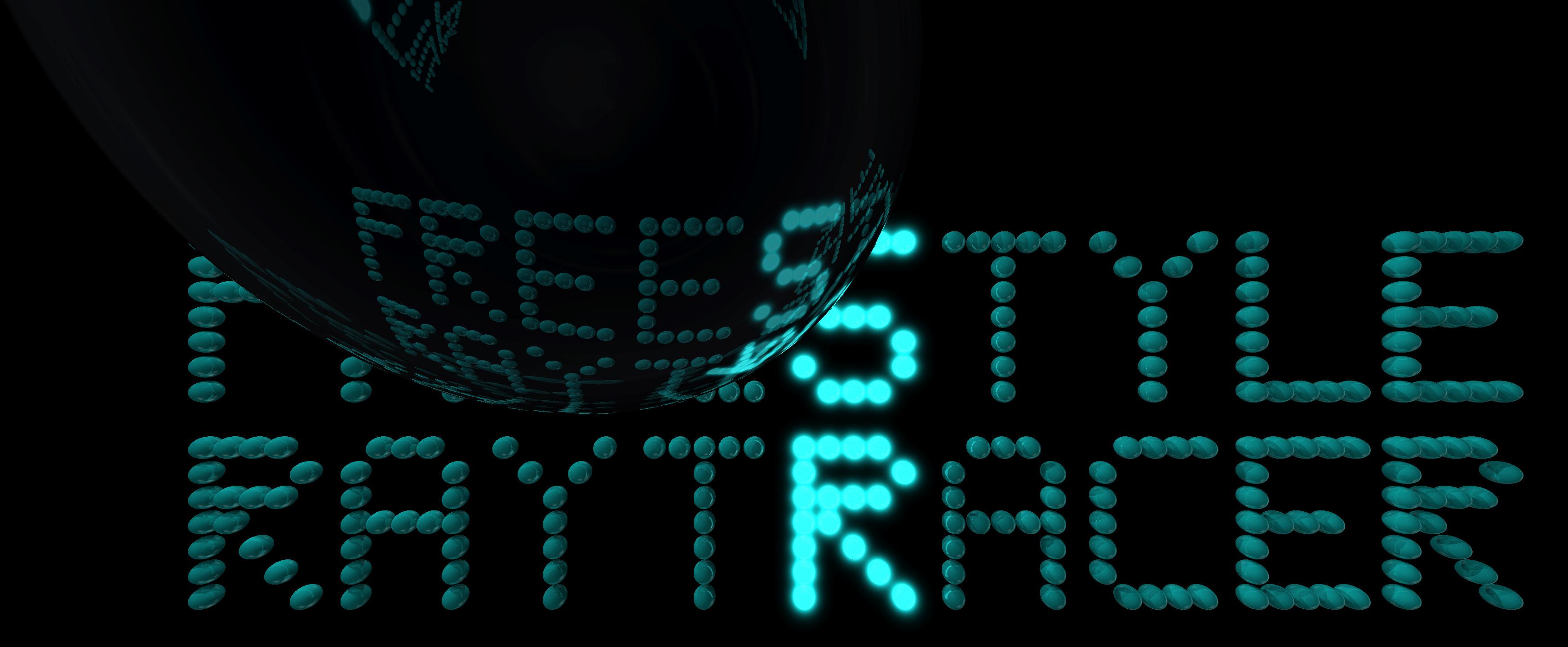

My first fully working ray tracer, running on the CPU.
I wrote it by relying on various sources without faithfully following any of them, often relying on my own intuition - hence the name.
It is not physically based as it uses the Phong lighting model and some easy to compute approximations.
- Phong lighting model (ambient, diffuse, specular light)
- Shadows with softness heuristics
- Reflection and refraction
- Various solids and shapes (sphere, block, quad, triangle)
- Texture mapping
- Moving camera
- Emissive materials (only spheres currently)
- Misc: background image/color, gamma correction, minimal rendering of OBJ files
Future ideas:
- Matte materials via Lambertian
- Cylinders
- Pinhole camera with spherical projection surface (instead of plane)
- Perlin noise textures
Show build instructions
You can build this project with or without (by default) textures.
You will need GNU make (make) and a C++17 compiler.
Optionally (to render textures), you will need imagemagick to convert
the pre-rendered textures to .ppm.
Each demo is found at src/demoXX.cpp. The binaries are found at
build/demoXX. To target a specific demo, set make's DEMO variable
(by default demo00). You can execute:
make                 # by default builds demo00
make run             # by default builds and runs demo00
make DEMO=demo01     # change the target to demo01
make run DEMO=demo01 # build and run demo01
You can run it manually as:
./build/demoXX
Demo files also accept command like arguments, such as the camera position and rotation - read their source for more.
Other commands:
make clean            # remove objects and executables
make rebuild          # clean and build
The outputs are generated as .ppm files.
Some demos (demo00, demo04) can run with texture mapping enabled. Texture files are large so first you will need to fetch them from git LFS. To install git LFS if you haven't already:
| Arch-based | Debian-based |
|---|---|
pacman -S --noconfirm git-lfs |
apt-get install -y git-lfs |
git lfs install |
git lfs install |
If everything is installed, update LFS and fetch textures:
git lfs fetch --all
git lfs checkout
At this stage, most files will be fetched as jpg/png. You will need imagemagick installed
to convert them to .ppm, so with imagemagick installed run:
make convert # calls ./scripts/textures2ppm.sh
Then you can continue by following the instructions from the previous subsection but with use-textures appended to the arguments, i.e.:
make DEMO=demoXX run use-textures
If you're having trouble, you can refer to how the CI pipeline does it.
If everything went fine, you will build your binary at ./build/demoXX. Most
demos are run with optional command like arguments as:
./build/demoXX <output_file.ppm> <camera_x> <camera_y> <camera_z>
               <camera_rotation_x_degrees> <cam_rot_y_deg> <cam_rot_z_deg>
They will write their output as PPM.
- If you want to gain performance at the expense of resolution decrease the camera's depth, or define non-reflective/non-transparent materials.
Implementation details
In a nutshell, when a ray hits an object, the resulting color consists of the
sum of direct light D (which is modelled as the sum of ambient, diffuse, and
specular light and it's straightforward), the reflectiion, and the refraction.
To compute the reflection and the refraction, we keep a depth counter d
(maximum number of ray bounces) and recursively trace the ray by
reflecting it about the normal and refracting it into the new medium (Snell's
law) respectively, decrementing the depth counter. The reflection, refraction,
and direct lights are weighed and summed to compute the final color.
The excerpt below formulates the idea skipping several details (you can ignore the fancy T (tint) operator).

More technical information in docs/tutorials.
| demo name | description | textures |
|---|---|---|
demo00 |
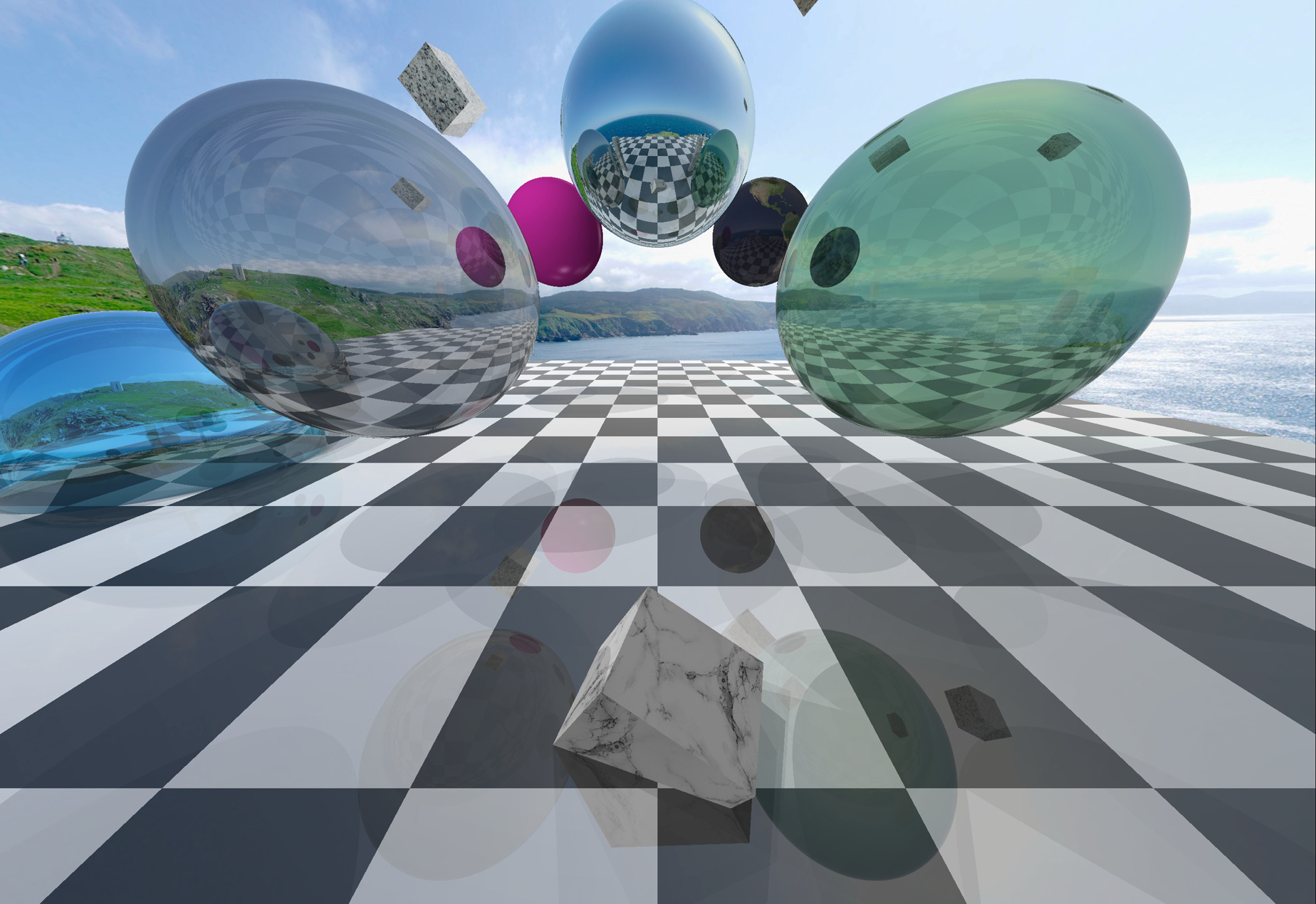
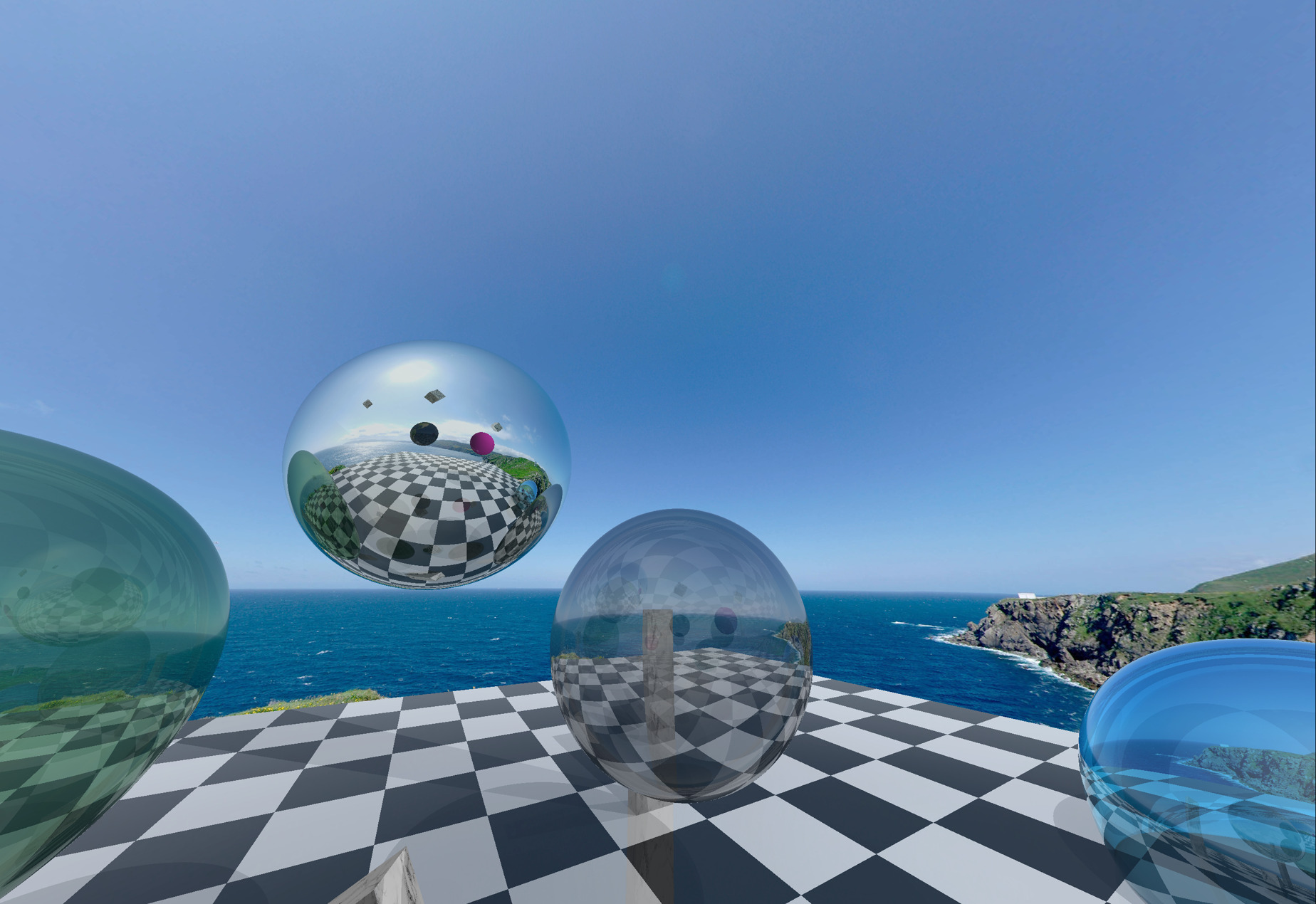
Challenging scene with objects floating above a plane, overlap between an object and the plane, various materials, reflectivities and transparencies. Textures can be toggled. | ✓ |
demo01 |
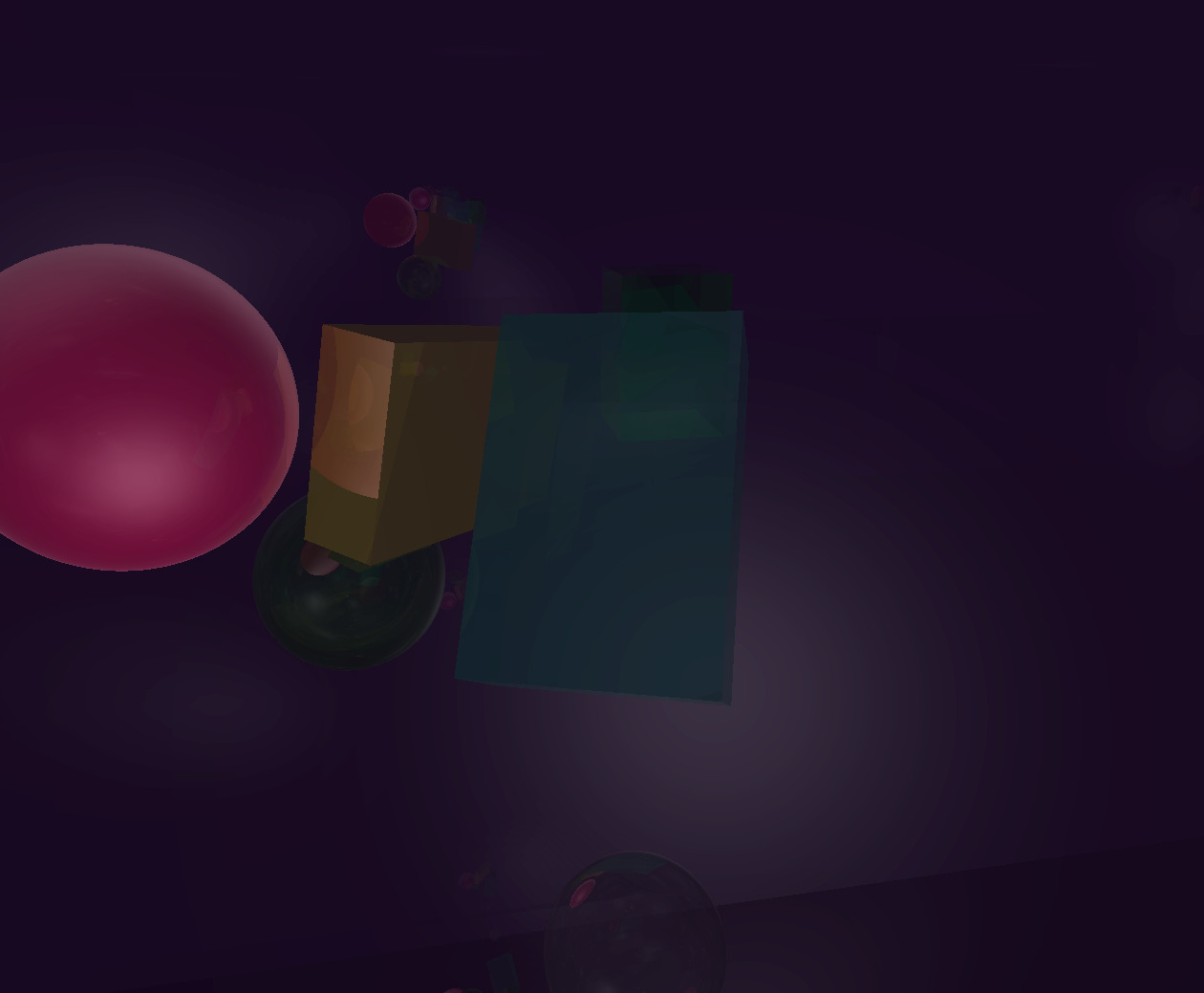
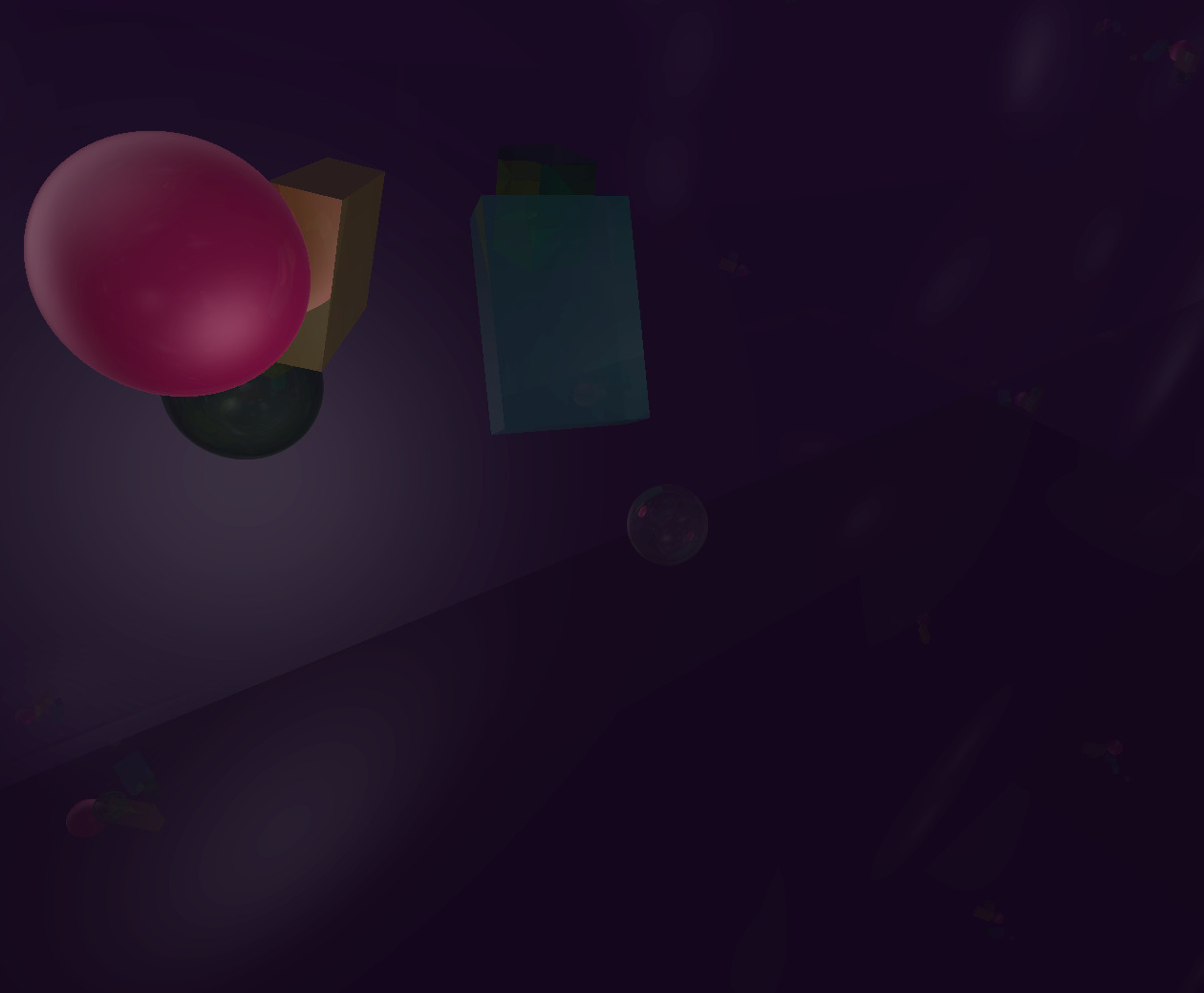
Smaller scene with objects enclosed in a huge box; try moving around the camera to spot reflections on the inner walls. | ✗ |
demo02 |
Minimal .obj file renderer. Handles vertices and faces only, ignoring normals and textures. | ✗ |
demo03 |
Text rendered as tightly packed spheres. | ✗ |
demo04 |
Emissive spheres in a randomly generated arrangement of cubes. | ✓ |
| demo00 | 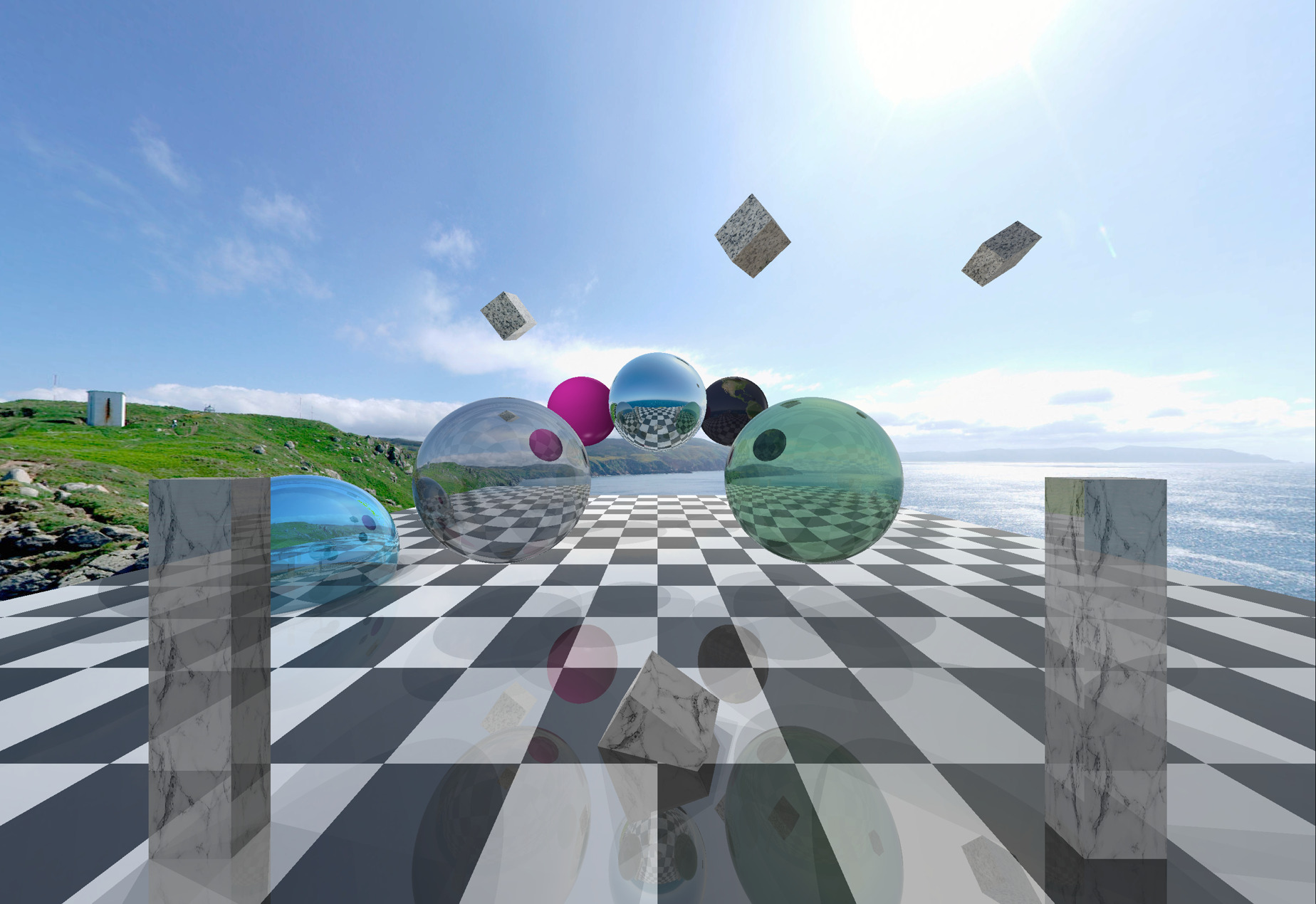 |
 |
 |
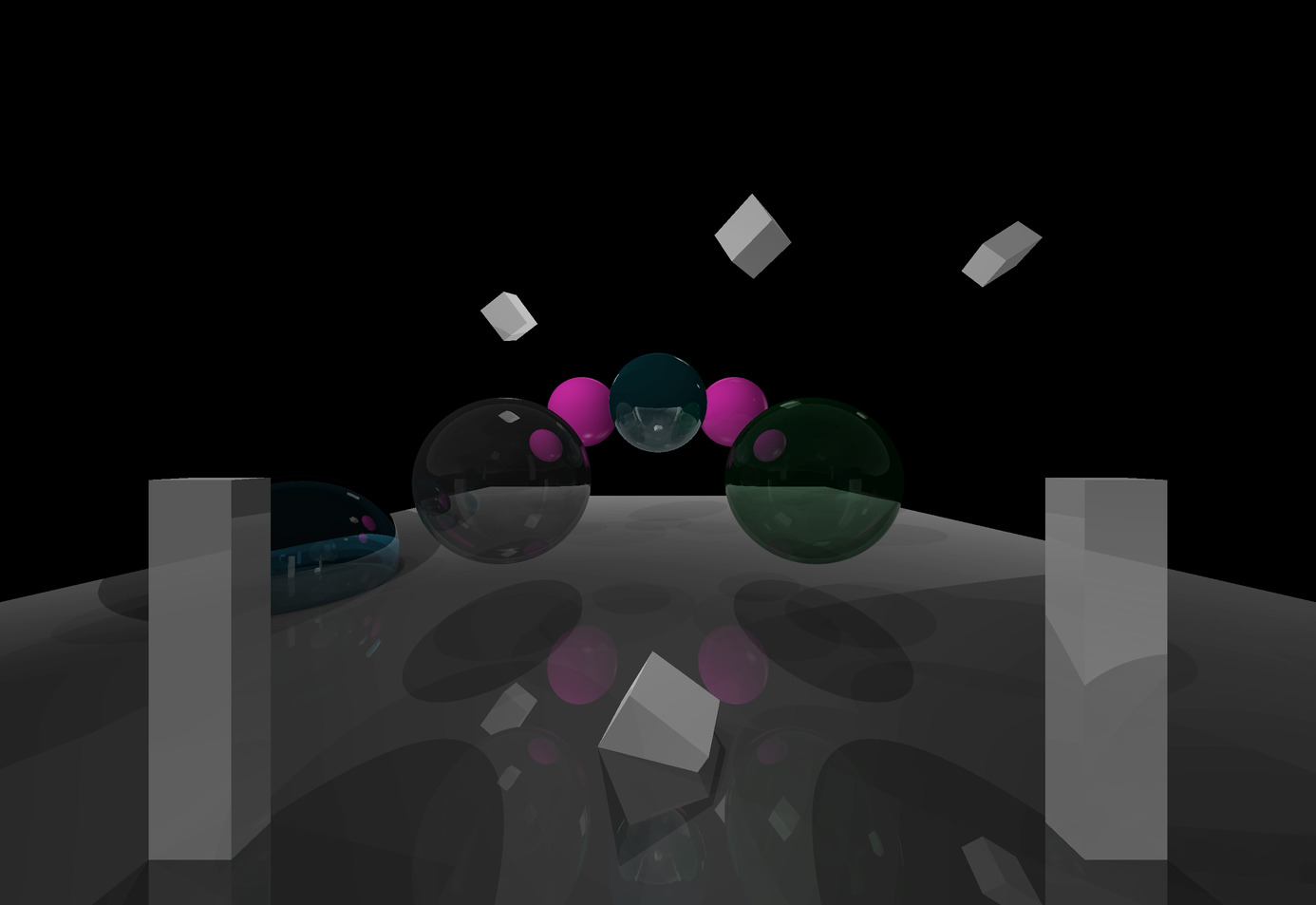 |
| demo01 | 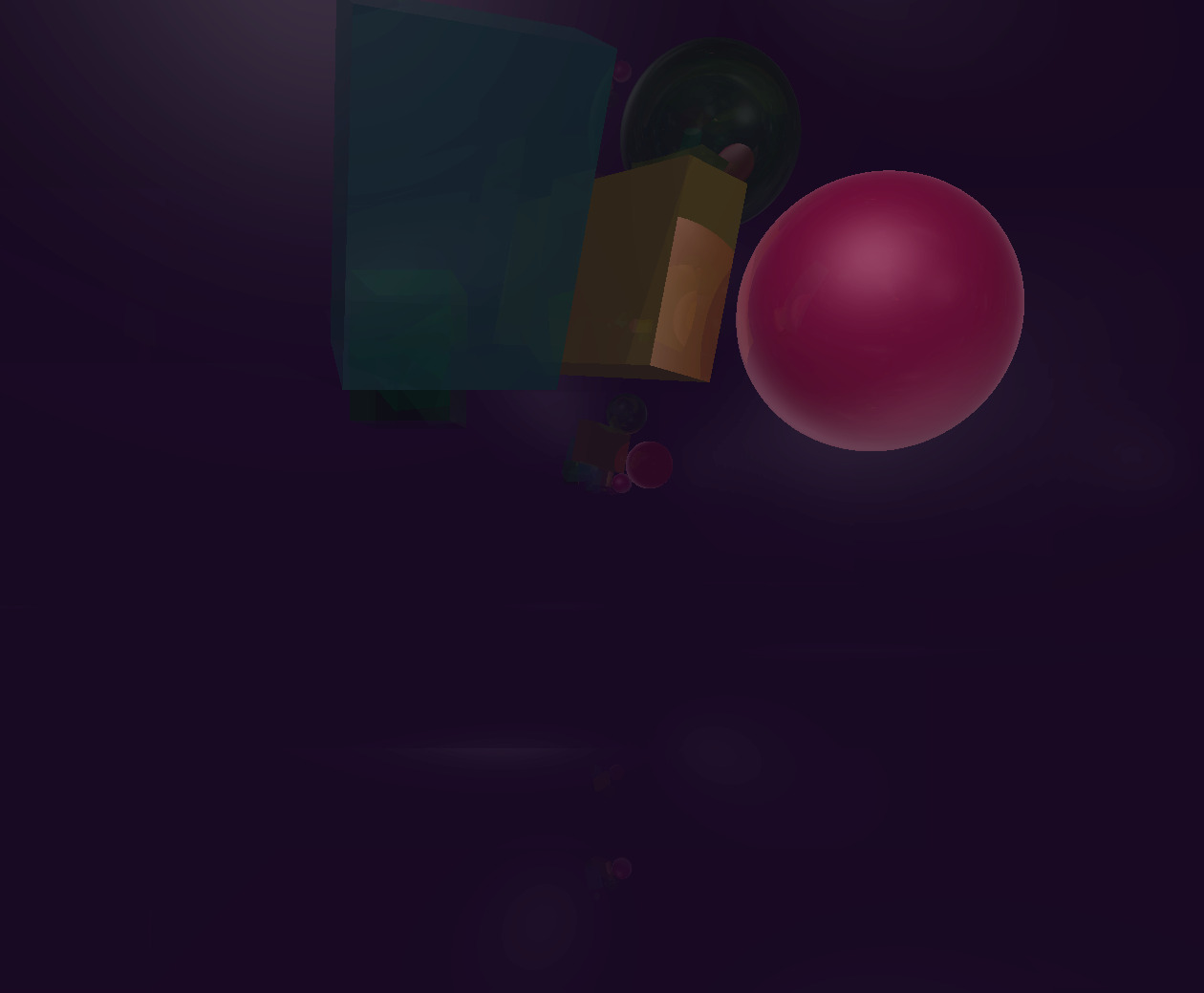 |
 |
 |
|
| demo02 | 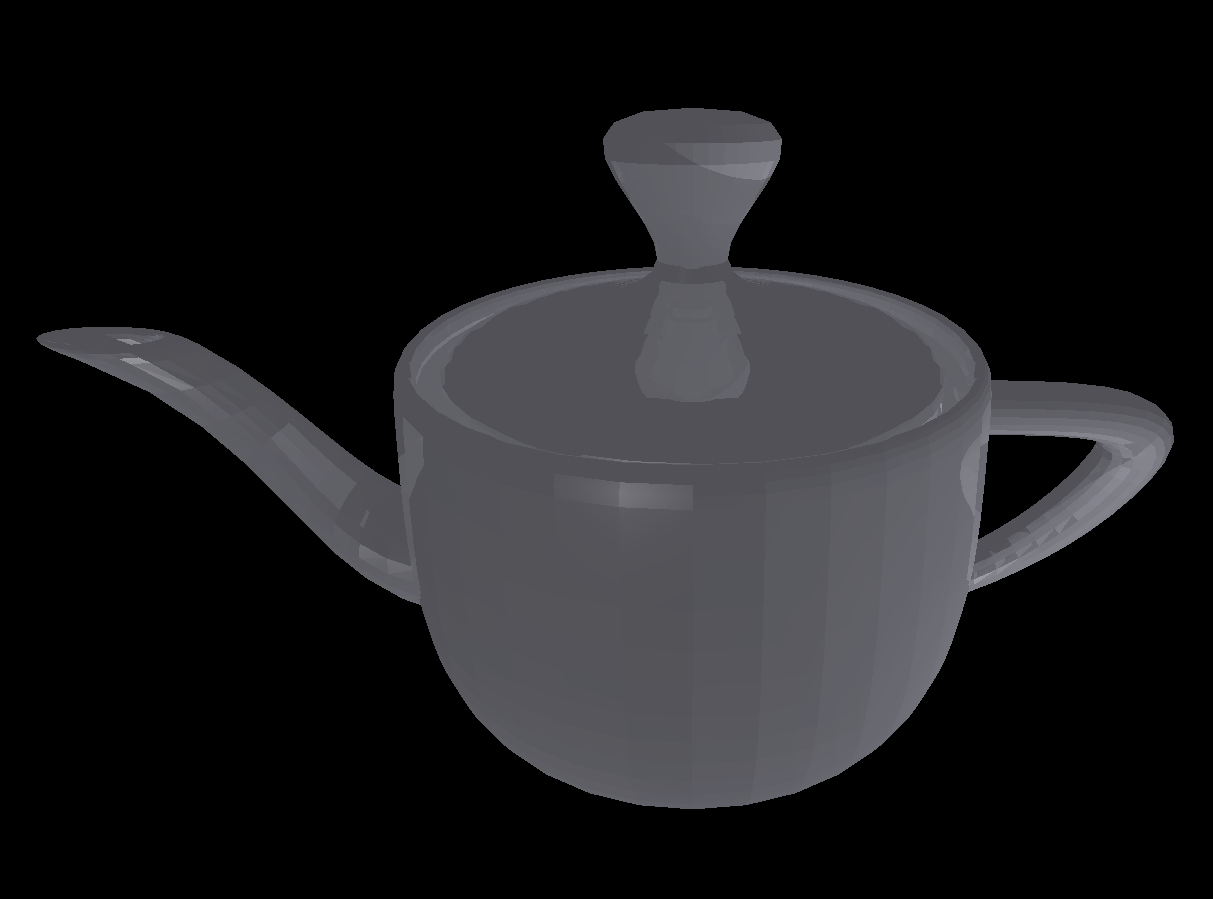 |
|||
| demo03 | 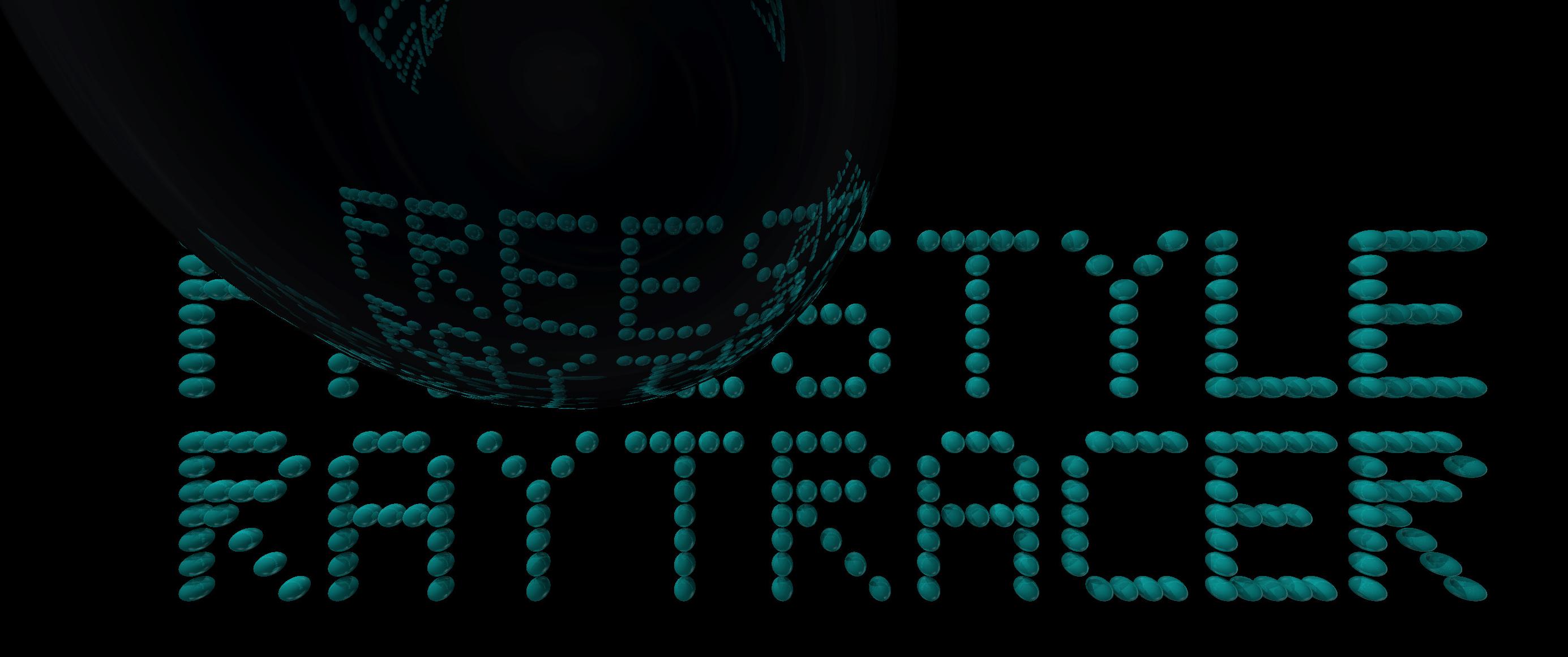 |
|||
| demo04 | 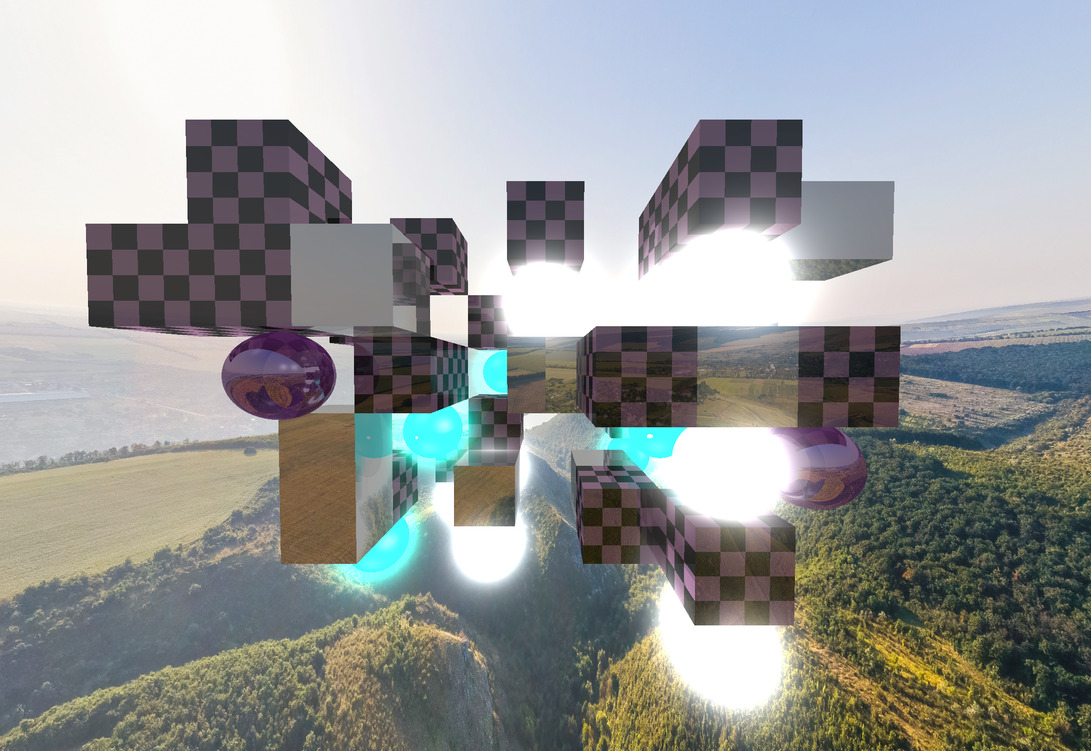 |
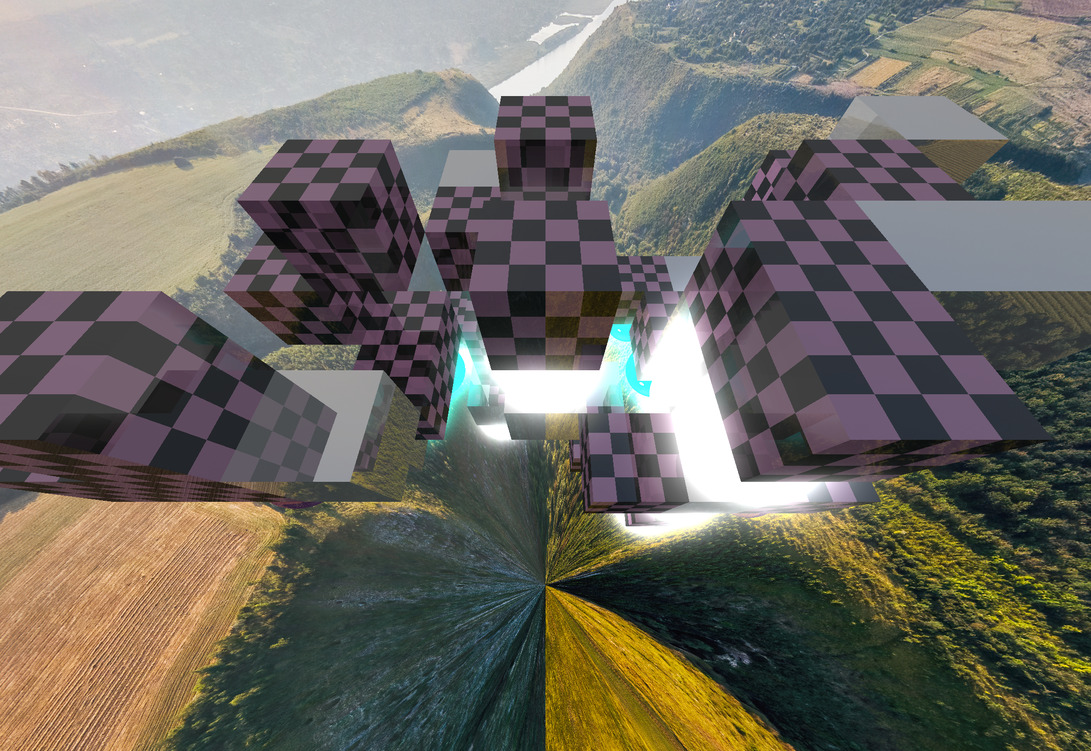 |
*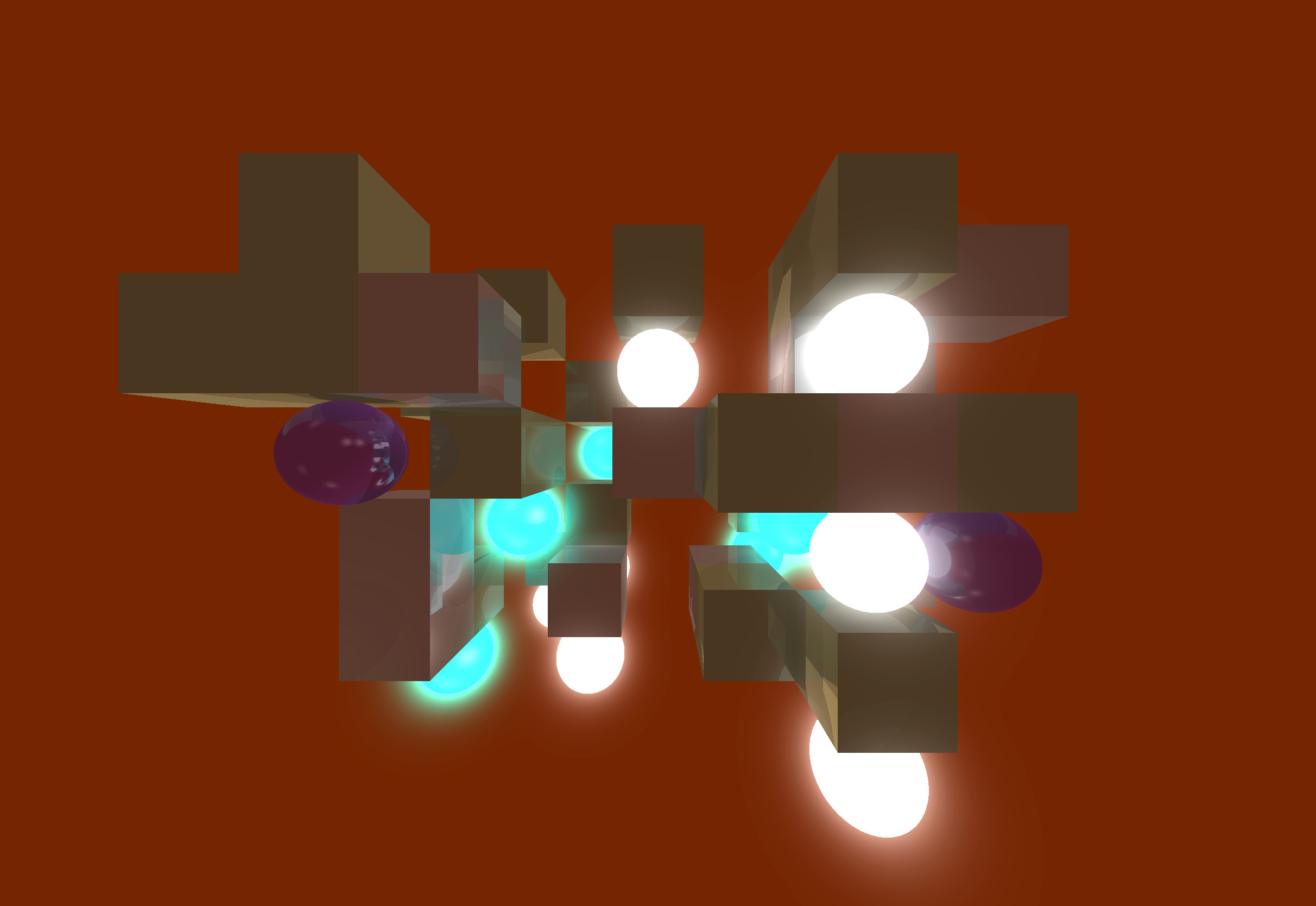 |
**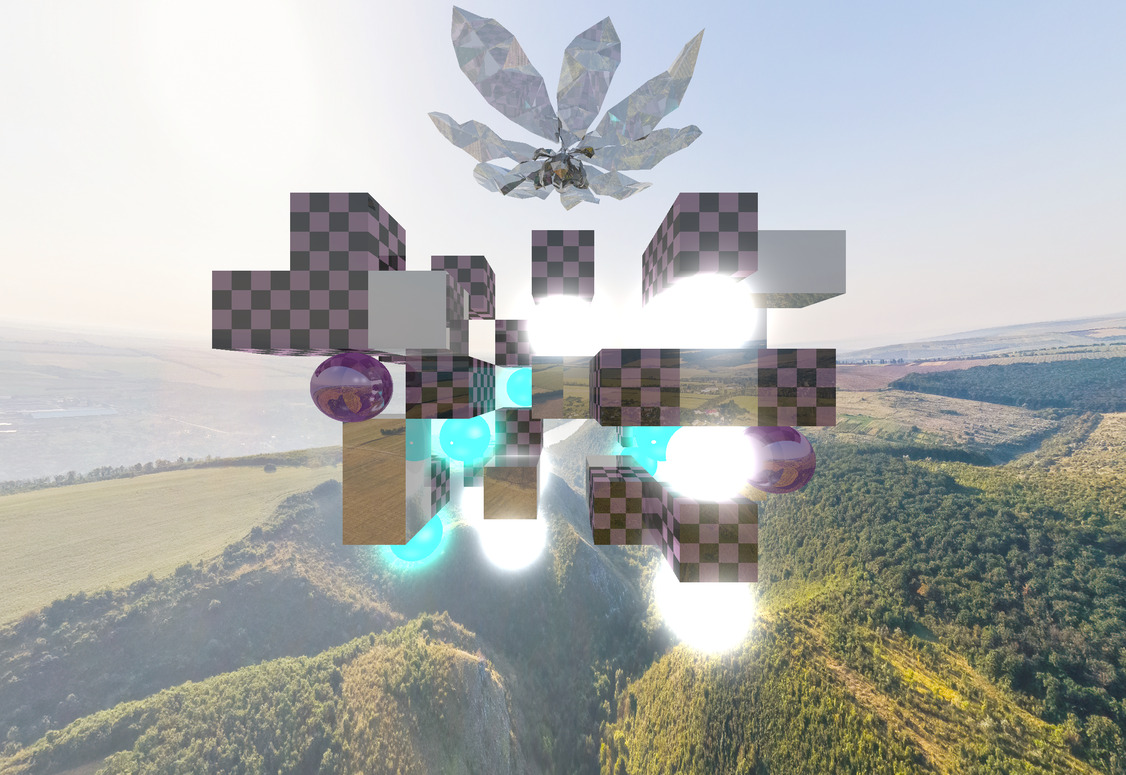 |
* Background color was changed to (97, 24, 0).
** The crystal flower (magnolia) is not in the original scene. Found it here.
Below I rendered some precomputed trajectories in the scene of demo00, demo02 and demo04: