Sparrow Android GUI project for Rigol DHO800 and DHO900 series Oscilloscopes
Note
DHO Actions must be started after the Oscilloscope application is loaded to be able to connect to it, if the Oscilloscope application closes and restarts, you must force a reconnect by pressing and holding the close icon [X] in the upper right corner of the DHO Actions screen and start it from the DHO Sparrow application.
Latest version can be found at:
For 00.01.04 firmware: https://www.patreon.com/posts/141472182
For 00.01.02 firmware: https://www.patreon.com/mriscoc/shop/rigol-dho800-900-sparrow-extended-gui-v0-204640
Get the latest version here: https://www.patreon.com/posts/dho800-900-gui-7-141608043
Features of verion 0.7.1:
- Full Screen mode with informative bottom bar and clickable elements
- Special A(ction) button to launch the DHO Actions application
- Included a configurable DHO Actions panel that allows to execute SCPI commands, launch applications (Python scripts with PyDroid) and open web pages in the default browser.
- Included DHO visor, allows to display the screen streaming in scaling mode.
- Unlocks extended decoders like LIN, FlexRay, I2S, 1553B
- All DHO series have bandwidth unlocked to 250MHz and Memory depth up to 50M
- Ultra Power Analyzer unlocked for all DHO series
- Enabled advanced settings in XY mode with real functions.
- Compact unified Horizontal bar, Trigger bar and Channel widgets
- Dock/Undock of the Result Bar
- Compact Result / measurements bar with optimized rendering
- Probe attenuation in channel widget
- Trigger coupling indicator
- Better rendering of the chanel scale labels, so they can be readed always no matter what the back color is.
- Automatically show date-time at boot if it is valid
- Start menu settings button allows to open Android system settings
- Fixes alignment of visual elements, color and transparency corrections
- Better UI organization for improvement of screen size utilization
- Code enhancements, removed extra logging for better general performance
- Fixes for bugs reported by the community
- Normal and System versions


Telegram DHO800/900 channel: https://t.me/S2084K/2
First make a backup of the original internal µSD card just in case, then follow this guide: How to install the new Sparrow extended UI?
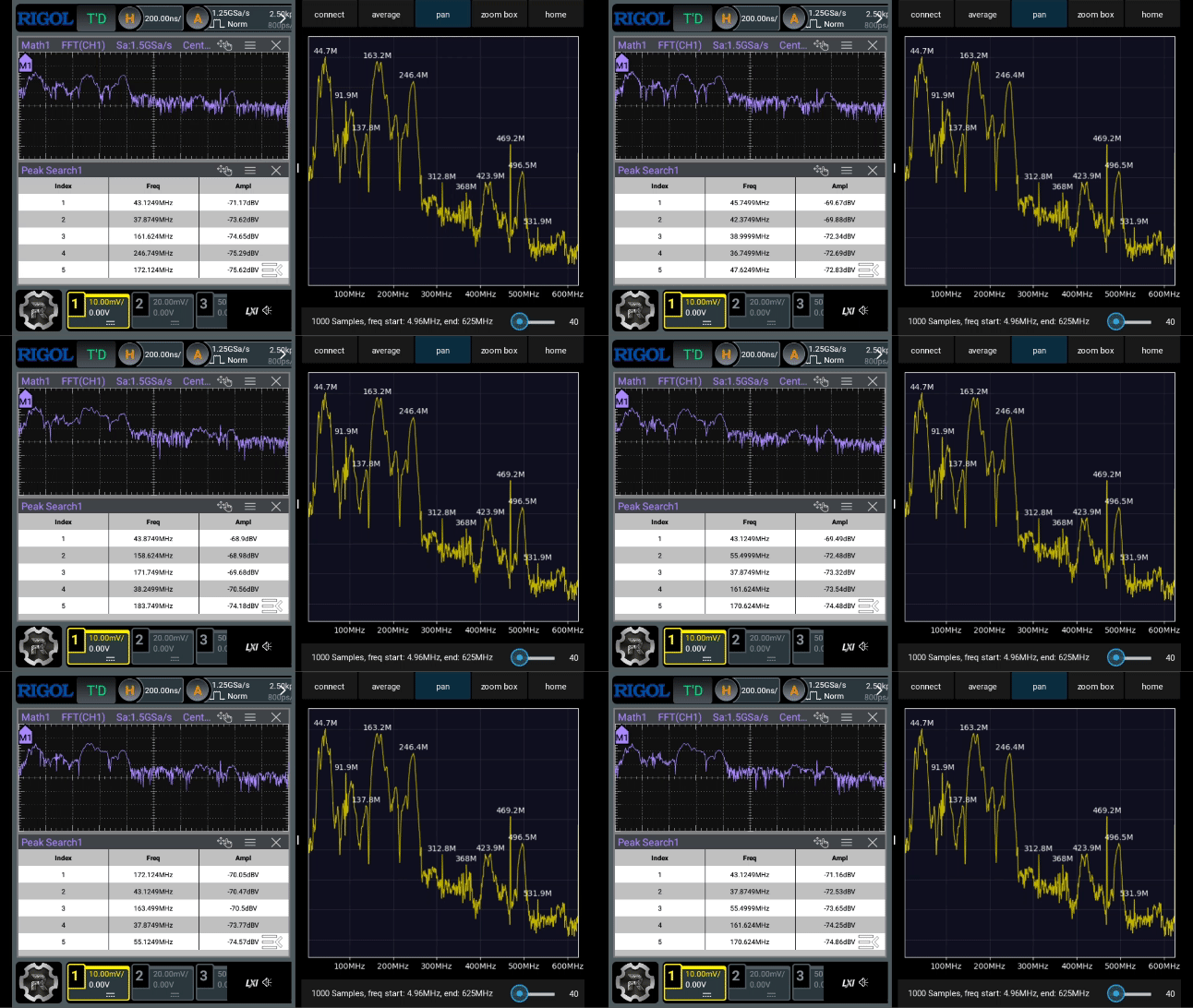
Installable APK for the FFTAvg utility which allows to get a better FFT plot with configurable frame average and peak detection.
Thank you for your support, I receive donations through Patreon and Paypal

THIS SOFTWARE AND ALL OTHER FILES IN THE DOWNLOAD ARE PROVIDED WITH NO WARRANTY OR GUARANTEE. SUPPORT IS NOT INCLUDED JUST BECAUSE YOU DOWNLOADED IT. WE ARE NOT LIABLE FOR ANY DAMAGE TO YOUR EQUIPMENT, PERSON, OR ANY OTHER PROPERTY DUE TO THE USE OF THIS SOFTWARE. IF YOU DO NOT AGREE TO THESE TERMS THEN DO NOT USE IT.
