Tutorial lid_types
A few different types of lids that can be used with the system.
include <boardgame_toolkit.scad>

SlidingLid(size = [100, 50]);
include <boardgame_toolkit.scad>

SlidingBoxLidWithLabel(
    size = [150, 50], lid_thickness = 3, text_str = "Happy Fluff");
include <boardgame_toolkit.scad>

InsetLidTabbed(size = [100, 50]);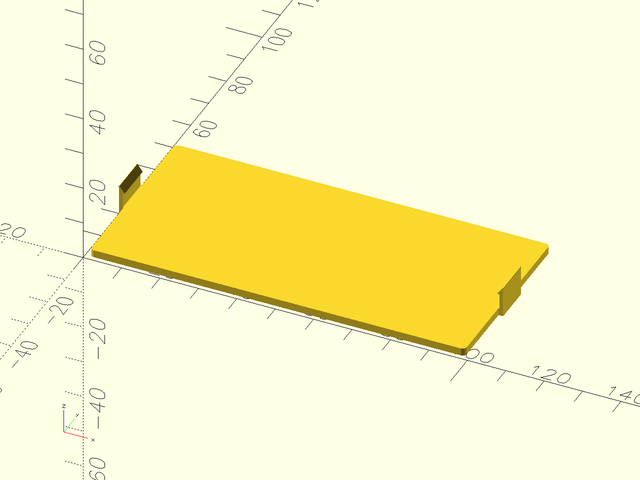
include <boardgame_toolkit.scad>

InsetLidTabbedWithLabel(
        size = [50, 150], lid_thickness = 3,
        text_str = "Happy Fluff");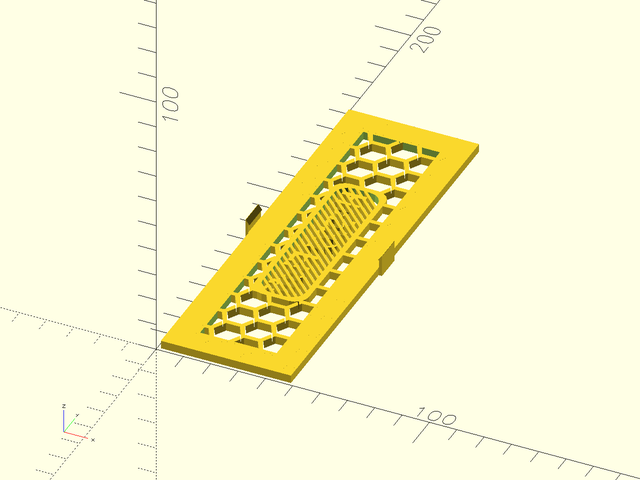
include <boardgame_toolkit.scad>

SlidingBoxLidWithLabel(
        size = [50, 150], lid_thickness = 3,
        text_str = "Happy") {
        translate([ 45, 5, 0 ]) linear_extrude(height = 3) rotate([0,0,90]) scale(0.3) difference()
        {
            fill() import("svg/australia.svg");
            offset(-4) fill() import("svg/australia.svg");
        }
    };
Make a lid and base for a capped box.
include <boardgame_toolkit.scad>

canvas_piece_box_width = 41;
canvas_piece_box_length = 73;
canvas_piece_box_height = 29;
wall_thickness = 3;

module MakeLid(str)
{
    CapBoxLidWithLabel(size = [canvas_piece_box_width, canvas_piece_box_length, 2],
                        text_str = str,
                        wall_thickness = wall_thickness, lid_thickness = 2, lid_boundary = 5, layout_width = 5,
                        shape_options=MakeShapeObject(shape_type = SHAPE_TYPE_CIRCLE, shape_thickness = 2, shape_width = 7));
}
MakeLid("Red");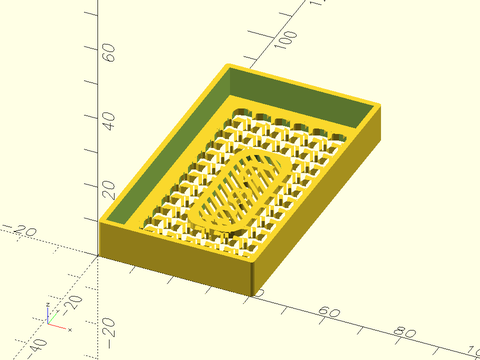
Make a lid and base for a slipover box.
include <boardgame_toolkit.scad>

canvas_piece_box_width = 41;
canvas_piece_box_length = 73;
canvas_piece_box_height = 29;
wall_thickness = 3;

module MakeLid(str)
{
    SlipoverBoxLidWithLabel(size = [canvas_piece_box_width, canvas_piece_box_length, canvas_piece_box_height], foot = 2,
                        text_str = str,
                        wall_thickness = wall_thickness, lid_thickness = 2, lid_boundary = 5, layout_width = 5,
                        shape_options=MakeShapeObject(shape_type = SHAPE_TYPE_CIRCLE, shape_thickness = 2, shape_width = 7));
}
MakeLid("Red");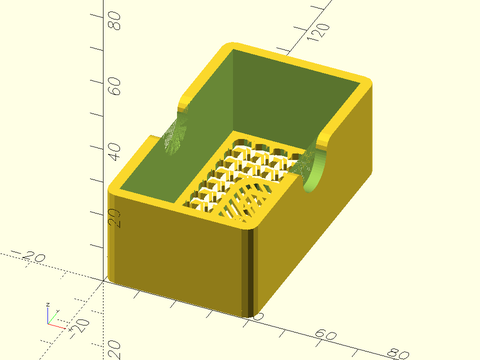
Make a lid with label with a magnetic lid.
include <boardgame_toolkit.scad>

canvas_piece_box_width = 41;
canvas_piece_box_length = 73;
canvas_piece_box_height = 29;
wall_thickness = 3;

module MakeLid(str)
{
    MagneticBoxLidWithLabel(size = [canvas_piece_box_width, canvas_piece_box_length], magnet_diameter = 5,
                        magnet_thickness = 1, text_str = str,
                        lid_thickness = 2, lid_boundary = 5, layout_width = 5,
                        shape_options=MakeShapeObject(shape_type = SHAPE_TYPE_CIRCLE, shape_thickness = 2, shape_width = 7));
}
MakeLid("Red");
Make a lid with label with a sliding catch lid.
include <boardgame_toolkit.scad>

canvas_piece_box_width = 41;
canvas_piece_box_length = 73;
canvas_piece_box_height = 29;
wall_thickness = 3;

module MakeLid(str)
{
    SlidingCatchBoxLidWithLabel(size = [canvas_piece_box_width, canvas_piece_box_length],
                        text_str = str, lid_thickness = 2, lid_boundary = 5, layout_width = 5,
                        shape_options=MakeShapeObject(shape_type = SHAPE_TYPE_CIRCLE, shape_thickness = 2, shape_width = 7));
}
MakeLid("Red");
Make a lid and base for a rabbit clip box.
include <boardgame_toolkit.scad>

canvas_piece_box_width = 41;
canvas_piece_box_length = 73;
canvas_piece_box_height = 29;
wall_thickness = 3;

module MakeLid(str)
{
    InsetLidRabbitClipWithLabel(size = [canvas_piece_box_width, canvas_piece_box_length],
                        text_str = str, lid_thickness = 2, lid_boundary = 5, layout_width = 5,
                        shape_options=MakeShapeObject(shape_type = SHAPE_TYPE_CIRCLE, shape_thickness = 2, shape_width = 7));
}
MakeLid("Red");