



The Staubli Communication SDK for Python wraps the native Staubli SOAP stack and exposes a clean, Pythonic API for automation engineers, researchers, and integrators. Use it to supervise industrial robots, orchestrate motion, exchange I/O, and manage VAL3 applications-all without requiring additional Staubli software licenses.
🔗 More Information: underautomation.com
🔗 Available also for 🟣 .NET & 🟨 LabVIEW
✅ Install the SDK with pip install UnderAutomation.Staubli.
✅ Connect to Staubli controllers via the native SOAP protocol.
✅ Control motion, read/write I/O, monitor robots, and manage applications directly from Python.
Highlights:
- ⚡ Real-time SOAP communication through the embedded
UnderAutomation.Staubli.dll - 🐍 Pythonic wrappers for controllers, parameters, and data objects
- 🔁 Full motion lifecycle & kinematics helpers
- 📡 Access to physical & logical I/Os
- 📦 VAL3 project and task management
pip install UnderAutomation.StaubliThe package bundles the required .NET assemblies and depends on pythonnet to bridge Python and .NET. Make sure the target machine has a compatible .NET runtime installed.
On Linux, you should also install .NET Core and set environment variable PYTHONNET_RUNTIME to coreclr :
sudo apt-get install -y dotnet-runtime-8.0
PYTHONNET_RUNTIME=coreclrReady-to-run scripts are included in the repository. Each example connects to a controller, demonstrates a specific feature, and can be executed directly.
| # | File | Description |
|---|---|---|
| 1 | example_move_robot.py |
Connect, compute forward & inverse kinematics, display results, then power on and move the robot to the zero joint position. |
| 2 | example_controller_info.py |
Retrieve and display robots, DH parameters, joint ranges, and controller parameters. |
| 3 | example_read_ios.py |
List all physical IOs, then interactively read any IO by name or index in a loop. |
| 4 | example_write_ios.py |
List all physical IOs, then interactively write values to any IO by name or index in a loop. |
| 5 | example_applications.py |
List VAL3 applications, load & start a project, then suspend, resume, and kill the task step by step. |
Run any example with:
python example_move_robot.pyNote: Update the IP address in each script to match your controller before running. Also, if you encounter an
InvalidLicenseException, obtain a trial license key from underautomation.com/license and register it in the script.
from underautomation.staubli.staubli_controller import StaubliController
from underautomation.staubli.connection_parameters import ConnectionParameters

controller = StaubliController()
parameters = ConnectionParameters("192.168.0.1")

# Optional: configure SOAP credentials and port
parameters.soap.enable = True
parameters.soap.user = "default"
parameters.soap.password = "default"

controller.connect(parameters)
You can also disable the pre-connection ping if needed:
parameters.ping_before_connect = False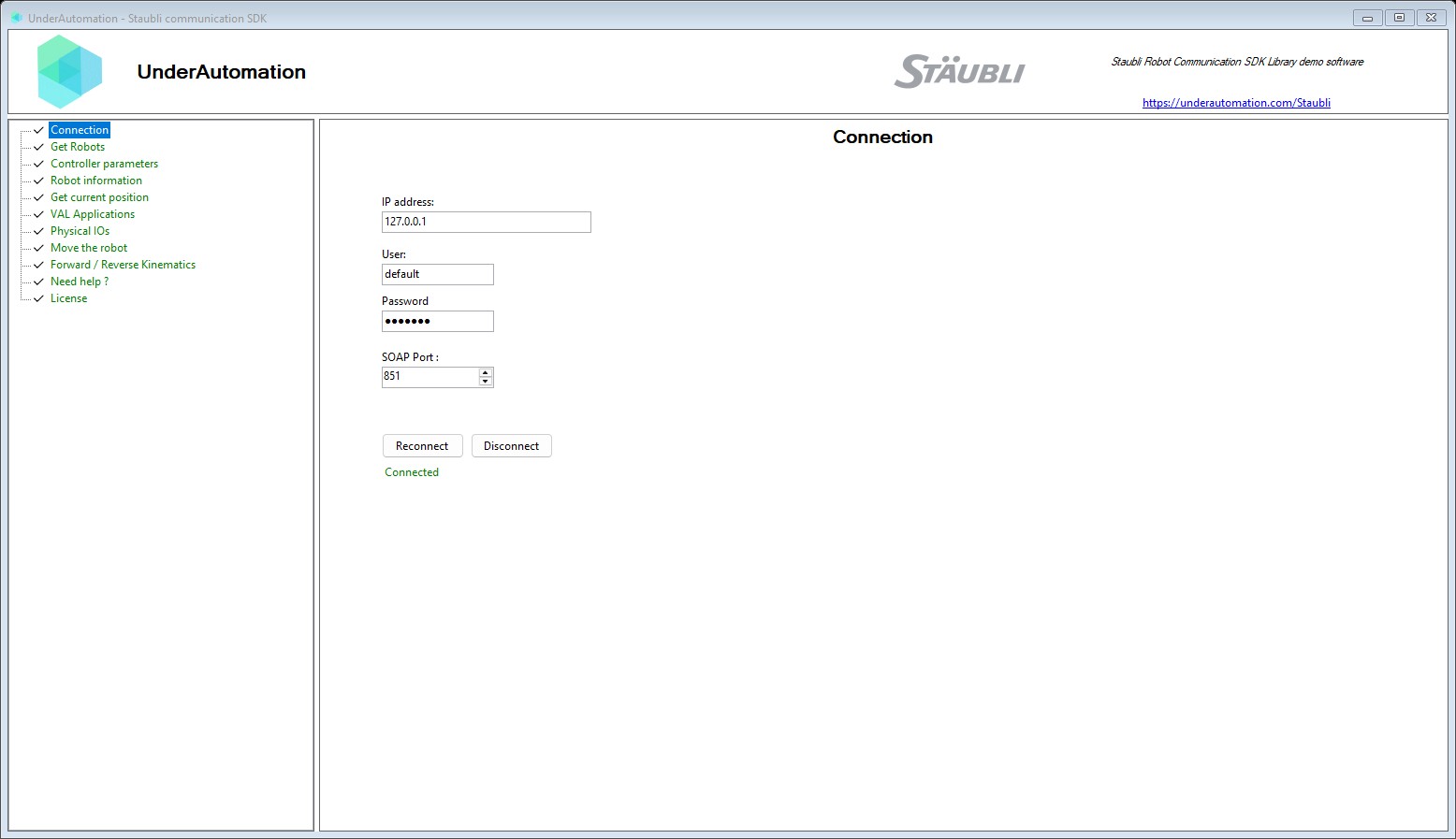
- List robots:
controller.soap.get_robots() - Inspect controller parameters:
controller.soap.get_controller_parameters() - Retrieve DH parameters:
controller.soap.get_dh_parameters(robot=0) - Retrieve joint ranges:
controller.soap.get_joint_range(robot=0)
# List robots and display their properties
robots = controller.soap.get_robots()
for i, robot in enumerate(robots):
    print(f"Robot {i}: arm={robot.arm}, kinematic={robot.kinematic}, mount={robot.mount_type}")

# Controller parameters (serial number, firmware, etc.)
for param in controller.soap.get_controller_parameters():
    print(f"{param.key}: {param.value}")

# DH parameters for robot 0
for j, dh in enumerate(controller.soap.get_dh_parameters(0)):
    print(f"Joint {j}: theta={dh.theta}, d={dh.d}, a={dh.a}, alpha={dh.alpha}")

# Joint ranges for robot 0
joint_range = controller.soap.get_joint_range(0)
for j in range(len(joint_range.min)):
    print(f"Joint {j}: min={joint_range.min[j]:.2f}, max={joint_range.max[j]:.2f}")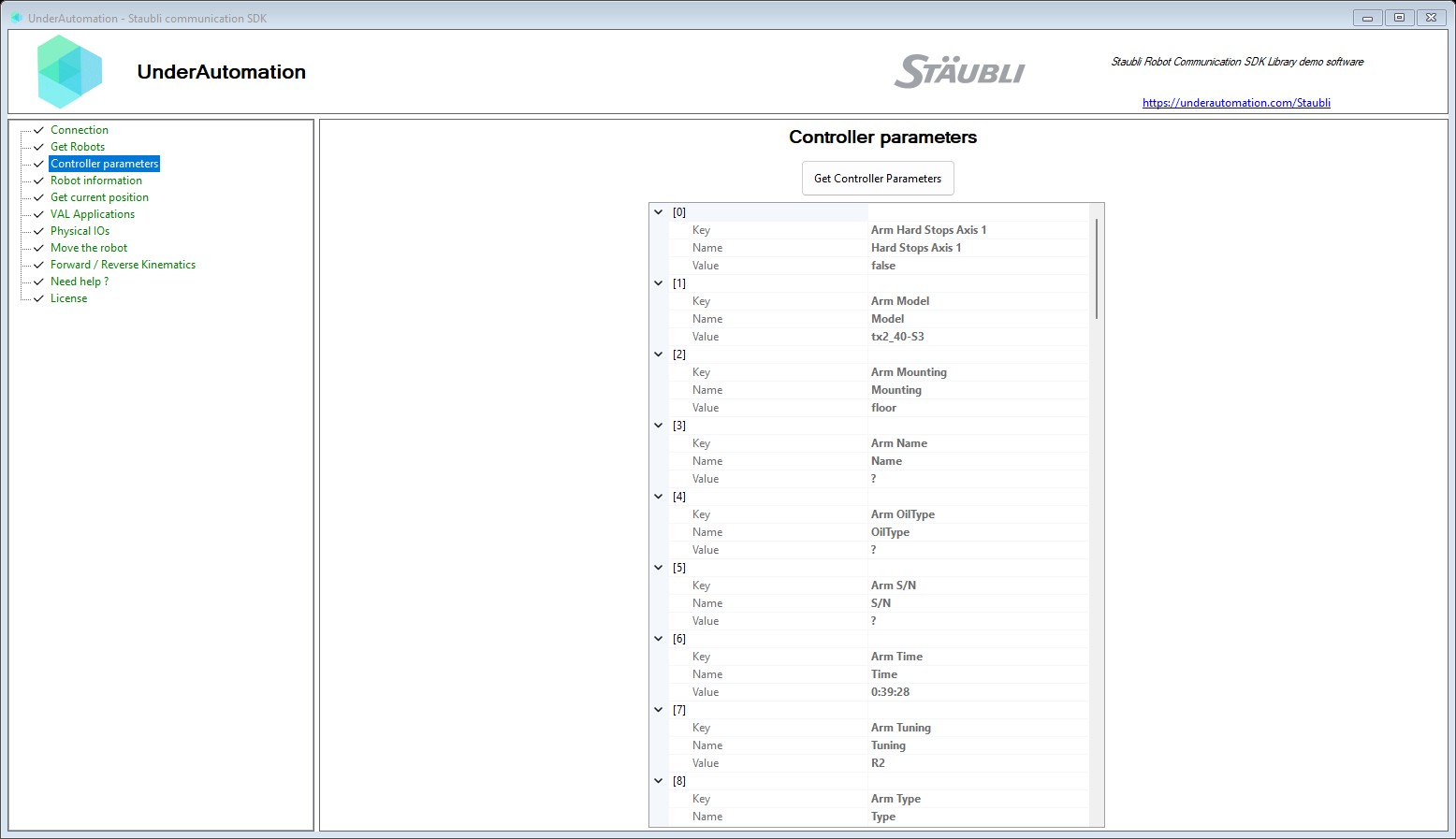
- Cartesian pose + joints:
controller.soap.get_current_cartesian_joint_position() - Joint-only feedback:
controller.soap.get_current_joint_position()
The cartesian position is returned as a Frame (a 3×4 homogeneous matrix with columns N, O, A, P).
# Get joint positions
joints = controller.soap.get_current_joint_position(robot=0)
print(f"Joints: {list(joints)}")

# Get full cartesian + joint position
cart = controller.soap.get_current_cartesian_joint_position(robot=0)
print(f"Joints: {list(cart.joints_position)}")
print(f"Position: X={cart.cartesian_position.x}, Y={cart.cartesian_position.y}, Z={cart.cartesian_position.z}")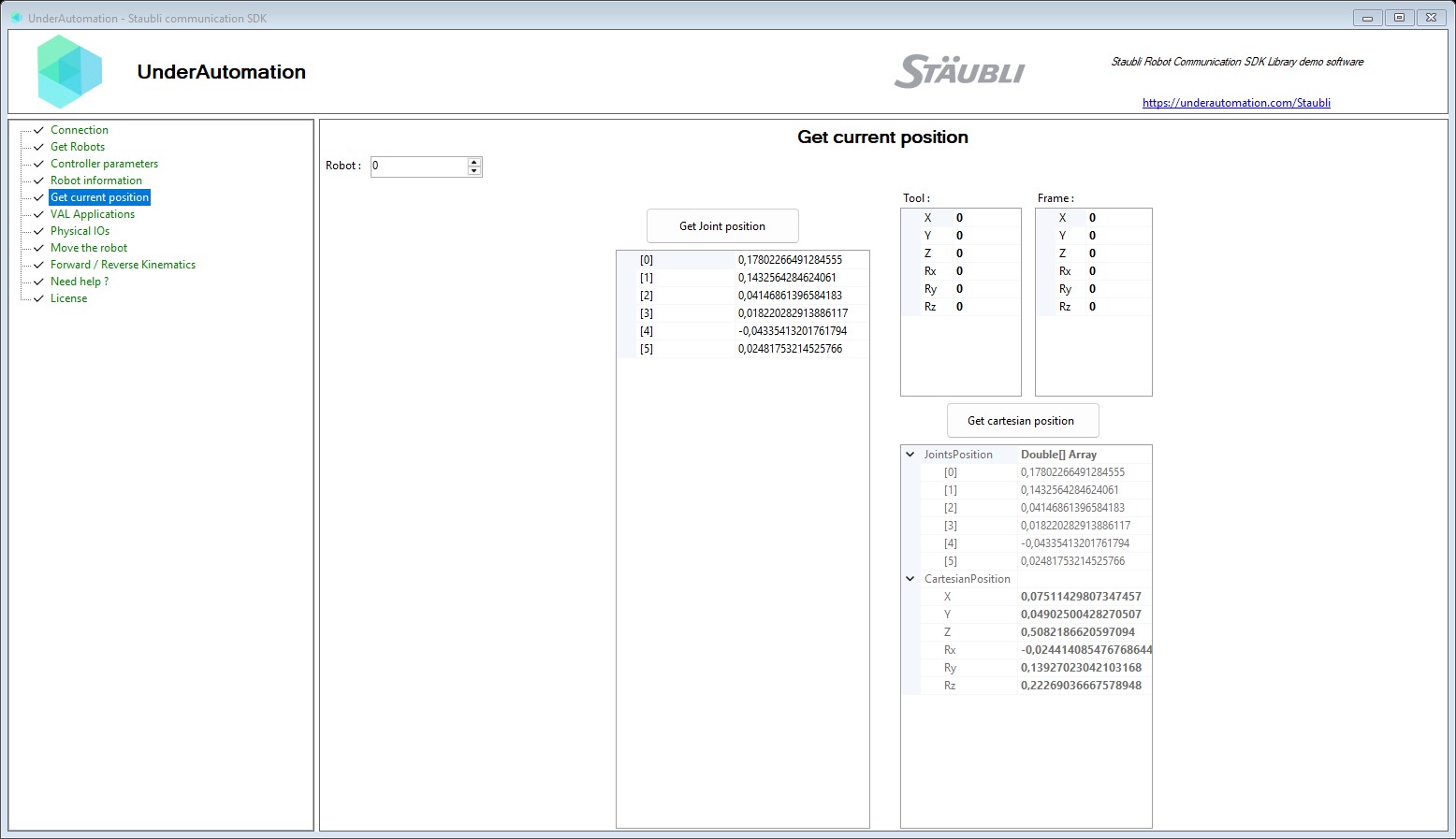
- Forward kinematics:
controller.soap.forward_kinematics(robot, joints)→ returns aFrameposition andConfig - Inverse kinematics:
controller.soap.reverse_kinematics(robot, joints, target, config, joint_range)→ returns joint values and aReversingResult
# Forward kinematics: joints → cartesian
joints = controller.soap.get_current_joint_position(robot=0)
fk = controller.soap.forward_kinematics(0, joints)
pos = fk.position
print(f"FK position: px={pos.px}, py={pos.py}, pz={pos.pz}")
print(f"FK config: {fk.config}")

# Inverse kinematics: cartesian → joints
joint_range = controller.soap.get_joint_range(robot=0)
ik = controller.soap.reverse_kinematics(0, joints, fk.position, fk.config, joint_range)
print(f"IK joints: {list(ik.joint)}")
print(f"IK result: {ik.result}")  # Success, NoConvergence, etc.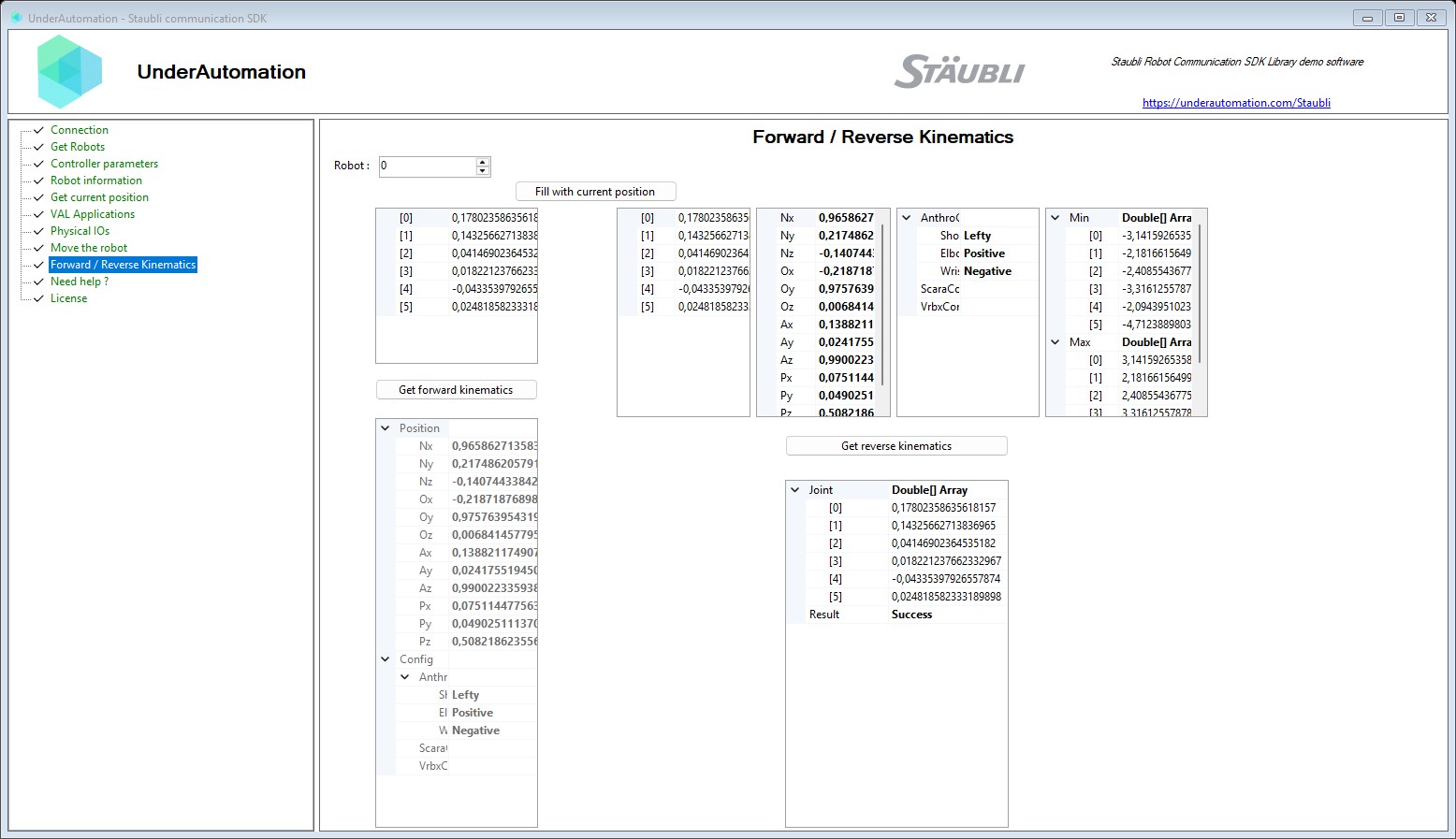
- Power management:
controller.soap.set_power(True/False) - Motion primitives:
move_l,move_jc,move_jj,move_c - Lifecycle control:
stop_motion,reset_motion,restart_motion
The MotionDesc object controls velocity, acceleration, tool frame, and world frame:
from underautomation.staubli.soap.data.motion_desc import MotionDesc
from underautomation.staubli.soap.data.frame import Frame

mdesc = MotionDesc()
mdesc.velocity = 100              # Joint velocity (%)
mdesc.acceleration = 100          # Acceleration (%)
mdesc.deceleration = 100          # Deceleration (%)
mdesc.translation_velocity = 250  # Translation velocity (mm/s)
mdesc.rotation_velocity = 100     # Rotation velocity (deg/s)
mdesc.frequency = 100             # Interpolation frequency (%)
mdesc.tool = Frame()              # Tool frame (identity)
mdesc.frame = Frame()             # World frame (identity)

# Power on, move, power off
controller.soap.set_power(True)

# Joint move (MoveJJ)
result = controller.soap.move_jj(0, [0, 0, 0, 0, 0, 0], mdesc)
print(f"Move result: {result.return_code}")

# Linear move (MoveL)
target = Frame()
target.px, target.py, target.pz = 300, 0, 450
result = controller.soap.move_l(0, target, mdesc)

controller.soap.set_power(False)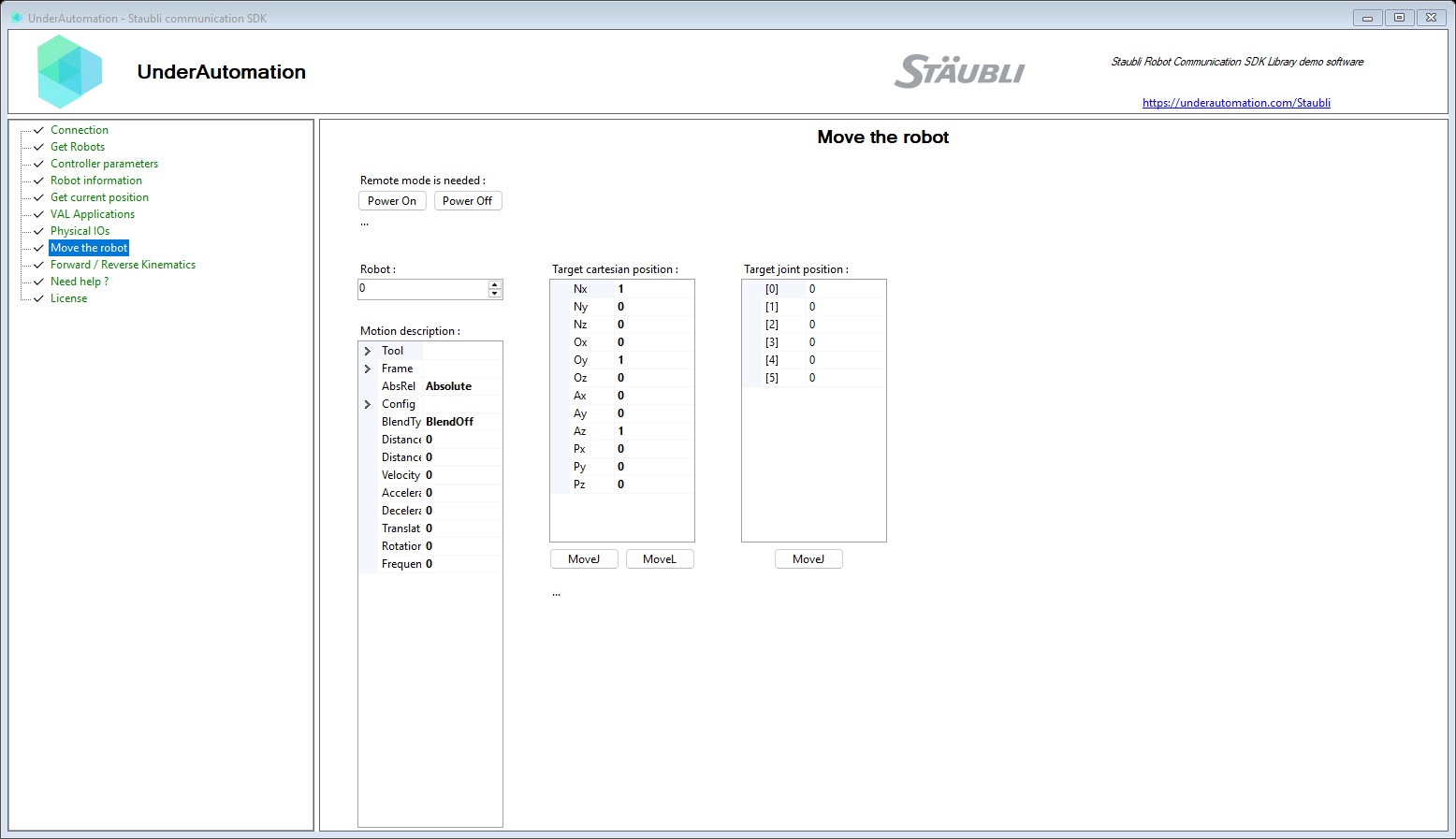
- Discover I/Os:
controller.soap.get_all_physical_ios() - Read states:
controller.soap.read_ios(["io_name"]) - Write outputs:
controller.soap.write_ios(["io_name"], [value])
# List all IOs
for io in controller.soap.get_all_physical_ios():
    print(f"{io.name} ({io.type_str}) - {io.description}")

# Read an IO
states = controller.soap.read_ios(["BasicDO_1"])
for s in states:
    print(f"Value={s.value}, State={s.state}, Locked={s.locked}, Simulated={s.simulated}")

# Write an IO
responses = controller.soap.write_ios(["BasicDO_1"], [1.0])
for r in responses:
    print(f"Found={r.found}, Success={r.success}")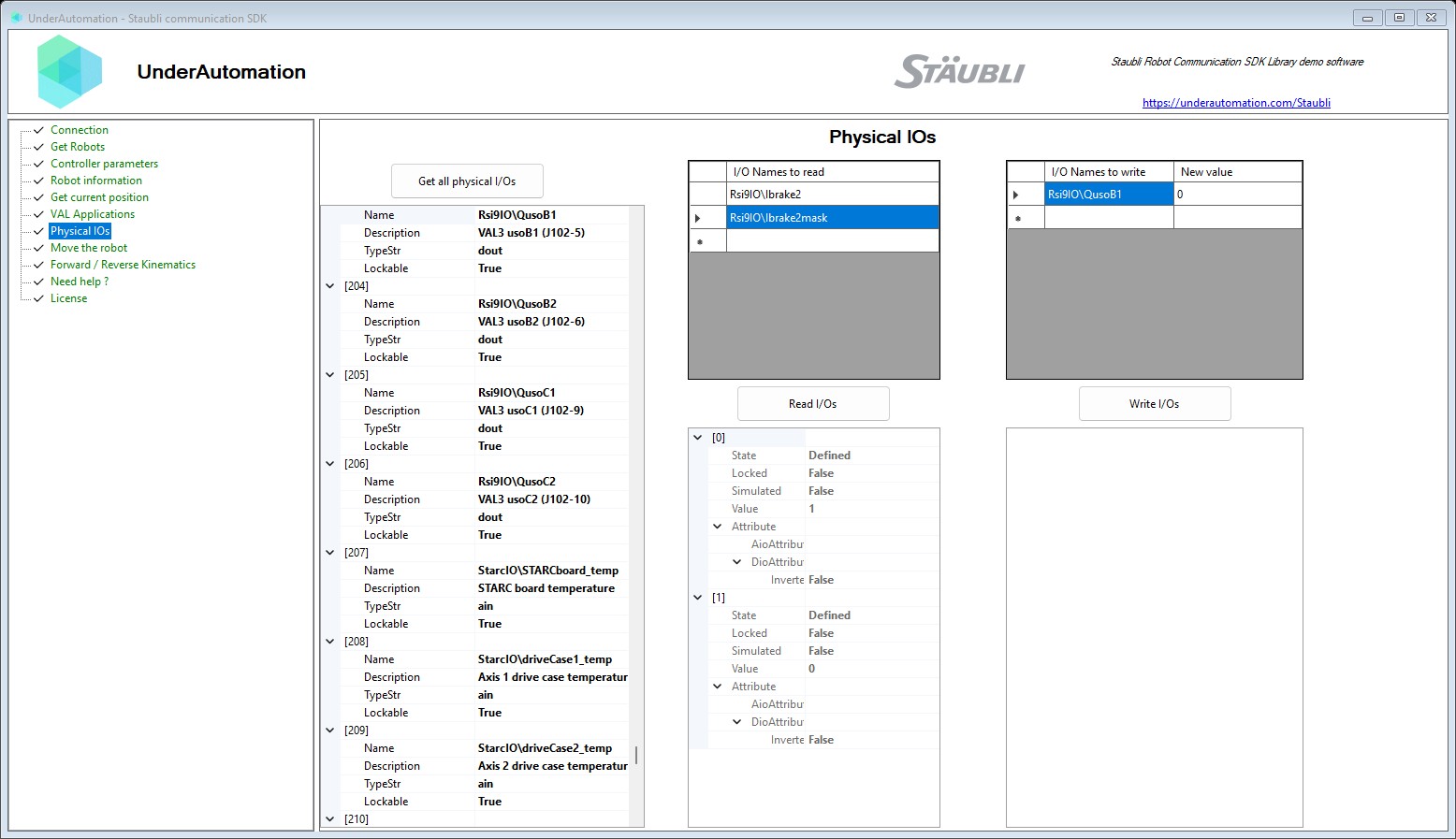
- Load projects:
controller.soap.load_project("Disk://project/project.pjx") - Start applications:
controller.soap.start_application("project_name") - Inspect VAL3 apps:
controller.soap.get_val_applications() - Stop and unload:
stop_application(),stop_and_unload_all()
# List available applications
for app in controller.soap.get_val_applications():
    print(f"{app.name} - loaded={app.loaded}, running={app.is_running}")

# Load and start a project
controller.soap.load_project("Disk://project/project.pjx")
controller.soap.start_application("MyProject")

# Stop everything
controller.soap.stop_and_unload_all()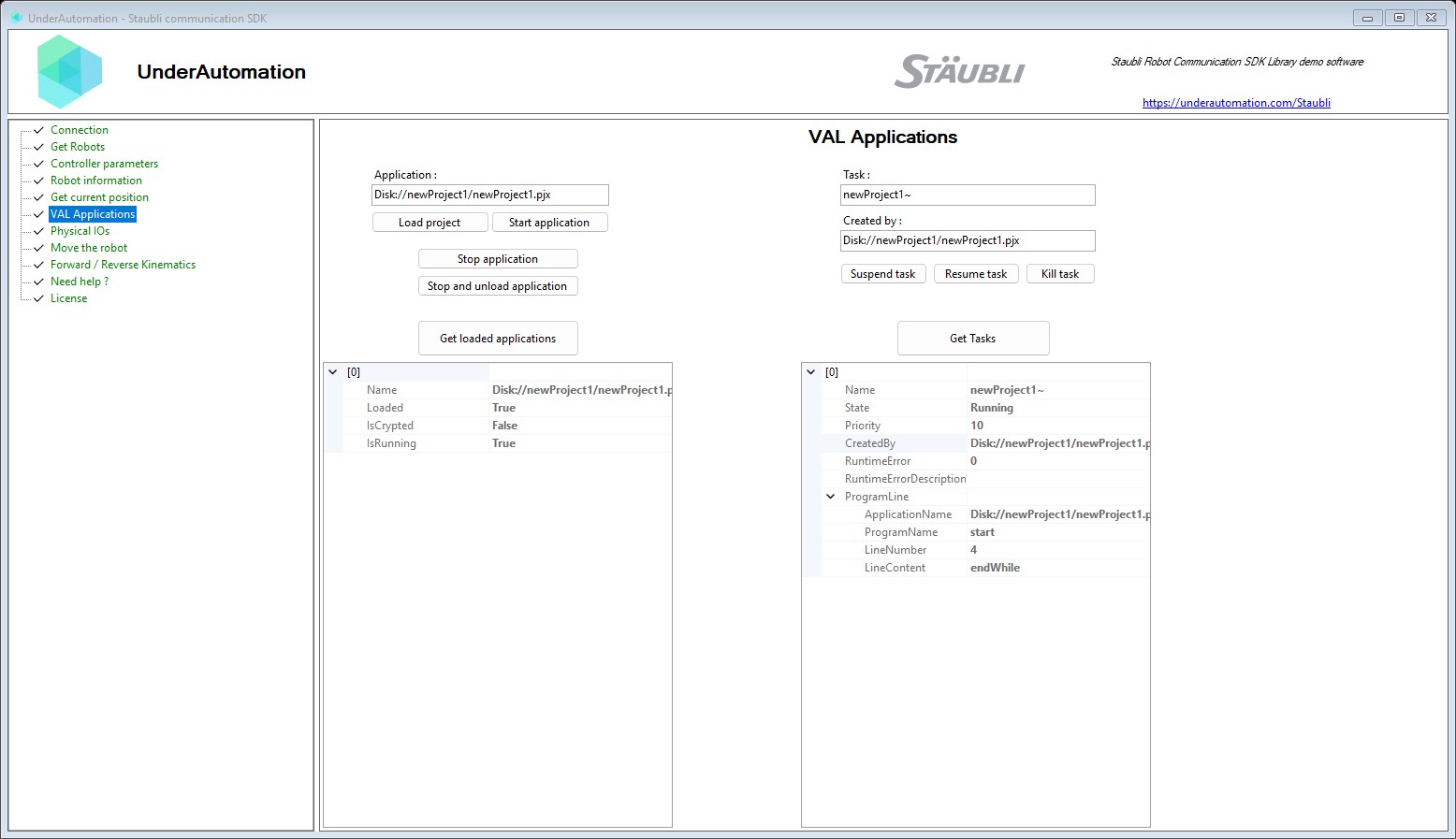
- List VAL3 tasks:
controller.soap.get_tasks() - Control execution:
task_suspend,task_resume,task_kill
# List all running tasks
for task in controller.soap.get_tasks():
    print(f"{task.name}: state={task.state!r}, priority={task.priority}, created_by={task.created_by}")

# Suspend, resume, and kill a task
controller.soap.task_suspend("project~", "default")
controller.soap.task_resume("project~", "default")
controller.soap.task_kill("project~", "default")controller.disconnect()- Controllers: CS8, CS9
- Operating Systems: Windows, Linux, macOS
- Python: 3.7+
- Dependency: pythonnet 3.0+
🔗 View EULA
When you purchase a license, you receive a license key that can be registered at runtime. This allows you to use the SDK without any limitations or trial restrictions.
After cloning the repository, or installing the package, you have an automatic 30-days trial period. After the trial expires, you can obtain a license key from underautomation.com/license and register it in your code to continue using the SDK:
from underautomation.staubli.staubli_controller import StaubliController

license_info = StaubliController.register_license("Your Company", "XXXX-XXXX")
print(license_info.is_licensed)
print(license_info.state)You're welcome to:
- Submit issues & pull requests
- Share feature suggestions
- Help improve documentation & samples