WebTop USB. Quick start
- Make sure that these DIP switches are configured to provide OTG function over USB 'Male' port ;
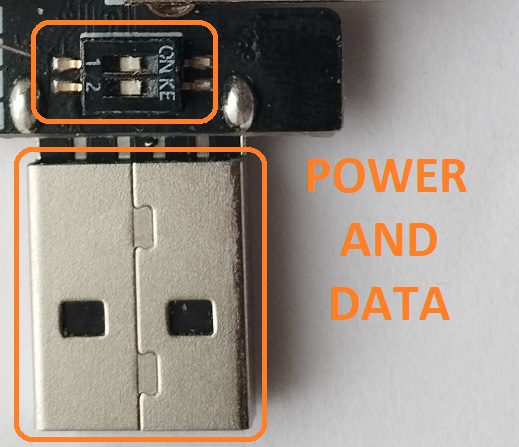
-
Download firmware binaries into your WebTop USB. Follow these instructions ;
-
Set position of the DIP switches as follows ;
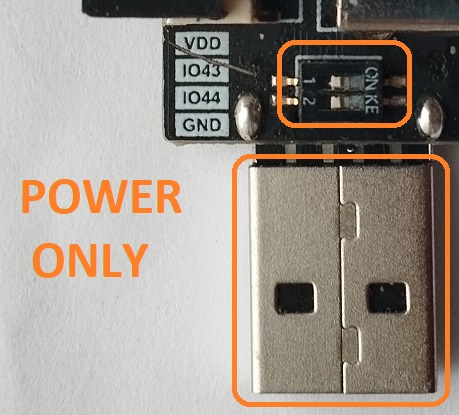
- Plug an appropriate SoftRF Edition device into USB 'Female' port, then connect the T-Dongle to a power source ;
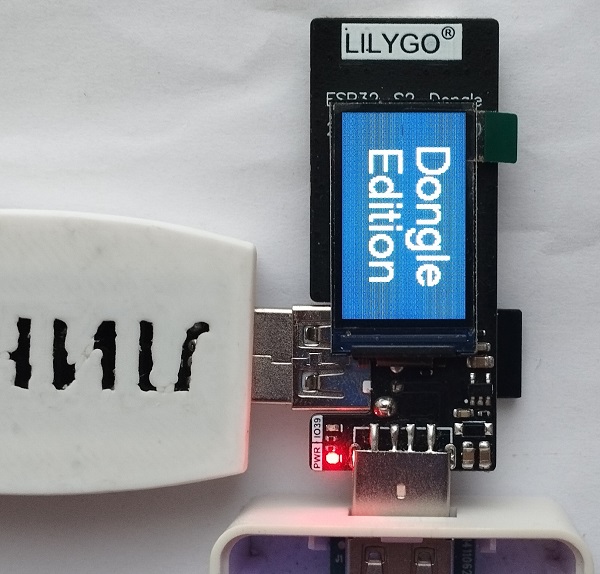
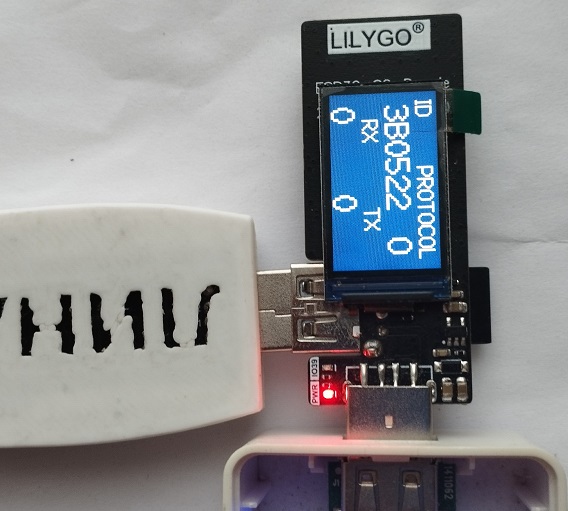
- Wait until completion of the boot sequence ;
-
Move your WebTop USB into an area of good GPS/GLONASS reception ;
-
Connect your Tablet/Cellphone to SoftRF Wi-Fi Access Point.
SSID: SoftRF-XXXXXX
Key: 12345678 -
Open up a browser then proceed to this URL: http://192.168.1.1
-
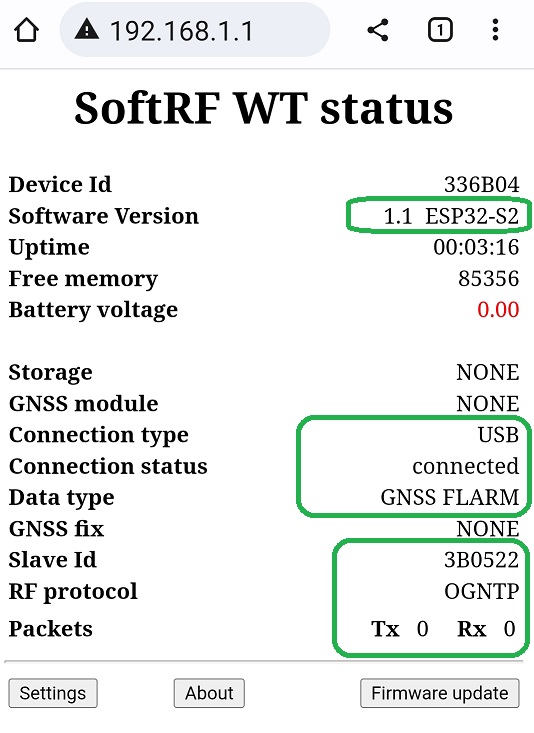
A page like this should come up:
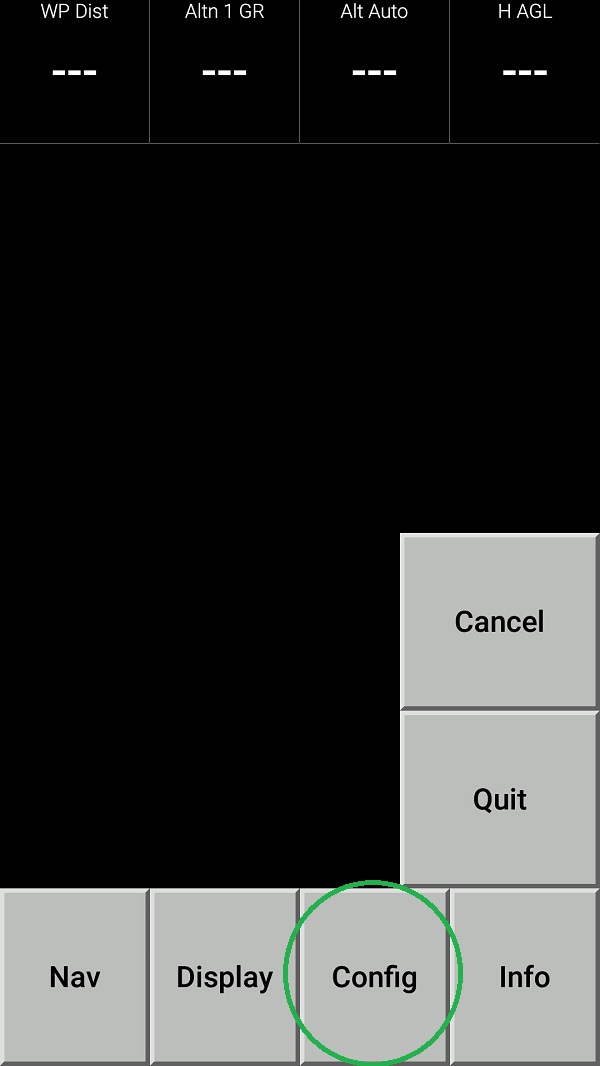
- Open up the XCSoar app in Fly mode. Double tap the screen then select Config:
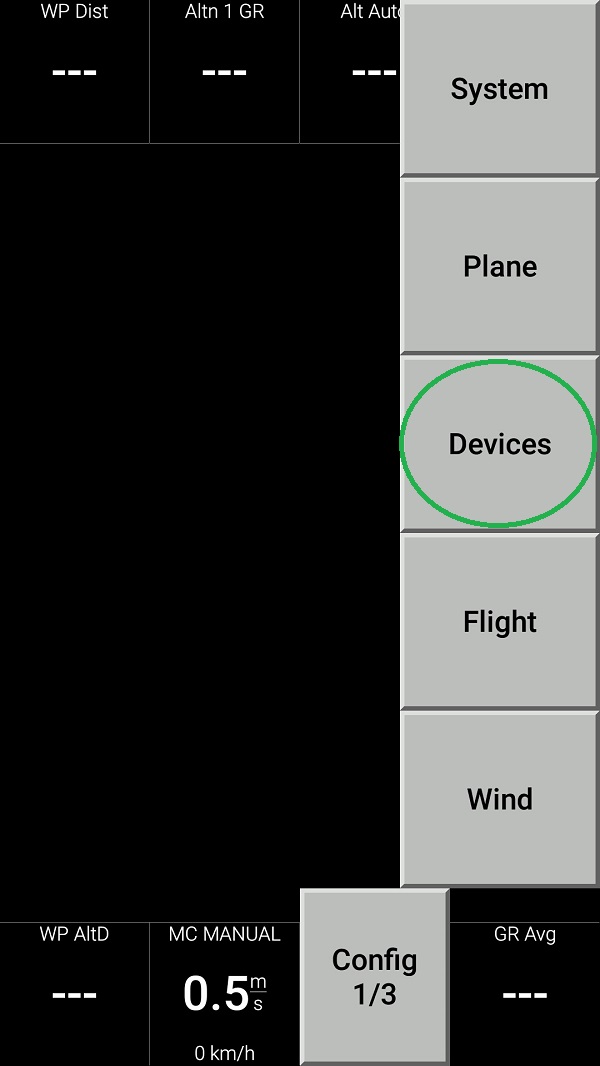
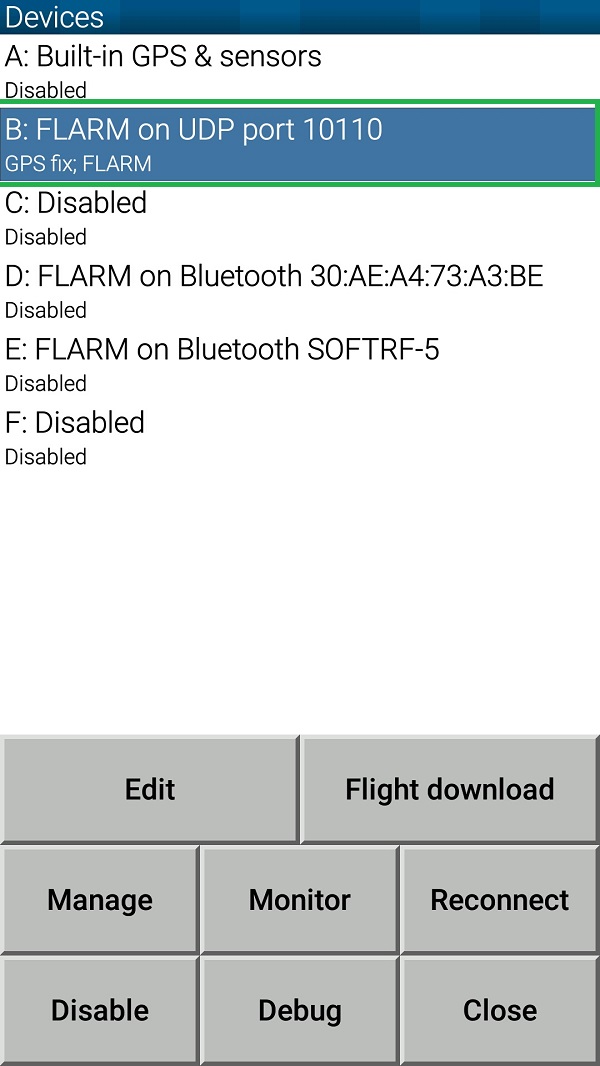
- Select Devices:
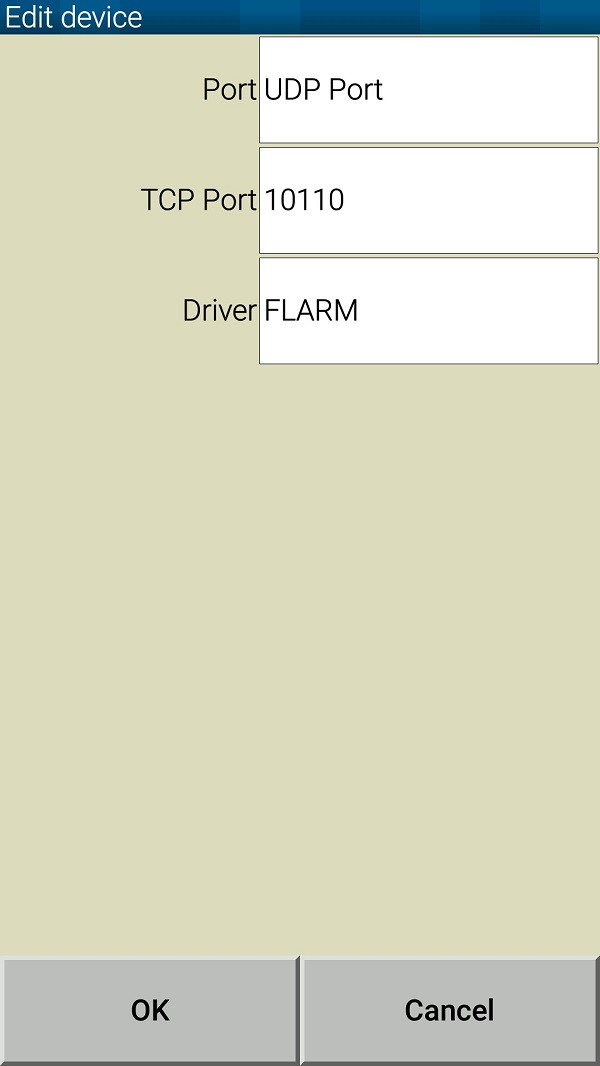
- Push Edit button then configure the device as follows:
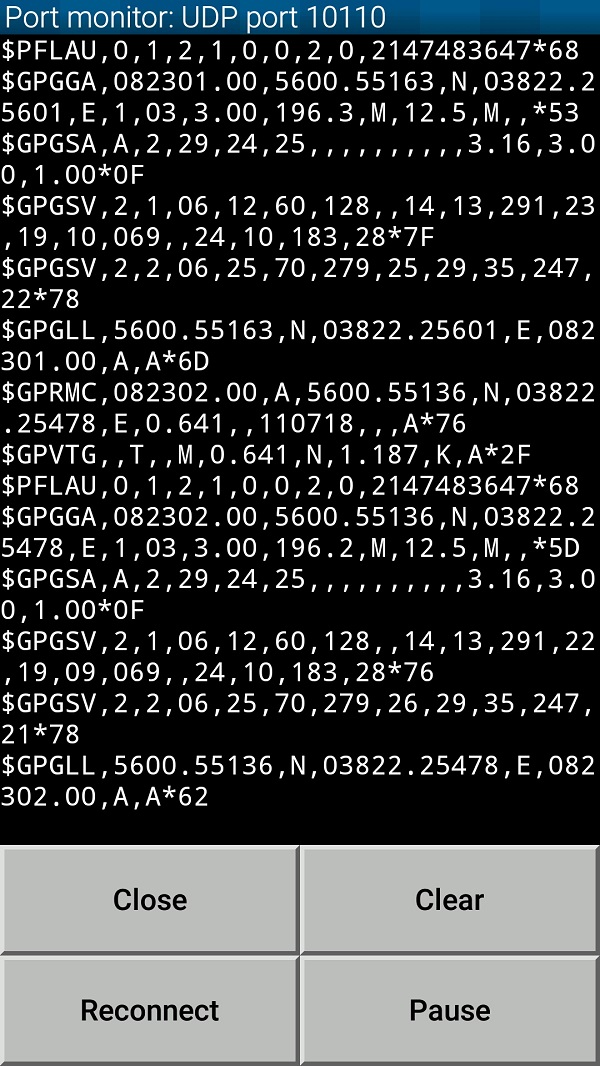
- Push Monitor button and see if your tablet/phone is receiving NMEA data from your Prime Edition Mark II:
- Return all the way back to XCSoar main screen:
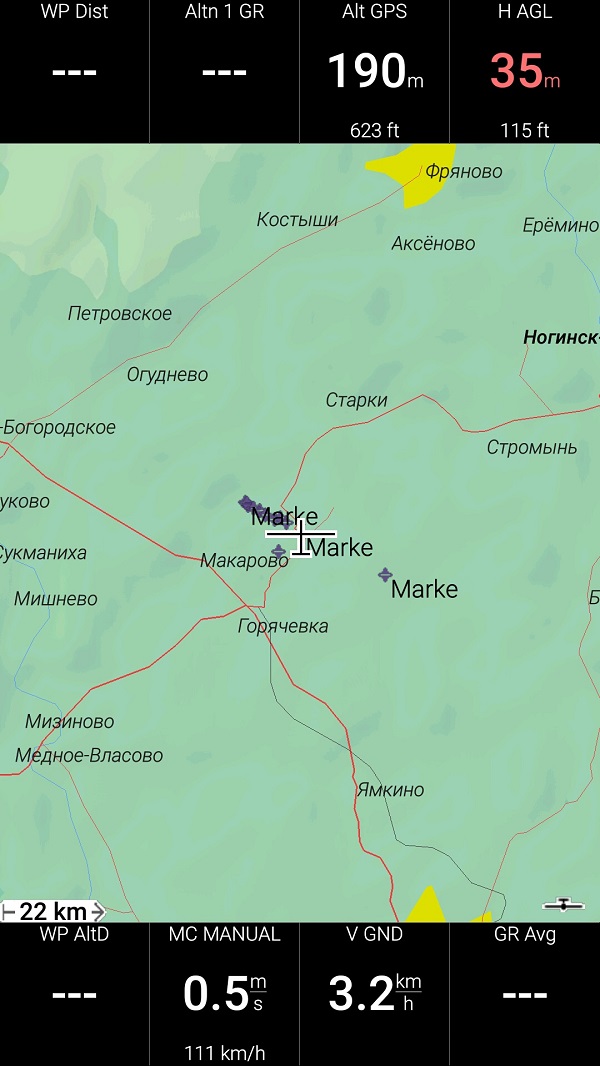
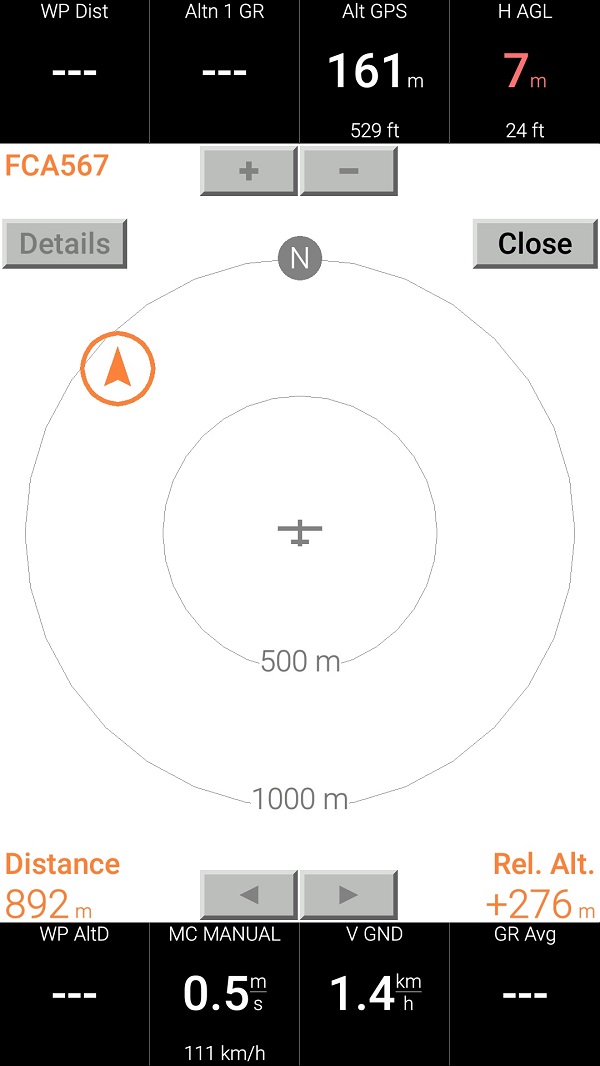
- Swipe three times to the left to reach Radar View. When any other traffic (OGN Tracker or another Prime MkII) is around - you should see it on this screen: