Installing Plotly Extension for Jupyter
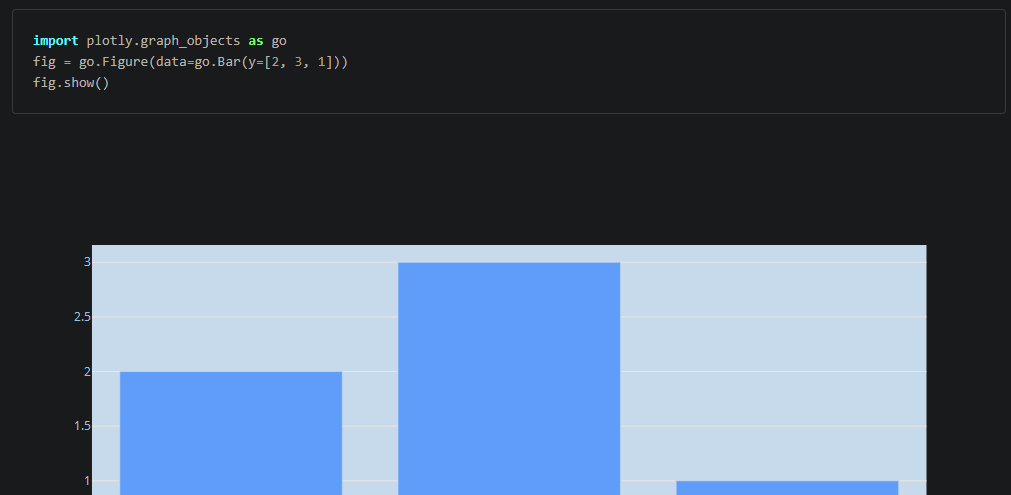
This guide will demonstrate a walkthrough on how to install Plotly extension for Jupyter Lab. Jupyter Lab requires Plotly extension to render its graph because it uses Javascript.
- Go to terminal and activate the environment using:
conda activate [your_environment_name]

- After environment activation, install plotly extension into the specific environment by typing:
jupyter labextension install jupyterlab-plotly

- Relaunch JupyterLab again. It should work by now.
References: