2.3.50 Satellite Browser Use
Handle:
browseruse
URL: http://localhost:34501
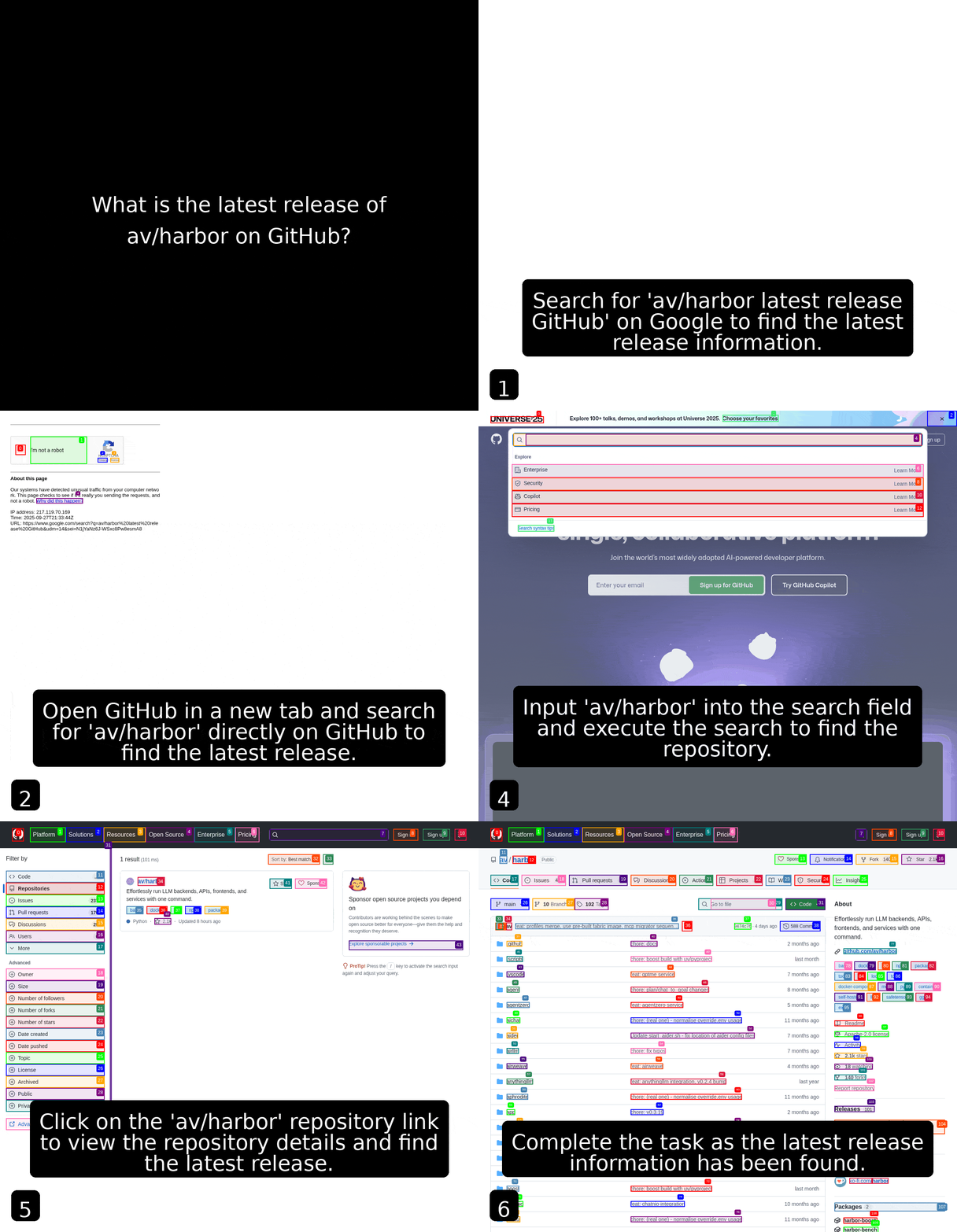
AI-powered browser automation framework with web UI that makes websites accessible for AI agents. Allows agents to interact with web pages using natural language commands, performing tasks like clicking, typing, and navigating through complex web interfaces.
# [Optional] Pre-build the image
harbor build browseruse

# Start the service
# --open is optional, to open in browser
harbor up browseruse --open
See troubleshooting guide if you encounter any issues.
⚠️ Harbor runs a version ofbrowser-usefrom officialbrowser-use/web-uirepo, however:- As of Sep 2025 - it runs severly outdated version of the Browser Use
- None of the settings persist between UI restarts
- The agent is almost unusable without a vision model
- Agent relies on the LLM for tool call formatting and structured outputs - only most powerful LLMs will work well
- Harbor will connect
browserusetoollamaservice when running together - Harbor will share your API keys for OpenAI/Anthropic/Google/Azure/Mistral/MiniMax/etc. with the service (if configured)
- Browser Use includes VNC access for visual debugging and monitoring of automation tasks
- The service exposes multiple ports:
- Main web UI (34501)
- VNC web viewer (34502)
- VNC display (34503)
- Browser debugging (34504)
You'll mostly be interacting with Browser Use via its Web UI, run harbor open to access it.
# Open Browser Use Web UI in the browser
harbor open browseruse

# Get a URL
harbor url browseruse

# Get a QR for the phone
harbor qr browseruse

# View browser automation via VNC (web-based)
harbor open browseruse:vnc
The web UI provides an interface for:
- Creating and managing AI browser automation tasks
- Monitoring browser sessions and agent activities in real-time
- Configuring automation workflows and LLM models
- Viewing execution logs, screenshots, and results
- Remote browser control via integrated VNC viewer
Following options can be set via harbor config:
# The port on the host where Browser Use web UI will be available
HARBOR_BROWSERUSE_HOST_PORT    34501

# VNC web viewer port (for browser monitoring)
HARBOR_BROWSERUSE_VNC_PORT     34502

# VNC display port
HARBOR_BROWSERUSE_VNC_DISPLAY_PORT  34503

# Browser debugging port
HARBOR_BROWSERUSE_DEBUG_PORT   34504

# Git ref to build the Browser Use image from
HARBOR_BROWSERUSE_GIT_REF      https://github.com/browser-use/web-ui.git#main

# URL to open with `harbor open` command
HARBOR_BROWSERUSE_OPEN_URL     http://localhost:34501

# Ollama endpoint for local LLM integration
HARBOR_BROWSERUSE_OLLAMA_ENDPOINT  http://harbor.ollama:11434

# Application settings
HARBOR_BROWSERUSE_ANONYMIZED_TELEMETRY  false
HARBOR_BROWSERUSE_LOGGING_LEVEL        info

# Browser configuration
HARBOR_BROWSERUSE_BROWSER_PATH        ""          # Path to custom browser executable
HARBOR_BROWSERUSE_BROWSER_USER_DATA   ""          # Custom browser user data directory
HARBOR_BROWSERUSE_BROWSER_DEBUG_PORT  "9222"      # Chrome DevTools debugging port
HARBOR_BROWSERUSE_USE_OWN_BROWSER     "false"     # Use external browser instance
HARBOR_BROWSERUSE_KEEP_BROWSER_OPEN   "true"      # Keep browser open between tasks
HARBOR_BROWSERUSE_BROWSER_CDP         ""          # Custom Chrome DevTools endpoint

# Display settings for VNC
HARBOR_BROWSERUSE_RESOLUTION         "1920x1080x24"  # Screen resolution
HARBOR_BROWSERUSE_RESOLUTION_WIDTH   "1920"          # Screen width
HARBOR_BROWSERUSE_RESOLUTION_HEIGHT  "1080"          # Screen height
HARBOR_BROWSERUSE_VNC_PASSWORD       "youvncpassword" # VNC access password
You can set extra environment variables for Browser Use via harbor env. The service automatically inherits all configured API keys from Harbor's environment for seamless integration with various LLM providers.