Administration Users Provisioning
Note: This feature is available in Enterprise and Team Edition editions only.
Users can be provisioned from the third-party system. This is useful when you want to pre-configure access for users.
Supported providers:
- Microsoft AzureAD
- Okta OpenID
You can find the + Import button on the Users management page in administration. (only in Enterprise products)
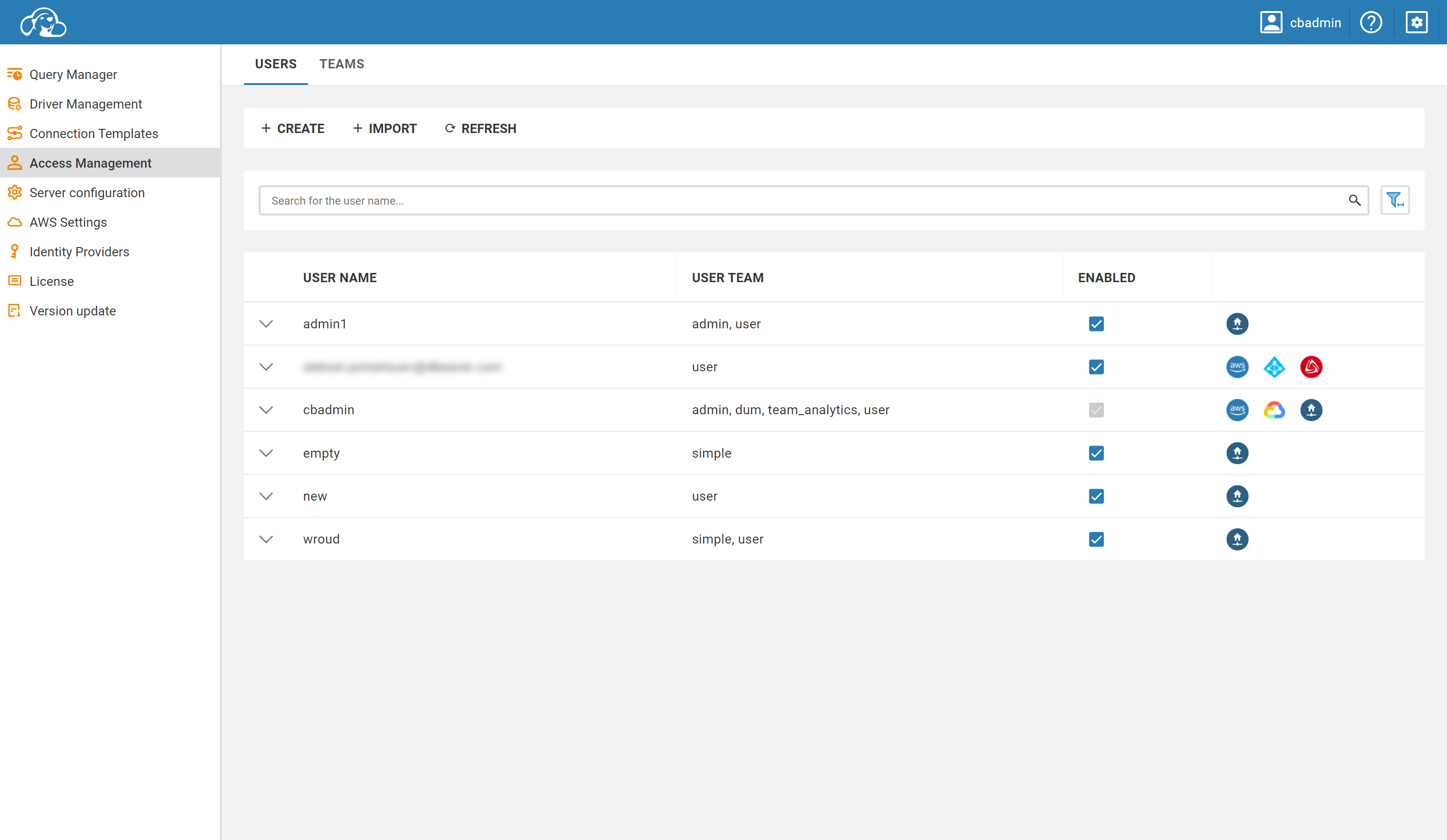
Click on this button will open users importing form.
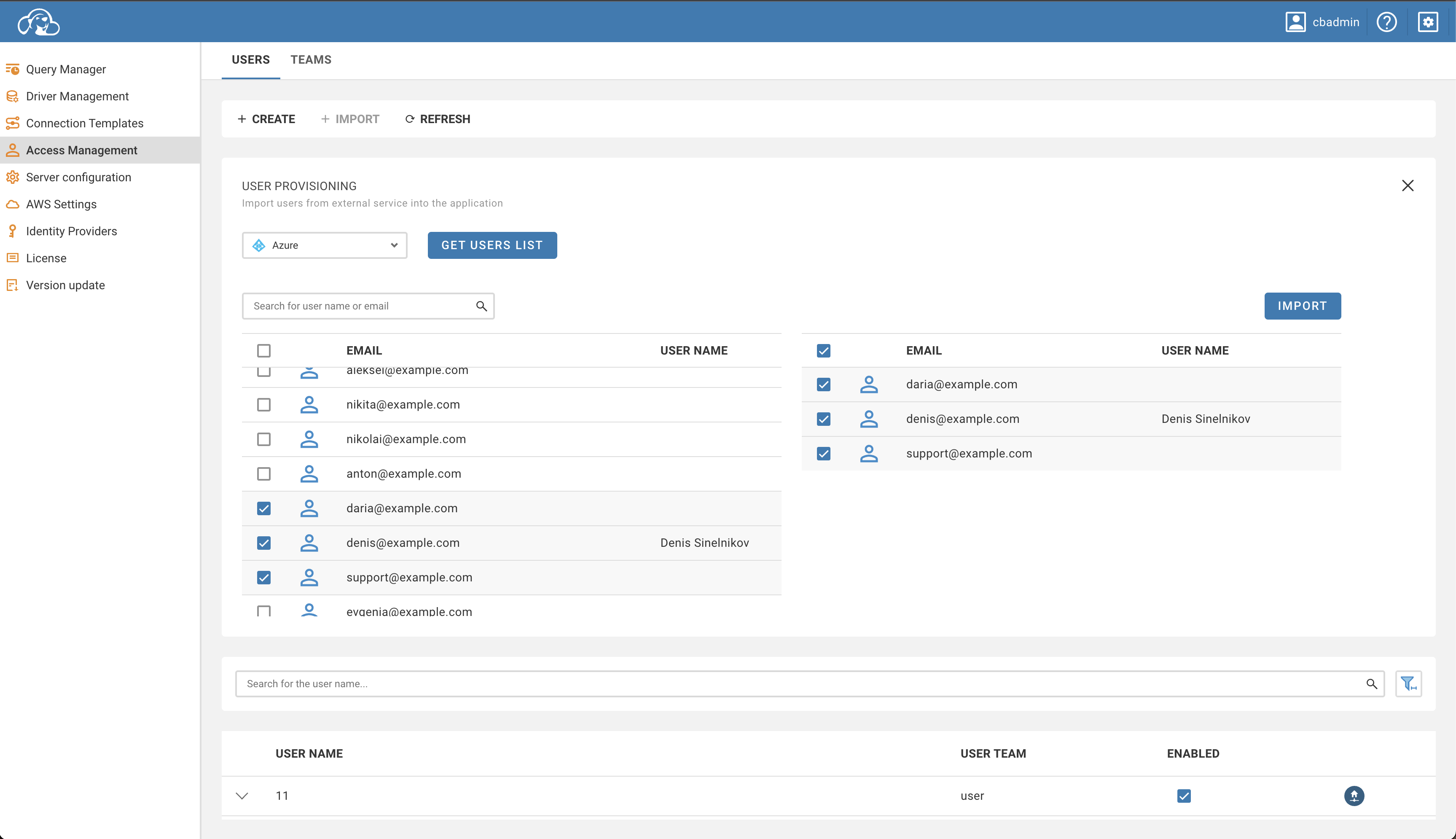
To import users, you need to select users provisioning provider and click Get Users List. So that you know, you need to configure at least one supported provider before.
You will be asked to log in with the selected provider (in case you haven't logged in before) to load users.
After loading users, You can select users to import and verify them in the table on the right side. In the Team Edition, you must also select the role assigned to users.
To confirm importing, click on the Import button. Users will appear in the table.
- Getting started
- Create connection
- Connection network options
- Supported databases
-
Drivers management

- Database authentication methods
- Database navigator
- Properties editor
- Data editor
- SQL editor
-
Entity relation diagrams
- Cloud services
-
AI Smart assistance
- Data transfer
- General user guide
- Administration
- Server configuration
-
Server security and access configuration
- Authentication methods
- Access management
- Proxy configuration
-
Secret management
- Logs
-
Query manager
- Workspace location
- Command line parameters
-
Session manager
- Deployment options
- CloudBeaver Editions
- FAQ
- Development