OpenID
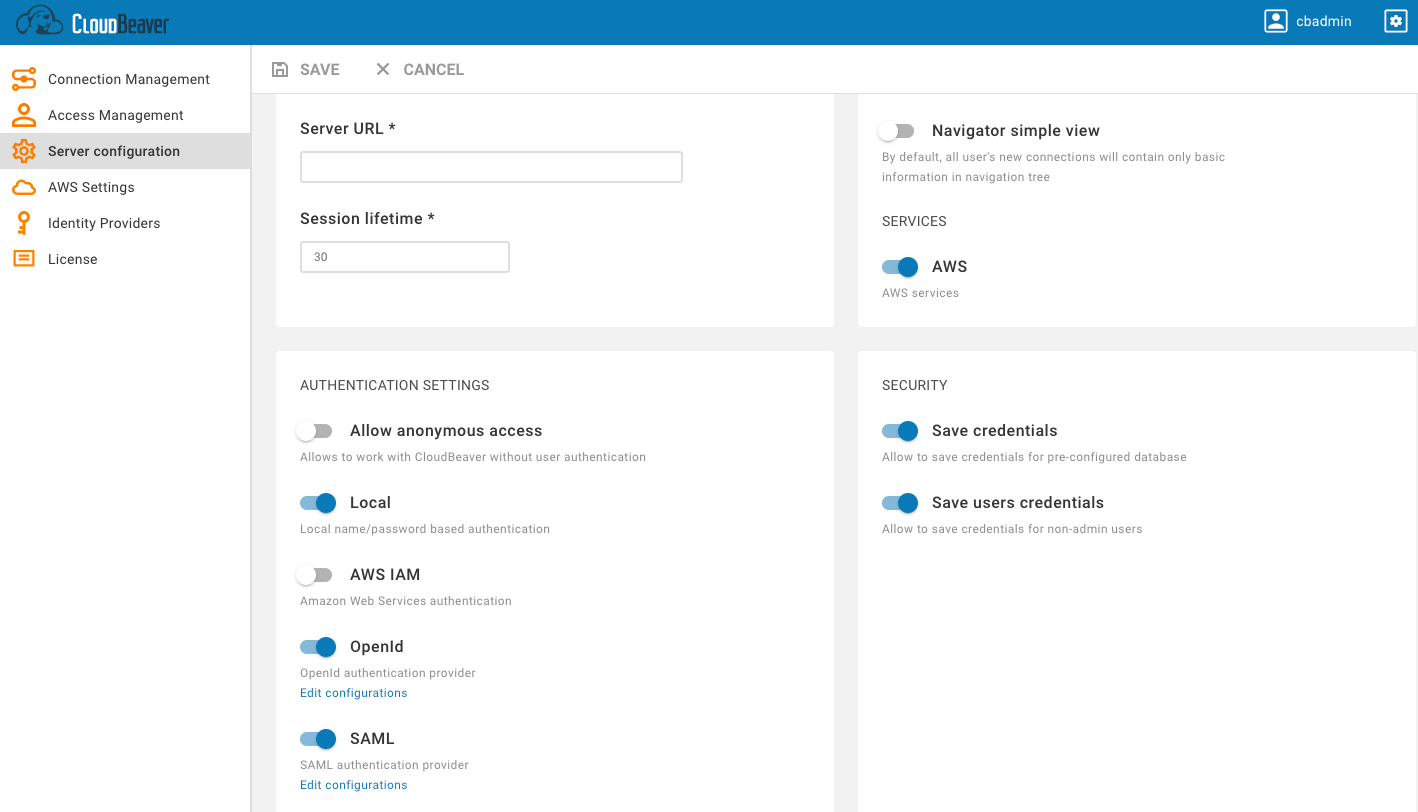
Go to the Administration menu and enable OpenID in the Server configuration tab.
- Go to the Identity Providers tab and create a new configuration using the OpenID details.
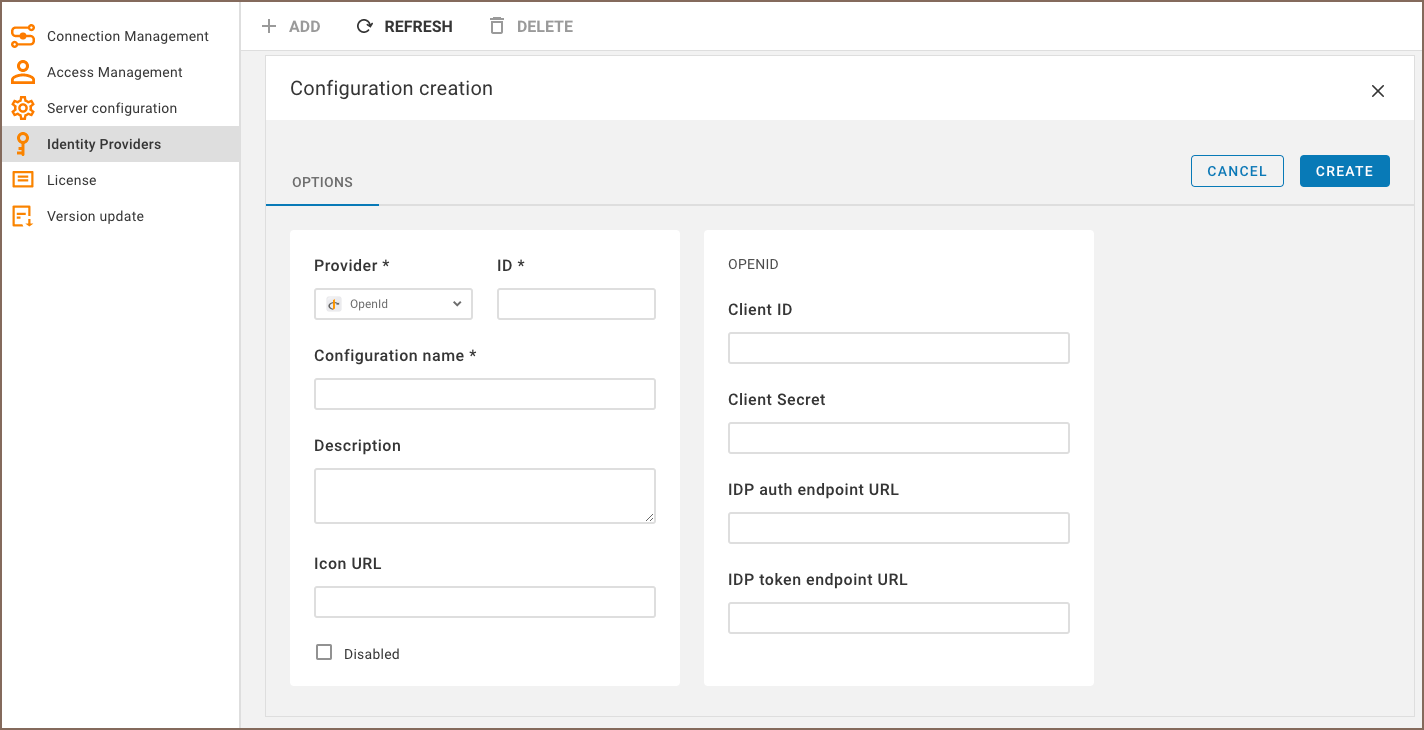
- Add details from your OpenId into the new configuration in CloudBeaver.
| Configuration in OpenID | Configuration in CloudBeaver |
|---|---|
| Client ID | |
| Client Secret | |
| IDP auth endpoint URL | |
| IDP token endpoint URL |
Testing OpenID authentication
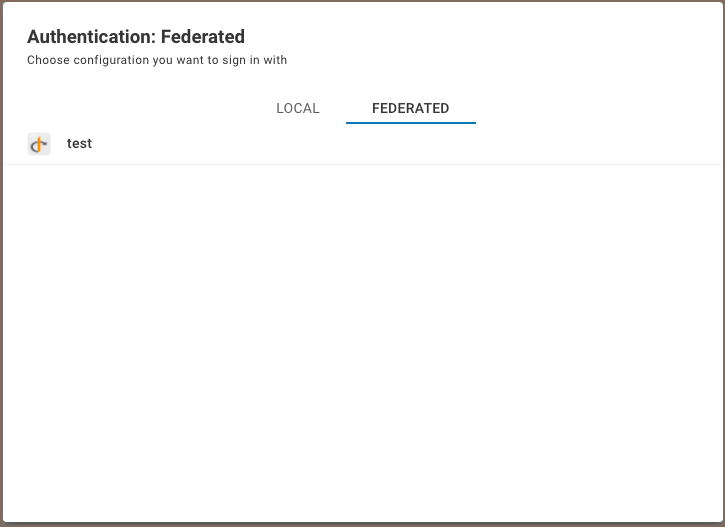
The new Federated tab becomes available after creating the configuration in the CloudBeaver authentication dialog. The user can select the configuration and thereafter login into the application using SSO.
- Getting started
- Create connection
- Connection network options
- Supported databases
-
Drivers management

- Database authentication methods
- Database navigator
- Properties editor
- Data editor
- SQL editor
-
Entity relation diagrams
- Cloud services
-
AI Smart assistance
- Data transfer
- General user guide
- Administration
- Server configuration
-
Server security and access configuration
- Authentication methods
- Access management
- Proxy configuration
-
Secret management
- Logs
-
Query manager
- Workspace location
- Command line parameters
-
Session manager
- Deployment options
- CloudBeaver Editions
- FAQ
- Development